
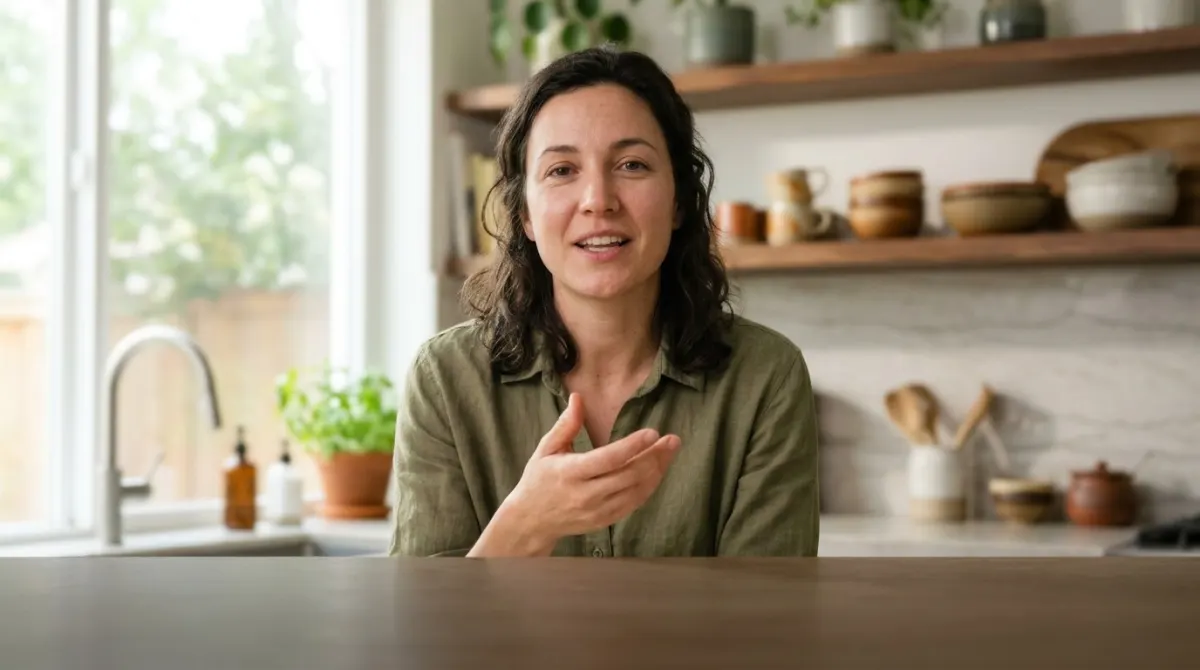
Four hundred lessons captioned and translated into five languages. Accessibility audit passed first try.
For course creators & e-learning: Make Every Lesson Accessible — and Global
Caption your course library, translate it into 50+ languages and give students transcripts they can study from — batch by batch, in the browser.
MP4, MOV & more · up to 8 GB per lesson · SRT/VTT for every LMS
Caption the whole course, batch by batch
Brand Design Foundations
1Welcome & setup04:12QueuedCaptioningCaptioned
2Grids that hold11:38QueuedCaptioningCaptioned
3Colour theory basics14:05QueuedCaptioningCaptioned
4Type pairing12:47QueuedCaptioningCaptioned
5Logo sketching18:20QueuedCaptioningCaptioned
6Presenting to clients09:54QueuedCaptioningCaptioned
Click or drag & drop to upload your audio or videoTap to upload your audio or video
MP3, MP4, M4A, MOV, AAC, WAV, OGG, OPUS, MPEG, WMA, WMV
No credit card required · Files encrypted · Never used for AI training
From Course Library to Localized Library
The pipeline for ten lessons or four hundred.
Start with One Lesson30 free minutes · No credit card


Drop in a module at a time — files process in parallel and stay organized by project.
Perfectly timed captions with technical terms fixable once on the visual timeline.
Roll captions into 50+ languages with timing preserved — one pass per module.
SRT/VTT for the player, DOCX/TXT transcripts as downloadable study materials.
What E-Learning Teams Get
Accessibility, localization and study materials from one pipeline.
Accessibility built in
Accurate captions open your course to deaf and hard-of-hearing students — and help meet WCAG/ADA requirements.
Localize into 50+
Subtitle translation makes course localization an afternoon task instead of a budget line.
Batch the whole library
Upload module by module; files process in parallel and stay organized.
Terminology under control
Fix domain terms once in the timeline editor — they stay correct in every language you export.
Why Captions Change Course Metrics


Students in noisy dorms, open offices and commutes finish captioned lessons they’d otherwise abandon.
Accessibility requirements arrive sooner or later — a captioned library passes audits instead of triggering them.
Downloadable lesson transcripts become notes, searchable references and revision material students actually request.
At Library Scale
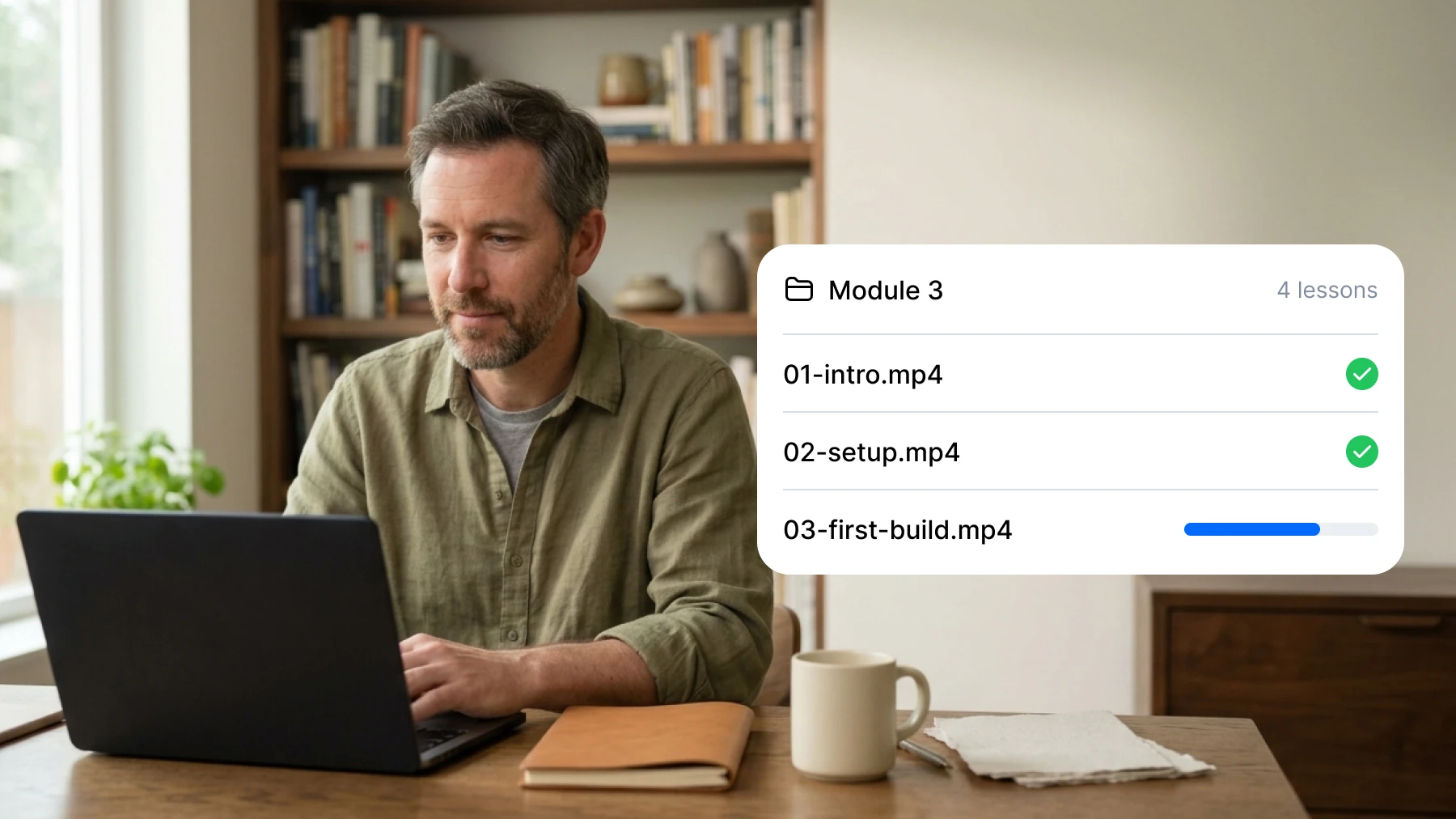
Batch workflow
Hundreds of Lessons, One Process
Parallel processing and per-project organization mean a 400-lesson library is a schedule, not a problem.
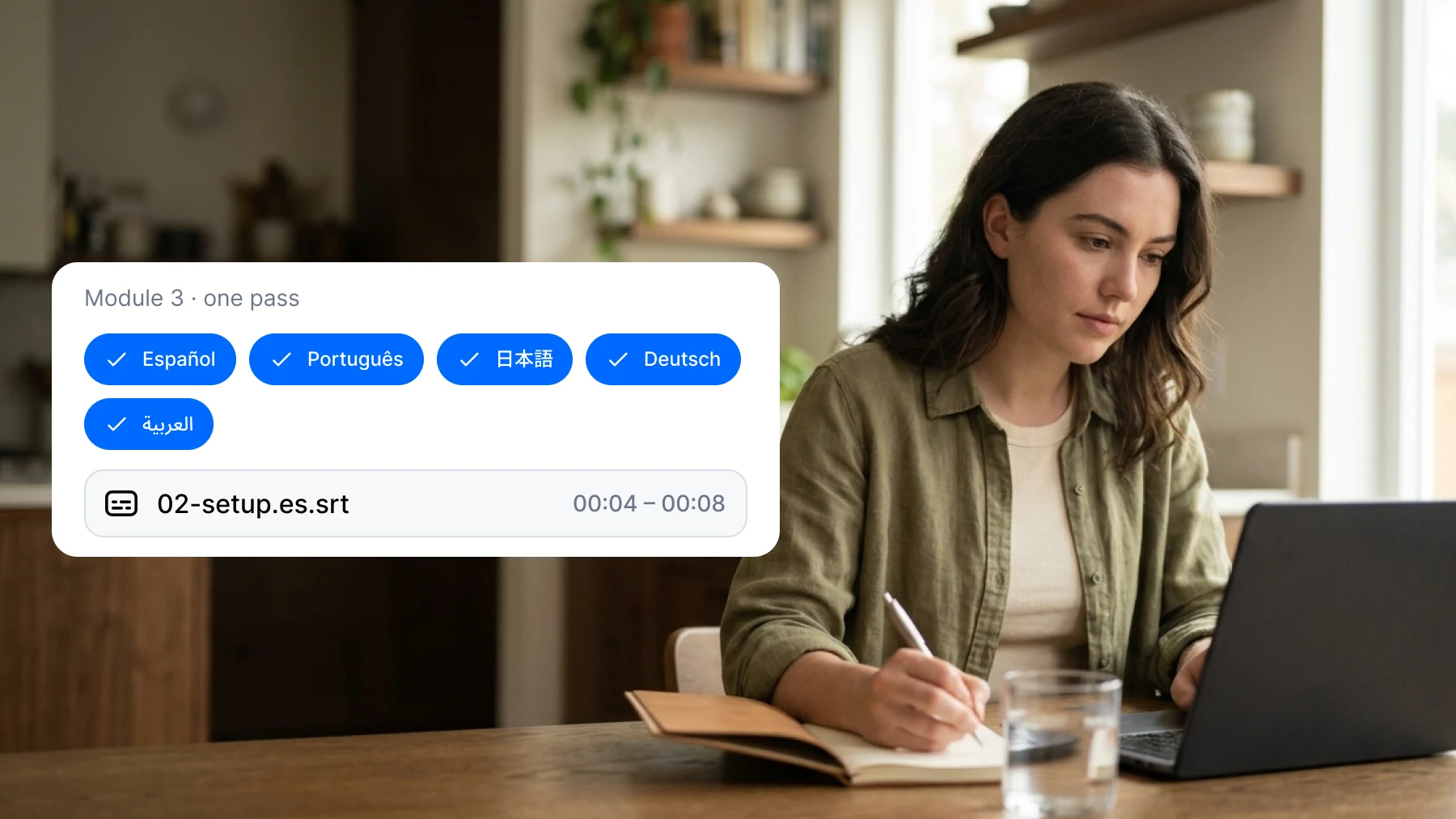
Localization
Six Languages per Module
Translate a module’s captions in one pass — timing preserved, terminology reviewed once, exported per language.
Precision Where It Matters
The timeline editor keeps technical terms exact — in the source and in every translation.
Start free
Loved by Creators, Teams and Researchers
Rated Excellent 4.8/5 based on 580+ reviews
The timeline editor lets us fix domain terminology once — then it’s correct in every export.
Uploaded a two-hour recording during lunch — the transcript was waiting before I finished my coffee. The accuracy genuinely surprised me.
Our legal team approved it because processing stays on EU infrastructure. That alone ruled out most of the competition.
Downloadable lecture transcripts became our most-requested feature. Completion rates followed.
Subtitle translation cut our localization budget by an order of magnitude. We ship in six languages now.
No card, no tricks — I tested real files before paying and upgraded a week later because the workflow stuck.
Had trouble with a huge file — support walked me through batch upload the same morning. Rare these days.
Accurate. Multilingual. Private.


Our AI models are refined by human experts and trained on real-world audio, so the transcript you get is one you can actually use — correct punctuation, casing and all.
Transcribe interviews, media and conversations in more than 120 languages and dialects, with automatic language detection when you’re not sure.
Your audio is transcribed on our own EU-based infrastructure. It’s encrypted, GDPR-compliant and never used to train AI.
Upload lessons in batches, let AI caption them, review terminology on the timeline, and export SRT/VTT files that every LMS and video player accepts — Teachable, Thinkific, Kajabi, Moodle and custom players included.
Accurate, synchronized captions are the core requirement for pre-recorded video under WCAG 2.1 AA. You control the final text, which matters — auto-captions with errors don’t pass review.
Yes — caption once, then translate each module into any of 50+ languages with timing preserved. Terminology you fix in the source carries into the translations.
Every captioned lesson also yields a clean transcript — export DOCX or TXT and attach it as downloadable study material.
Up to 8 GB per file — full-length lectures and workshops included. Batch uploads process in parallel.
Yes — caption your first lesson free, no credit card required.