
Captions land exactly on the speech. I used to spend evenings nudging lines around by hand.
Word-by-Word CaptionsAnimated Subtitles That Follow the Voice
Upload a video and every word gets its own timing from the transcript. Reveal words as they’re spoken, highlight the current one, or show one word at a time — then export an MP4.
MP4, MOV, MKV & more · up to 4 GB · 120+ languages · export MP4
Each word lights up as it’s said
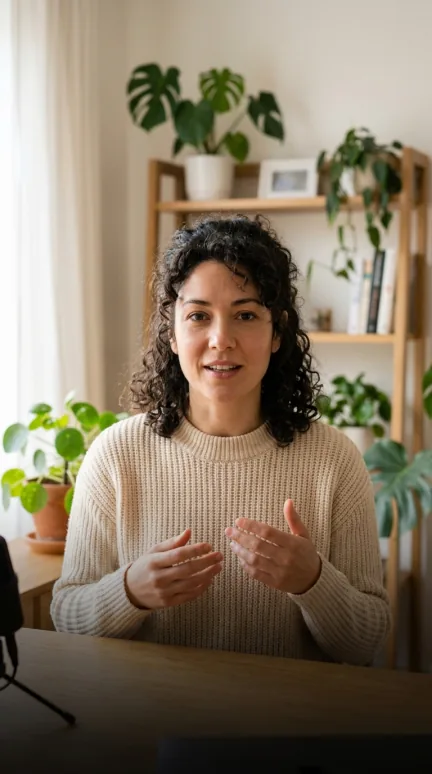
Nobody tells youthis partuntil it’s too late.
9:41Click or drag & drop to upload your audio or video
MP3, MP4, M4A, MOV, AAC, WAV, OGG, OPUS, MPEG, WMA, WMV
No credit card required · Files encrypted · Never used for AI training
Captions in Time With the Voice


Each word is timed from the transcript, not spread evenly across the line — so the reveal lands on the voice, not ahead of it.
Word highlight colours the current word while the rest of the line stays readable — the karaoke look people expect on short-form.
Combine any style with any way of showing words: a clean box that builds word by word, or a single bold word mid-frame.
How to Make Word-by-Word Captions
Four steps from video to animated captions.
Try Word-by-Word Free90 free minutes · No credit card


Drop in a file or paste a link. AI transcribes the speech and times every word.
Choose Word highlight for the karaoke look, or any of the six styles.
All at once, word by word in place, or one word at a time in the middle of the frame.
The animation is burned into the video, rendered in your browser at your original size.
Why Word Timing Matters
Animated captions only work when every word lands on time.
Timing to the word
Word-level timestamps from transcription — not an even split of the line.
Accurate words first
Up to 99.8% accuracy on clear audio, and you can fix any word before the effect is rendered.
Readable as it builds
Words appear in place, so the line doesn’t jump around as it grows.
MP4 or ASS
Burn the animation into an MP4, or export an ASS subtitle file with the style for your own editor.
Loved by Creators, Teams and Researchers
Rated Excellent 4.8/5 based on 580+ reviews
YouTube kept mangling our brand names. Now I fix them once in the editor and upload a clean SRT.
Uploaded a two-hour recording during lunch — the transcript was waiting before I finished my coffee. The accuracy genuinely surprised me.
Our legal team approved it because processing stays on EU infrastructure. That alone ruled out most of the competition.
Captions split where a human would split them. Viewers stopped complaining about walls of text.
Added captions to every short — average watch time rose noticeably within a month.
No card, no tricks — I tested real files before paying and upgraded a week later because the workflow stuck.
Had trouble with a huge file — support walked me through batch upload the same morning. Rare these days.
Captions where words appear — or light up — at the moment they’re spoken, instead of the whole line appearing at once. They’re common on TikTok, Reels and Shorts because they help viewers follow fast speech.
Word highlight is a style: the whole line is visible and the current word changes colour. Word by word is how words appear: they show up one after another as they’re spoken. You can use them separately or together.
Every word is timed from the transcript of your audio, so the reveal follows the speaker’s pace — including pauses — rather than spreading words evenly across the line.
Yes. Edit any line in the editor; the timing of the corrected words is kept.
Export an ASS file with the style and word animation, or plain SRT and VTT. Note that SRT and VTT can’t carry styling.
The first 90 seconds of a video export free, with a small BlaBlaScribe watermark. Paid plans export the full video without it.