I mine hour-long talks for quotes by reading instead of watching. Paste the link, search the transcript, done.
YouTube Transcript Generator: Any Video into Text
Paste a link — we fetch the audio and return an accurate transcript you can edit, translate and export. No downloading required.
Works with public YouTube & Vimeo links · exports TXT, DOCX, PDF, CSV, XLSX, JSON, SRT, VTT, ASS
Paste a link. That's the whole step.

Fetching audioTranscribingTranscript ready
Okay, one take, no edits. Let's see if this works.
The trick is gain staging before you hit record.
Click or drag & drop to upload your audio or videoTap to upload your audio or video
MP3, MP4, M4A, MOV, AAC, WAV, OGG, OPUS, MPEG, WMA, WMV
No credit card required · Files encrypted · Never used for AI training
Better Than Auto-Captions


Paste the link and we fetch the audio for you — no downloaders, converters or browser extensions involved.
Transcribe videos in more than 120 languages, with automatic detection when you’re not sure what’s spoken.
Navigate hours of footage by timestamp and speaker — far beyond what YouTube’s auto-captions give you.
How to Get a YouTube Transcript
Three steps — and the third one is optional.
Get Transcript Free30 free minutes · No credit card


Any public video URL works — talks, podcasts, lectures, interviews. We fetch the audio directly.
In minutes you get timestamped, speaker-labelled text — accurate even where auto-captions fall apart.
Polish the transcript, turn it into SRT/VTT subtitles, translate into 50+ languages, or export TXT/DOCX.
Everything You Get from One Link
A transcript is just the beginning.
No downloads or plugins
Everything happens in the browser from a single pasted URL — nothing to install, no video files on your disk.
Accurate timestamps
Jump to any quote in a two-hour video. Timestamps stay synced for citations, chapters and clips.
Turn it into subtitles
Convert the transcript into perfectly timed SRT/VTT captions for re-uploads and clips.
Translate into 50+ languages
Repurpose one video for global audiences — transcript and captions both translate.
From YouTube Link to Working Text

Skip the screen-recording and download dance. Paste a YouTube URL and we fetch the audio for you, then return a full, timestamped transcript in minutes — even for long videos.
A transcript is just the start. Generate perfectly timed subtitles, translate them into 50+ languages, or summarise the whole video into key points — all in one place.
Loved by Creators, Teams and Researchers
Rated Excellent 4.8/5 based on 580+ reviews
Every other tool wanted me to download the video first. Here the URL alone is enough.
Uploaded a two-hour recording during lunch — the transcript was waiting before I finished my coffee. The accuracy genuinely surprised me.
Our legal team approved it because processing stays on EU infrastructure. That alone ruled out most of the competition.
Our podcast’s YouTube uploads turn into show notes and pull quotes in one pass.
YouTube’s own transcript has no punctuation and terrible names. This one reads like an article.
No card, no tricks — I tested real files before paying and upgraded a week later because the workflow stuck.
Had trouble with a huge file — support walked me through batch upload the same morning. Rare these days.
Guides and tutorials
All articles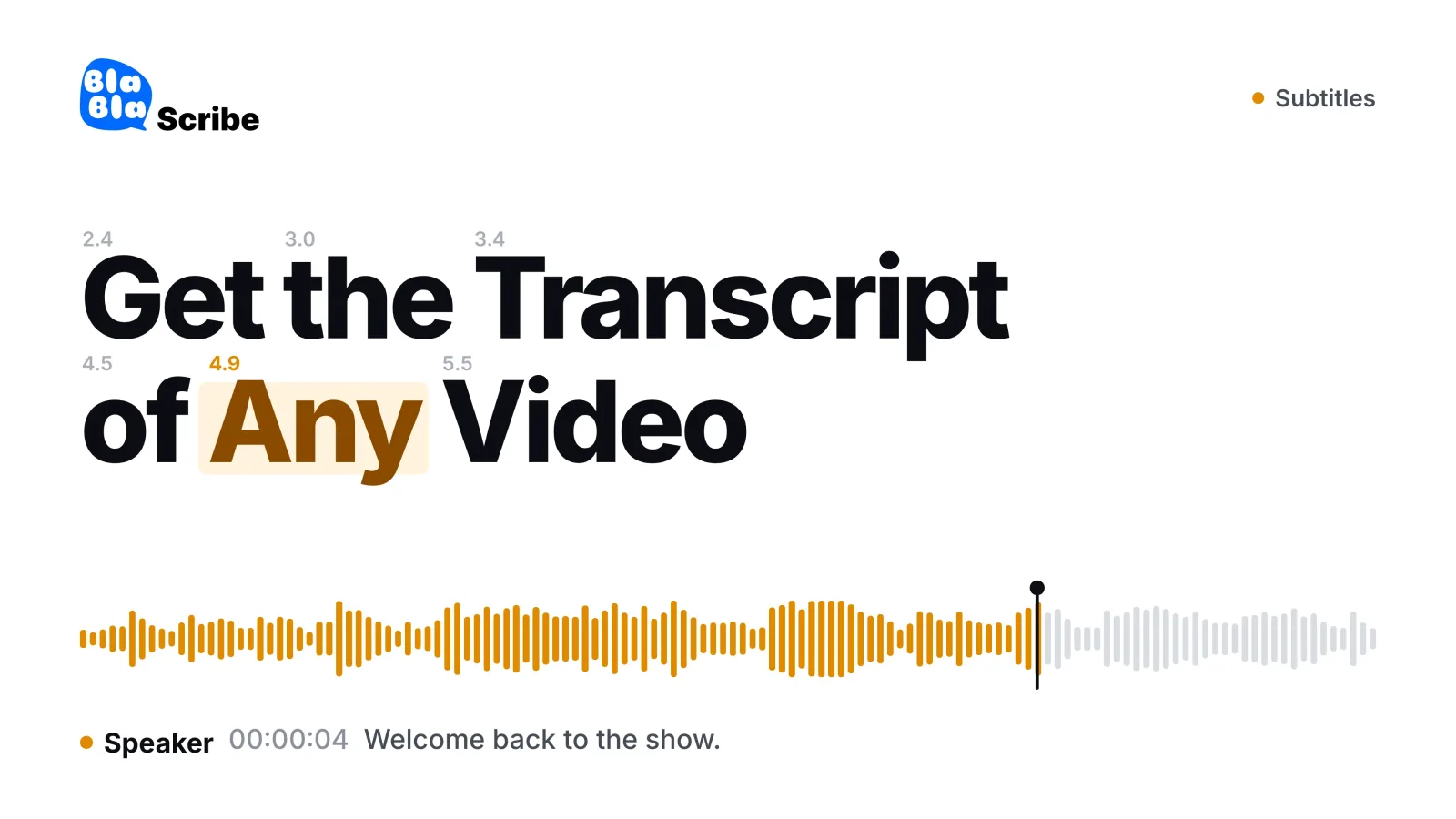
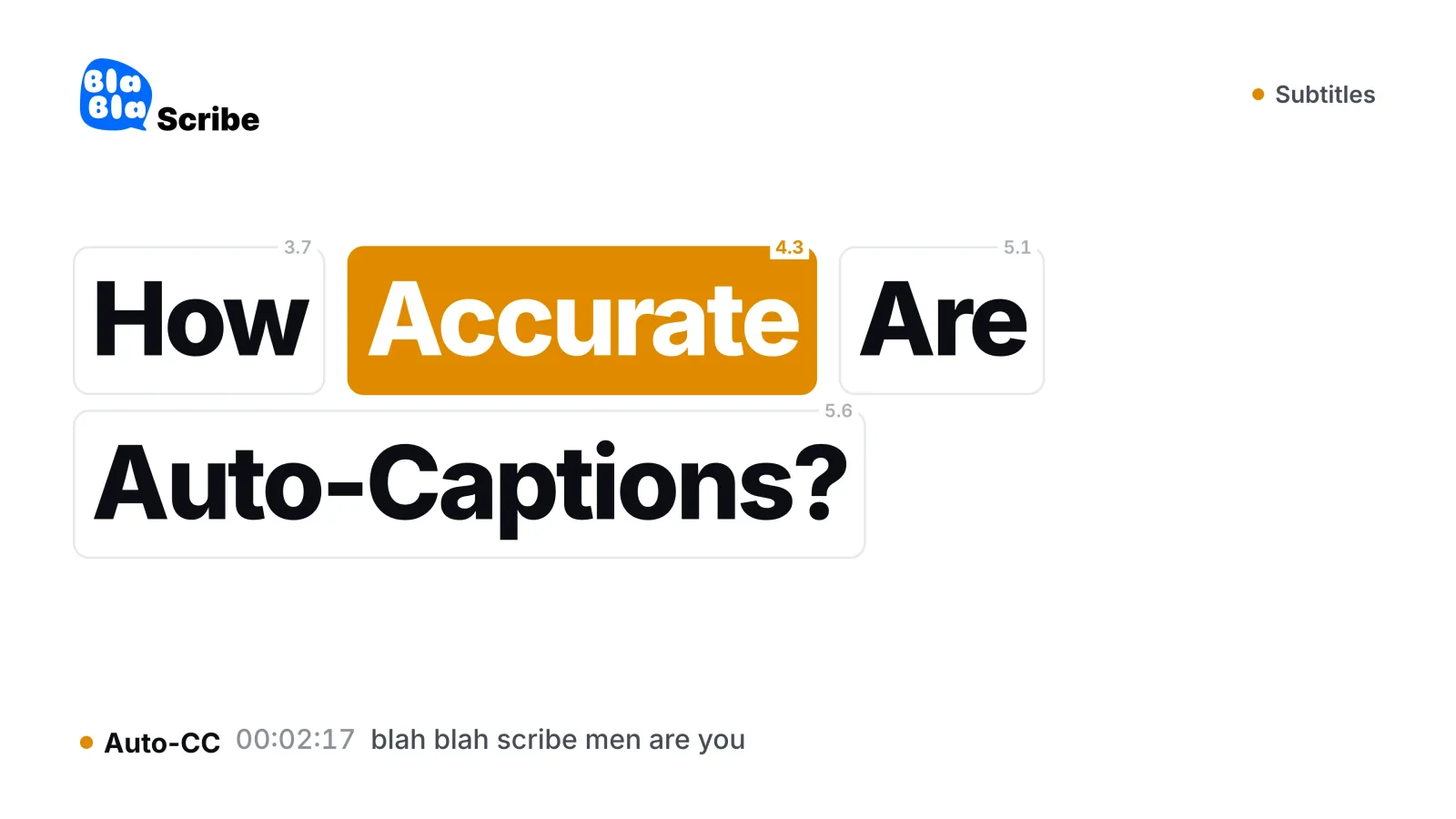
YouTube has a built-in transcript: open the video, click More under the description, then Show transcript, and copy the text. That works when the video has captions. Use a transcript generator when it doesn’t, when the auto-captions aren’t accurate enough to quote, or when you need speaker labels, a translation or a subtitle file. Here you paste the YouTube link, choose the language and get a timestamped transcript in 120+ languages to edit and export: TXT and SRT on the free plan, DOCX, PDF and more on paid plans.
Yes — start free with no credit card: 30 free minutes, with short videos transcribed in full and the first 10 minutes of longer ones. A minute pack from $5 or a paid plan opens the whole transcript.
No. Paste the link and we fetch the audio directly — no downloaders, converters or browser extensions. The video never touches your disk.
It works for public videos. Important: only transcribe content you own or have the right to use — you’re responsible for respecting creators’ rights and YouTube’s terms.
Higher accuracy, real punctuation and casing, speaker labels, editable text and proper exports (TXT, DOCX, PDF, CSV, XLSX, JSON, SRT, VTT, ASS) — plus translation into 50+ languages.
More than 120 languages and dialects with automatic detection — including videos where auto-captions aren’t available at all.
Yes — export SRT or VTT with timing intact, ready to attach to re-uploads, clips or courses.