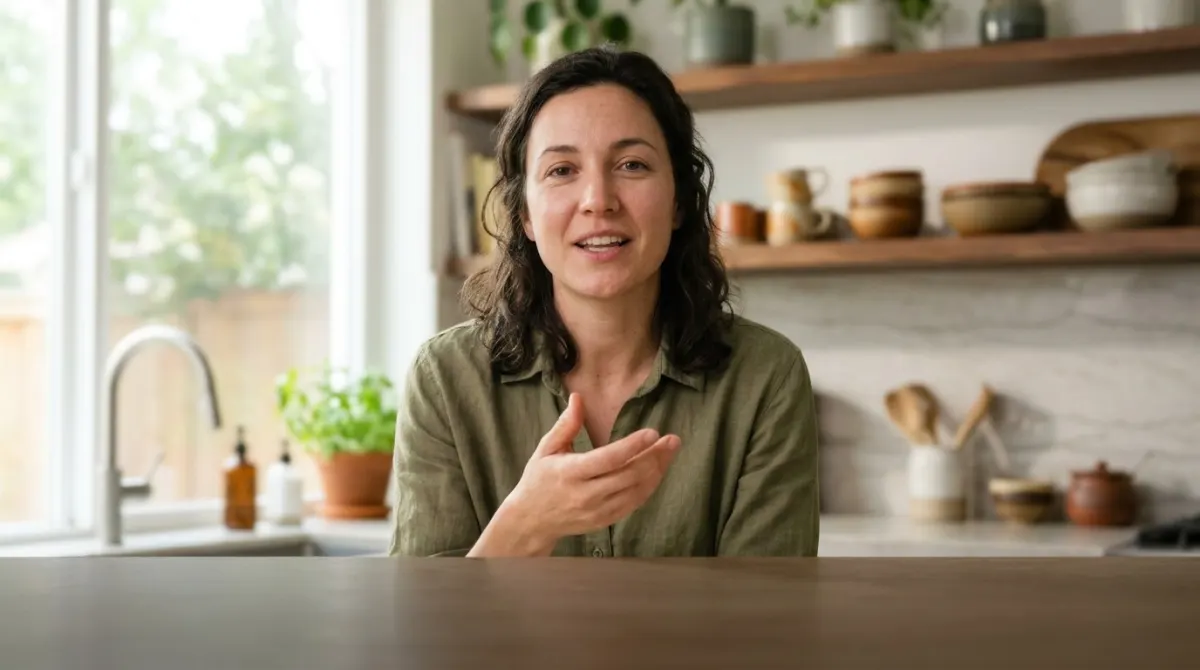
Captions land exactly on the speech. I used to spend evenings nudging lines around by hand.
Captions for TikTok, Reels & ShortsStyled and Burned In
Upload a vertical clip, let AI write the captions, pick a bold style and export one MP4 that works on TikTok, Instagram Reels and YouTube Shorts.
Vertical or horizontal · MP4, MOV, WEBM up to 4 GB · 120+ languages
Bold captions above the buttons
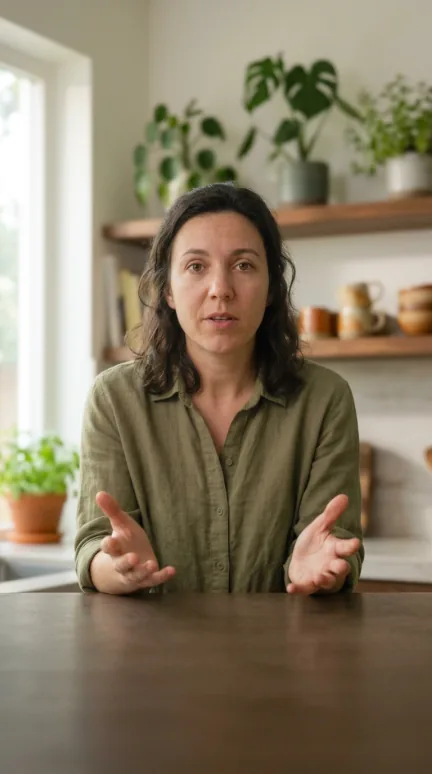
- 12.4K
- 318
- Save
- Share
Salt the waterbefore it boilsnot after.
9:41Click or drag & drop to upload your audio or video
MP3, MP4, M4A, MOV, AAC, WAV, OGG, OPUS, MPEG, WMA, WMV
No credit card required · Files encrypted · Never used for AI training
Made for the Muted Feed


Bold outline, Single word and Word highlight are built for small screens: big type, a heavy outline, readable over any background.
On 9:16 video the captions sit higher and the lines get shorter, so likes, comments and the caption bar don’t cover them.
TikTok’s own auto-captions stay on TikTok. A burned-in MP4 shows the same captions on Reels and Shorts too — and when it’s downloaded or reshared.
How to Caption a Vertical Video
From raw clip to a captioned MP4 in four steps.
Caption a Clip Free90 free minutes · No credit card


Drop in the vertical video or paste a link. AI writes captions from the speech in 120+ languages.
Choose a bold preset — the layout switches to short lines placed above the platform’s buttons.
Show the whole caption, reveal words as they’re spoken, or flash one word at a time.
Rendered in your browser at your clip’s own size, captions burned in — ready for TikTok, Reels and Shorts.
Captions That Keep People Watching
Accurate words, styled for short-form.
Captions from the speech
AI writes the captions for you — up to 99.8% accurate on clear audio — and you fix any word before export.
Timing to the word
Word-level timing keeps word-by-word captions on the beat of the voice.
Translated captions
Reach other markets: translate the captions into 60+ languages and export a version per language.
Rendered on your computer
The MP4 is made in your browser — your clip isn’t uploaded for that step.
Loved by Creators, Teams and Researchers
Rated Excellent 4.8/5 based on 580+ reviews
YouTube kept mangling our brand names. Now I fix them once in the editor and upload a clean SRT.
Uploaded a two-hour recording during lunch — the transcript was waiting before I finished my coffee. The accuracy genuinely surprised me.
Our legal team approved it because processing stays on EU infrastructure. That alone ruled out most of the competition.
Captions split where a human would split them. Viewers stopped complaining about walls of text.
Added captions to every short — average watch time rose noticeably within a month.
No card, no tricks — I tested real files before paying and upgraded a week later because the workflow stuck.
Had trouble with a huge file — support walked me through batch upload the same morning. Rare these days.
They only live inside TikTok, they can’t be styled much, and they don’t come with the video when you post it to Reels or Shorts. Burned-in captions are part of the picture, so one MP4 works everywhere.
The vertical layout places captions higher and keeps lines short, so they stay above the like, comment and share buttons and the caption bar.
Yes. The MP4 keeps your clip’s original size and aspect ratio — a 1080 × 1920 clip comes out at 1080 × 1920.
Bold outline is the safe default for talking-head clips. Single word suits fast, punchy edits, and Word highlight helps people follow along with the voice.
You can caption and export the first 90 seconds of a clip for free, with a small BlaBlaScribe watermark. Paid plans export the full video without it. A free account includes 90 minutes of transcription to start.
Yes — translate the captions into any of 60+ languages and burn in the translation.