Captions land exactly on the speech. I used to spend evenings nudging lines around by hand.
SRT Generator: Make an SRT File from Any Video
Upload a video or audio file, or paste a YouTube link, and AI writes timed subtitles in any of 120+ languages. Check the lines on a timeline, then download an SRT file (or VTT) ready for YouTube, Premiere or any player. Files up to 8 GB; the first 30 minutes are free.
MP4, MOV, MP3 & more · up to 8 GB · exports SRT & VTT
AI writes them from the speech
 Film the hook first.Everything else can wait.Then cut the rest.
my-video.srt
1
00:00:00,300 --> 00:00:02,200
Film the hook first.
2
00:00:02,500 --> 00:00:04,500
Everything else can wait.
3
00:00:04,800 --> 00:00:06,600
Then cut the rest.
Click or drag & drop to upload your audio or video
MP3, MP4, M4A, MOV, AAC, WAV, OGG, OPUS, MPEG, WMA, WMV
No credit card required · Files encrypted · Never used for AI training
An SRT File That Plays Right the First Time
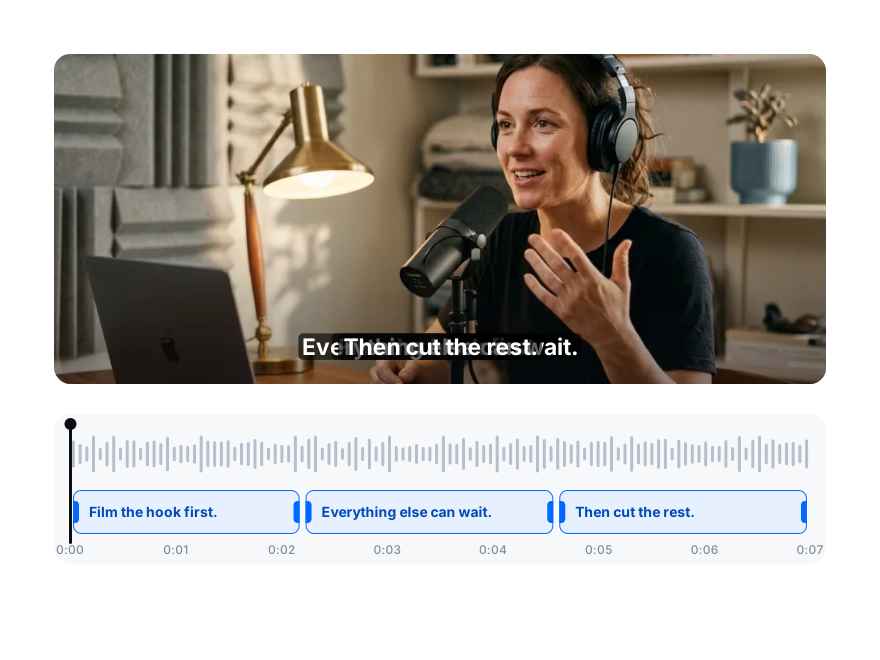
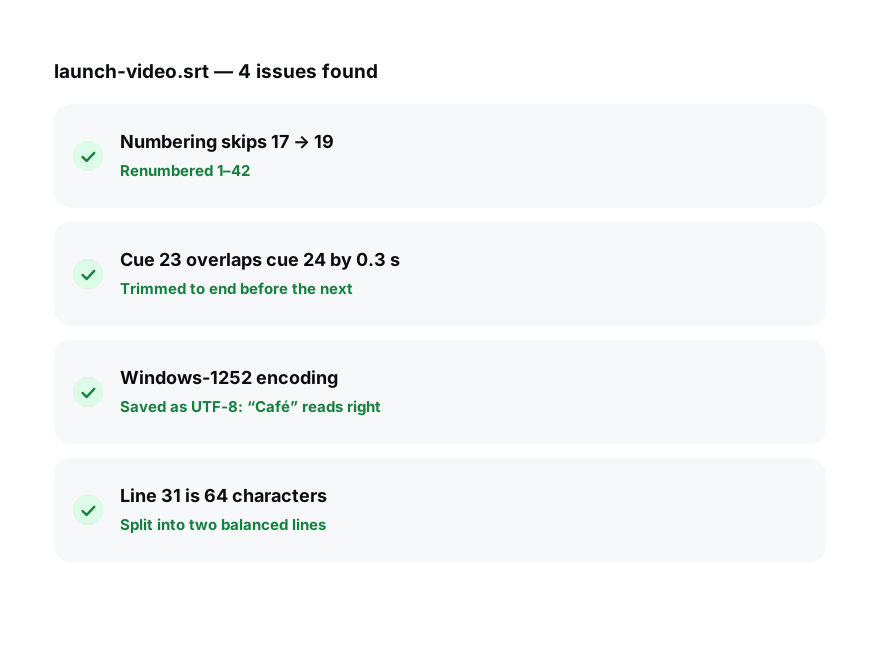
Every line starts and ends with the speech, split into short lines that are easy to read. No timestamps to type, no drift by the end of a long video.
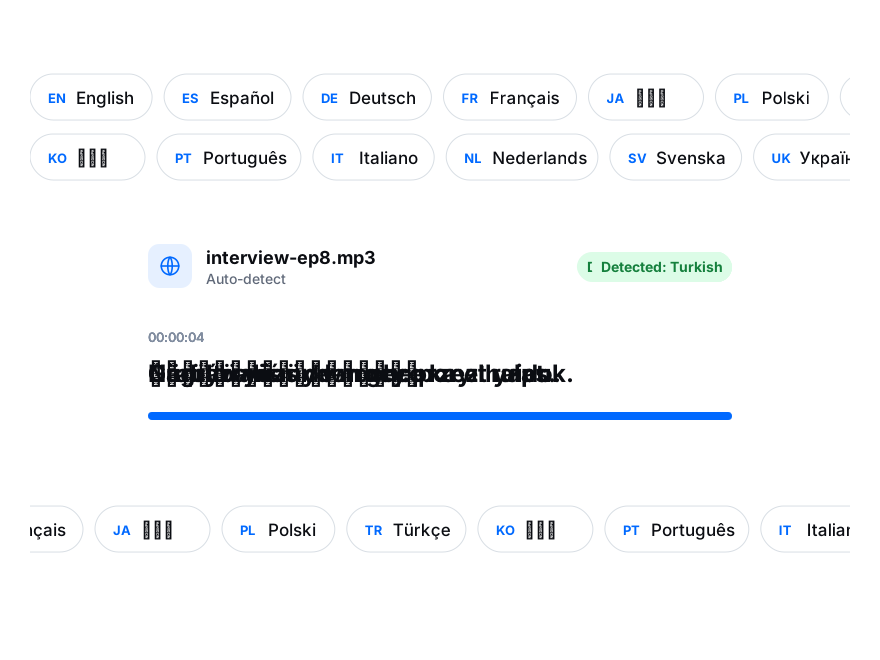
Make SRT files in English, Spanish, German, Japanese and more than 120 other languages and dialects, from the language actually spoken.
Numbered cues, comma-separated milliseconds and UTF-8 text: the file opens in YouTube Studio, Vimeo, Premiere, DaVinci Resolve and VLC without errors.
How to Make an SRT File
From a video to a subtitle file in three steps.
Generate an SRT File30 free minutes · No credit card
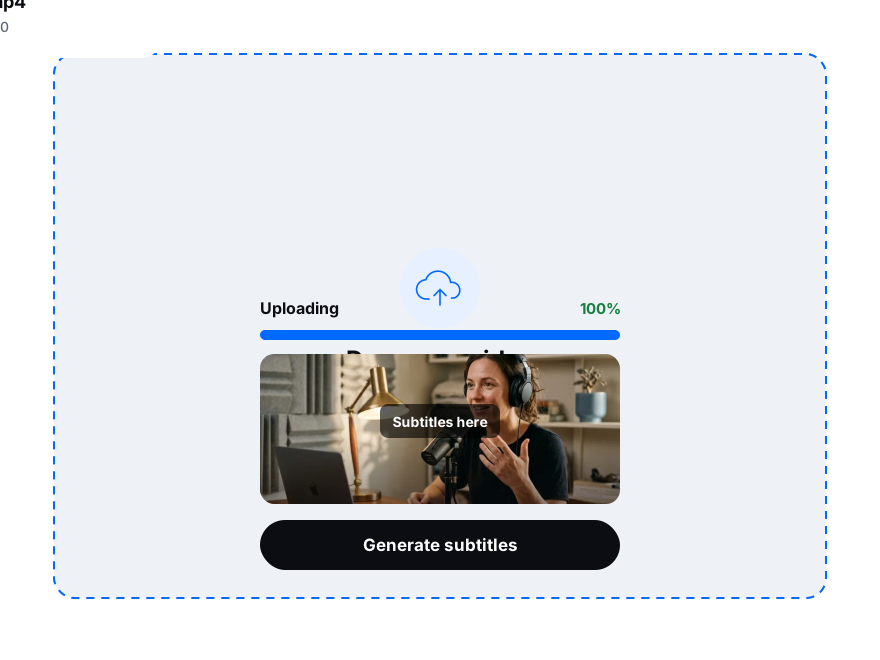
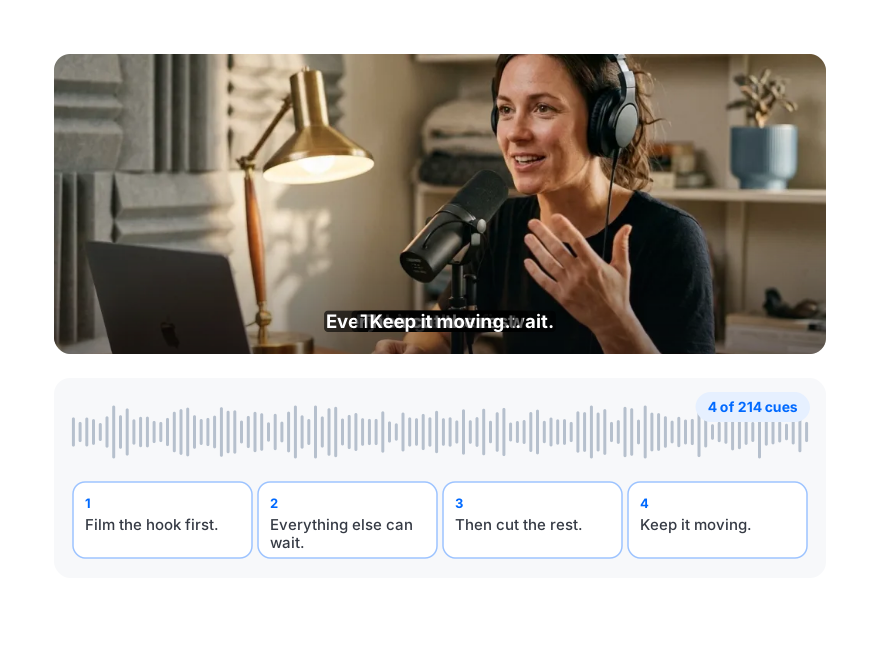
Drop in MP4, MOV, MKV, MP3 or WAV up to 8 GB, or paste a YouTube link.
Choose the spoken language, or let it be detected. AI writes timed, readable subtitle lines.
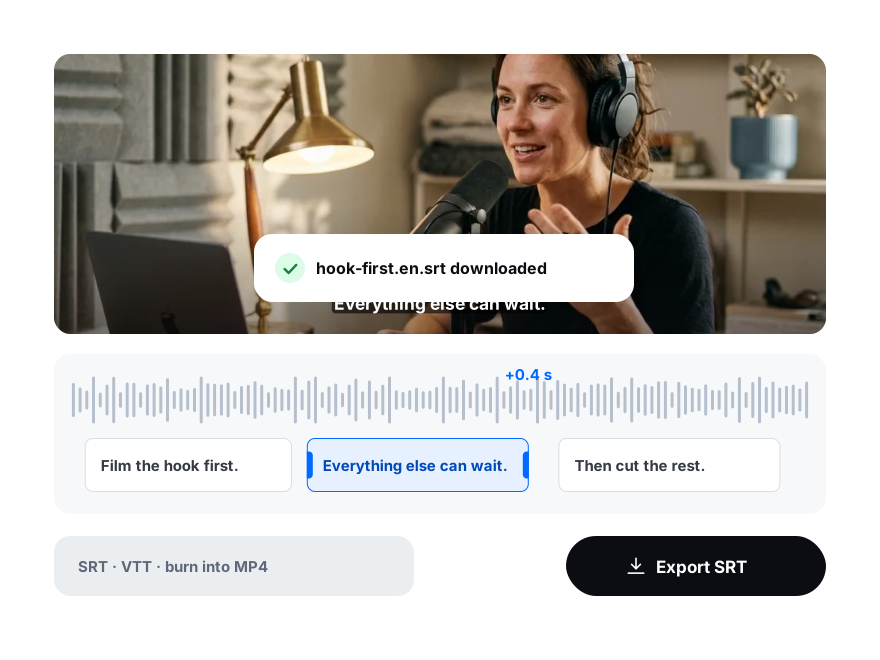
Fix any word or timing on the timeline, then export SRT, VTT or plain text.
More Than One File
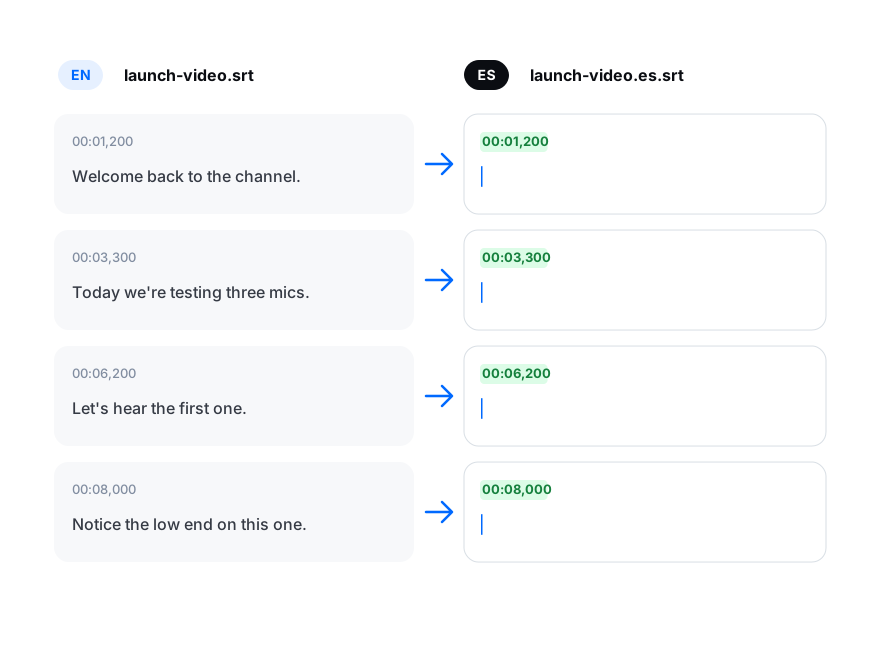
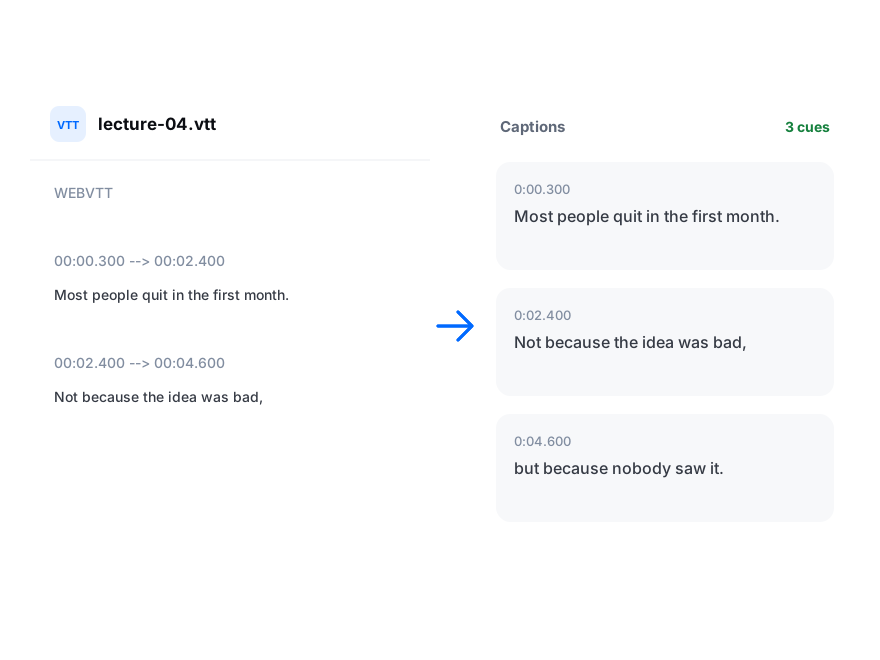
Turn one subtitle file into a set: translate it into 50+ languages and every line keeps its original timing.
Pick a caption style and export an MP4 with the subtitles on screen, rendered in your browser — handy for social video watched without sound.
Everything an SRT File Needs
Transcription, timing, editing and export in one place.
Word-level timing
Subtitles are aligned to the speech, so lines appear exactly when they are said.
Timeline editor
Split, merge and retime lines on a waveform before you export.
120+ languages
Generate subtitles from speech in more than 120 languages and dialects.
Translate into 50+
One SRT becomes many, with the timing kept.
SRT, VTT or TXT
Standard files for YouTube, Vimeo, LinkedIn, editing software and web players.
YouTube links
Paste a link instead of downloading the video first.
Speaker labels
Tell speakers apart in interviews and podcasts.
Private by default
Files are transcribed on our servers in Germany and never used to train AI.
Your Subtitles on a Timeline Before You Export
See every line against the waveform, play it over your video and download the SRT when it reads right.
Start free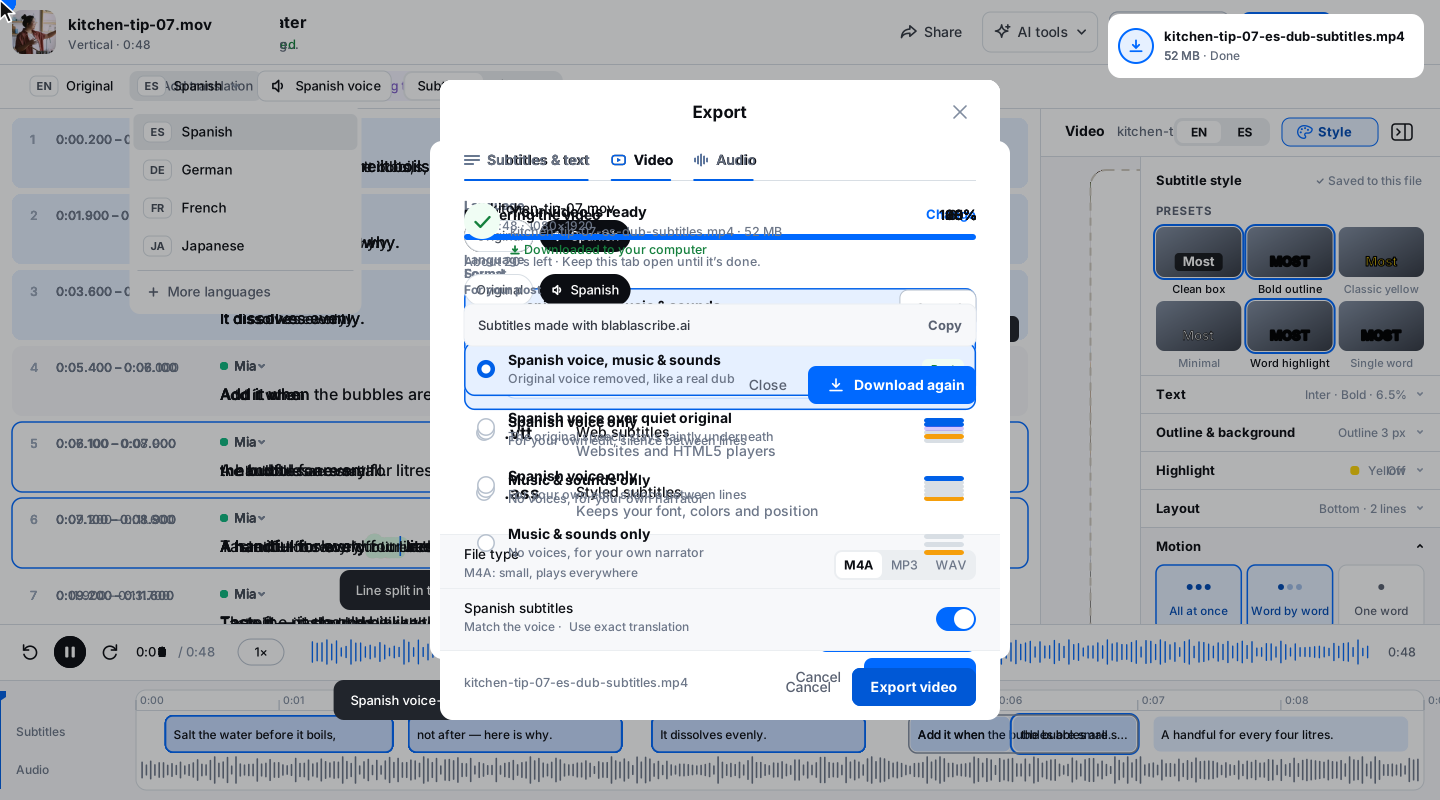
Loved by Creators, Teams and Researchers
Rated Excellent 4.8/5 based on 580+ reviews
YouTube kept mangling our brand names. Now I fix them once in the editor and upload a clean SRT.
Uploaded a two-hour recording during lunch — the transcript was waiting before I finished my coffee. The accuracy genuinely surprised me.
Our legal team approved it because processing stays on EU infrastructure. That alone ruled out most of the competition.
Captions split where a human would split them. Viewers stopped complaining about walls of text.
Added captions to every short — average watch time rose noticeably within a month.
No card, no tricks — I tested real files before paying and upgraded a week later because the workflow stuck.
Had trouble with a huge file — support walked me through batch upload the same morning. Rare these days.
An SRT generator turns the speech in a video or audio file into an SRT subtitle file: numbered lines of text, each with a start and end time. BlaBlaScribe writes the subtitles with AI in 120+ languages, lets you check them on a timeline and exports SRT or VTT for YouTube, Premiere, DaVinci Resolve or any player. The first 30 minutes are free, with no card.
Upload the video (or paste a YouTube link), choose the spoken language, let AI write the timed subtitles, review them on the timeline and click Export → SRT. A 10-minute video usually takes a couple of minutes from upload to download.
You get 30 free minutes once, without a card. Short files are transcribed in full and exported to SRT; longer files show the first 10 minutes, and the whole file opens with a minute pack from $5 or a plan.
Yes. Change any word, split or merge lines and drag their timing on the waveform; the SRT is written from what you see.
Yes. Export SRT, VTT or plain text from the same subtitles. Our free SRT to VTT converter also changes files you already have.
Yes, into 50+ languages on paid plans, and every translated line keeps the original timing.
Up to 8 GB per file, which covers long lectures, webinars and full podcast episodes.
Yes. Upload it in YouTube Studio under Subtitles → Add language → Upload file → With timing.
Discover more
More subtitle tools
Subtitle GeneratorCaptions written from the audio, not converted from a file.Subtitle TranslatorThe same cues in 50+ languages, timings kept.Add Subtitles to VideoStyled subtitles, burned into an MP4SRT to VTTThe same conversion, fixed to one direction.Subtitle EditorFix wording and re-time cues on a visual timeline.