How Accurate Are YouTube Auto-Captions (and How to Fix Them)
Dzianis Kukareka, Founder · Updated
YouTube's automatic captions are good enough to follow a video and nowhere near good enough to represent your channel. On clear, single-speaker English they're serviceable; add accents, crosstalk, music, jargon or a lapel mic in a windy park, and the error rate climbs fast. More importantly, even at their best they lack the things that make captions readable: reliable punctuation, speaker changes, and line breaks that respect phrases. Here's what they actually get wrong, why, and the practical fix.
What auto-captions get wrong
1. Proper nouns and jargon
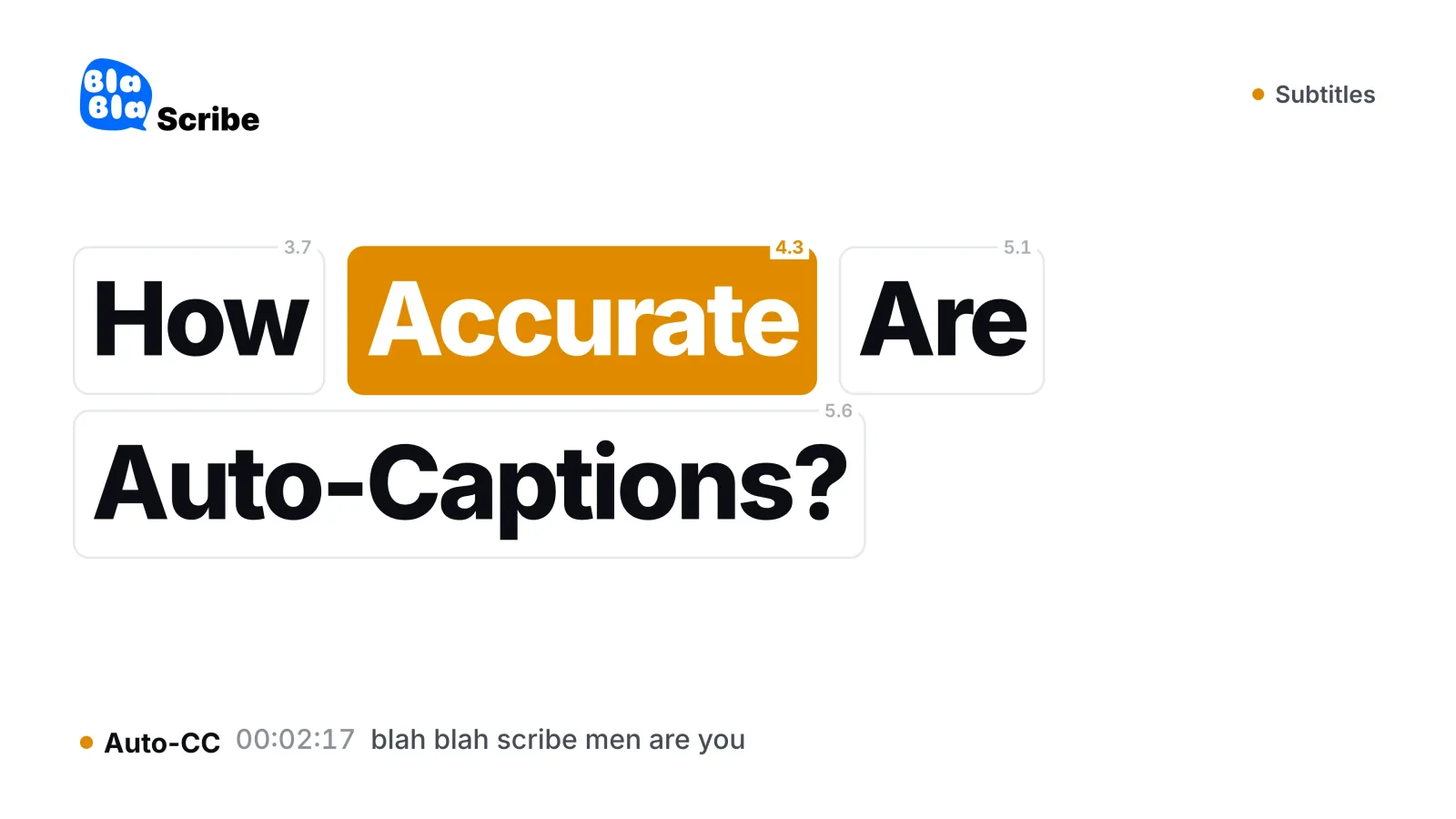
Names of people, products and places are guessed phonetically — "BlaBlaScribe" becomes "blah blah scribe", a guest called Sinéad becomes "shin aid". Technical vocabulary fares the same. These are the errors viewers screenshot.
2. Punctuation and capitalization
Auto-captions have improved here, but sentence boundaries still blur on fast speech, and the result reads as a stream rather than sentences. Captions without punctuation are measurably harder to read at caption speed.
3. No speaker changes
Two hosts talking becomes one undifferentiated voice. For interviews and podcasts this quietly destroys meaning — you can't tell the question from the answer. (Proper subtitles mark speaker changes; it's the same problem speaker diarization solves in transcripts.)
4. Music, overlaps and noise
Lyrics come out as surreal free verse, crosstalk becomes word salad, and background noise seeds phantom words. YouTube itself notes that auto-captions depend on audio quality and may misrepresent speech — see its Help Center page on automatic captions.
5. Timing tuned for speech, not reading
Auto-caption lines chase the audio word by word, producing jittery two-word fragments rather than stable, readable lines. Good subtitles hold a phrase on screen long enough to read comfortably.
Why this matters more than it seems
Accessibility: viewers who rely on captions get the worst version of your content — and caption quality is an accessibility obligation in many contexts, not a nicety.
Muted viewing: a large share of social viewing happens with sound off; bad captions lose those viewers in seconds.
Search: caption text is machine-readable content. Errors in it are errors in what platforms think your video says.
Brand: a video is produced, lit and edited — and then captioned by a robot that spells your product name three different ways.
The fix: replace, don't repair
You can edit auto-captions line by line in YouTube Studio, and for a two-minute video that's fine. At any real length, hand-repairing fragments is slower than generating clean subtitles from scratch:
Run the video through a subtitle generator — modern speech models punctuate, capitalize and split lines at phrase boundaries on the first pass.
Fix names and jargon in the editor — a find-and-replace catches most repeated offenders at once.
Export SRT and upload it to the video in YouTube Studio. Creator-uploaded subtitles replace auto-captions, and the transcript panel shows your clean version. (Need VTT for a web player too? A converter makes both from one master.)
The full workflow, including formats and burned-in captions for short-form, is in our guide to adding subtitles to any video.
Getting cleaner audio helps every caption
Auto or not, caption quality is downstream of audio quality. The same rules that improve transcription accuracy improve captions: a microphone near the mouth, one voice at a time, music under the voice rather than over it, and a quiet room. Ten dollars of mic positioning beats an hour of caption editing.
Auto-captions vs proper subtitles
| YouTube auto-captions | Generated + reviewed subtitles | |
|---|---|---|
| Names and jargon | Phonetic guesses | Fixed once in review |
| Punctuation | Patchy | Full |
| Speaker changes | None | Marked |
| Line breaks | Word-chasing fragments | Phrase-based, readable |
| Your control | Line-by-line Studio edits | Full editor + reusable SRT/VTT file |
| Cost | Free | Minutes of review |
Frequently asked questions
How accurate are YouTube auto-captions in percent?
There's no honest single number — accuracy swings hugely with audio quality, accents and vocabulary. Treat them as a draft: sometimes nearly right, never publication-ready without review.
Do uploaded subtitles override auto-captions?
Yes. When you upload your own subtitle file, viewers get it by default and the auto version steps aside on that language.
Are auto-captions good enough for accessibility compliance?
Generally no — accessibility standards expect accurate captions, and unreviewed auto-captions routinely fail that bar. Reviewed subtitles are the safe baseline.
What about auto-translated captions?
Auto-translation stacked on auto-transcription compounds both error rates. Translate from a corrected transcript instead — a subtitle translator keeps your fixed timing and translates clean text.
The bottom line
Auto-captions are YouTube's safety net, not your subtitle strategy. Generate clean subtitles once, spend five minutes on names, upload the SRT — and every viewer, muted scroller and search crawler gets the version of your video you actually made.
Turn your recordings into text you can use
Upload audio or video, paste a YouTube link, or record in the browser — and get a speaker-labeled transcript in minutes, in 120+ languages.
Try BlaBlaScribe for freeNo credit card required · Files encrypted · Never used for AI training