How to transcribe a YouTube video from a link
Paste the link, check the language and click Transcribe. The audio is pulled in for you, so there's nothing to download, and a short video is ready in seconds.
Step by step
Open the Paste link tab
Click Transcribe files, then switch to Paste link.
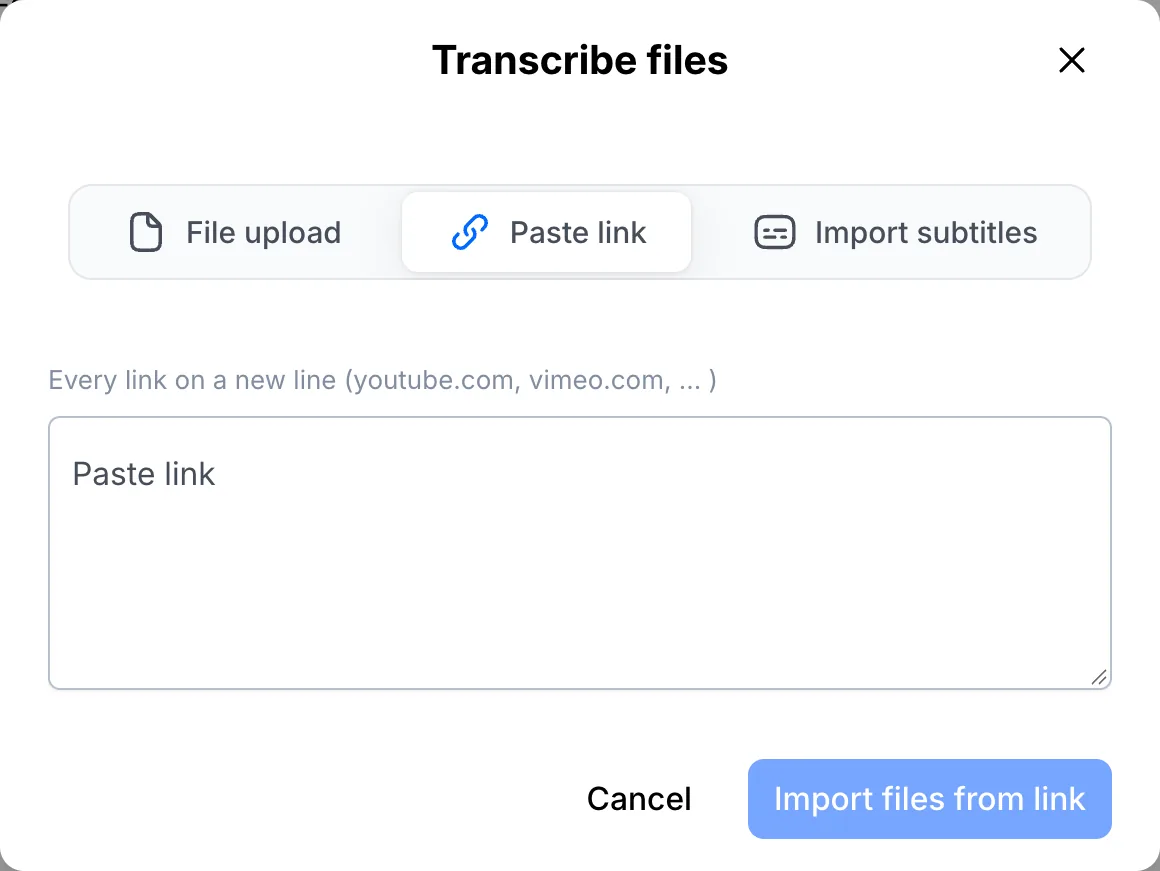
Paste the link and import
YouTube, Vimeo, SoundCloud, Google Drive, Dropbox and OneDrive links all work. Got several? Put one link on each line. Click Import files from link and the audio comes in automatically.
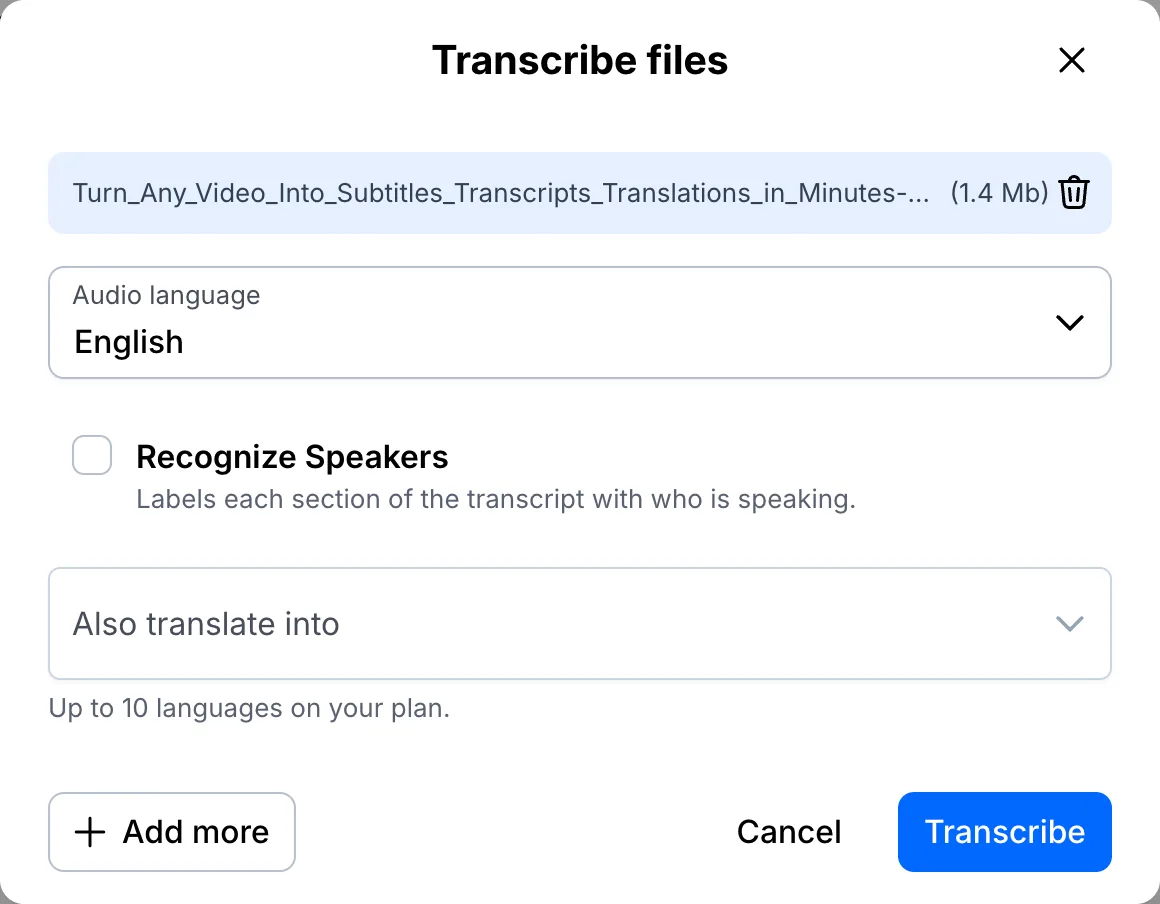
Set the language and transcribe
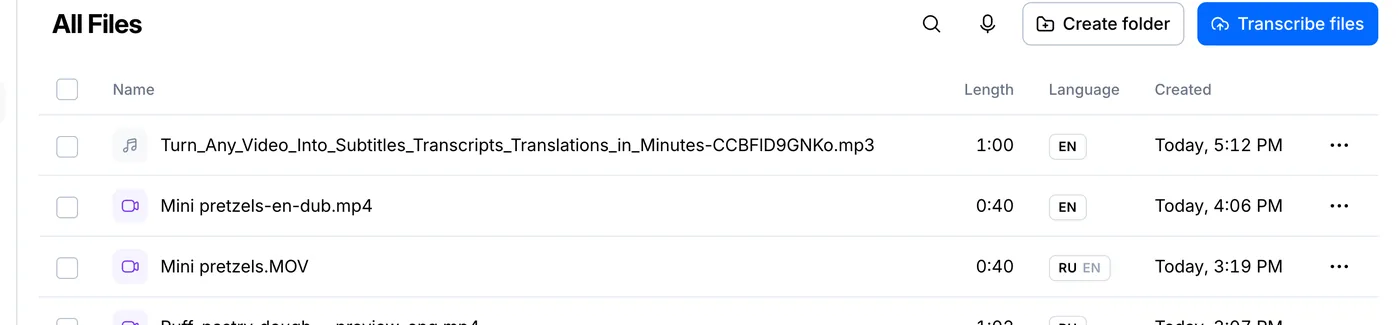
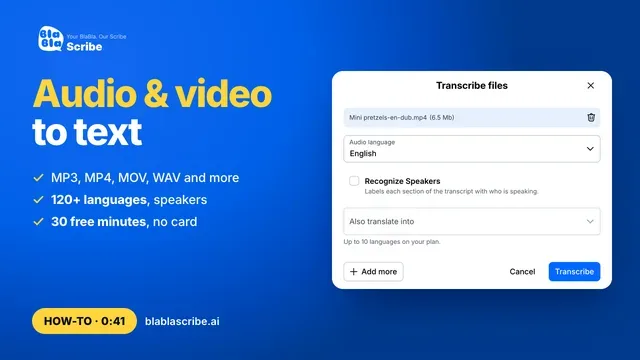
Check the audio language, tick Recognize Speakers if more than one person talks, and click Transcribe. The file appears in your list right away.
Open the transcript
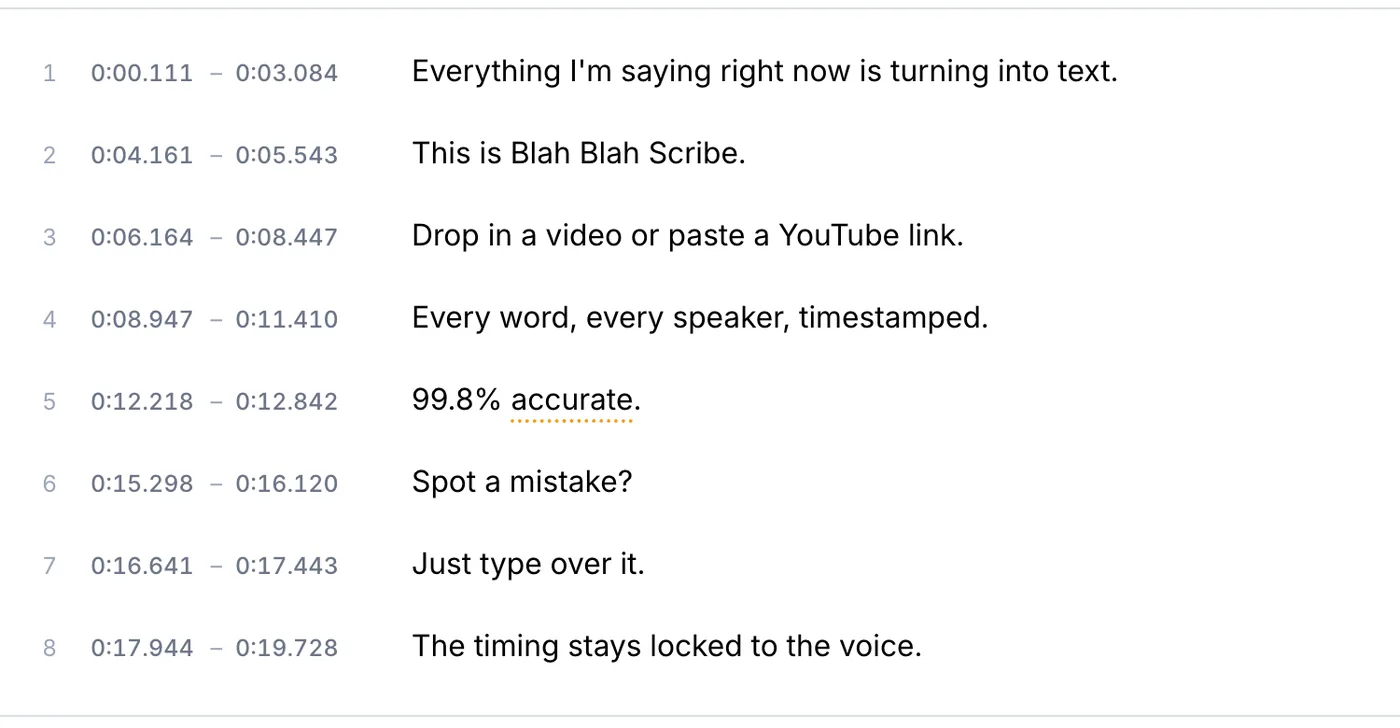
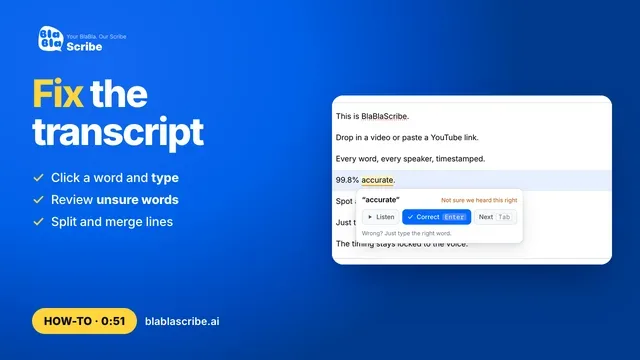
Every word has a timestamp. Words worth a second look are underlined, so you know where to check before you export.
Your file, your transcript
Paste a link or upload a file. Every word comes back with a timestamp, ready to edit, translate or export.
- 30 free minutes
- No card needed
- Never used for AI training
Questions
Can I transcribe a private or unlisted YouTube video?
Unlisted videos work if you paste the full link. Private videos and videos behind a login don't, so download the file and upload it instead.
Can I get the transcript in another language?
Yes. Once it's ready, click Add translation and pick a language. Translation is part of the paid plans.
Next steps
 All tutorials →