How to edit a transcript and fix mistakes
Click any word and type. Changes save as you go, and the words the AI wasn't sure about are underlined so you can check them one by one.
Step by step
Use the line tools
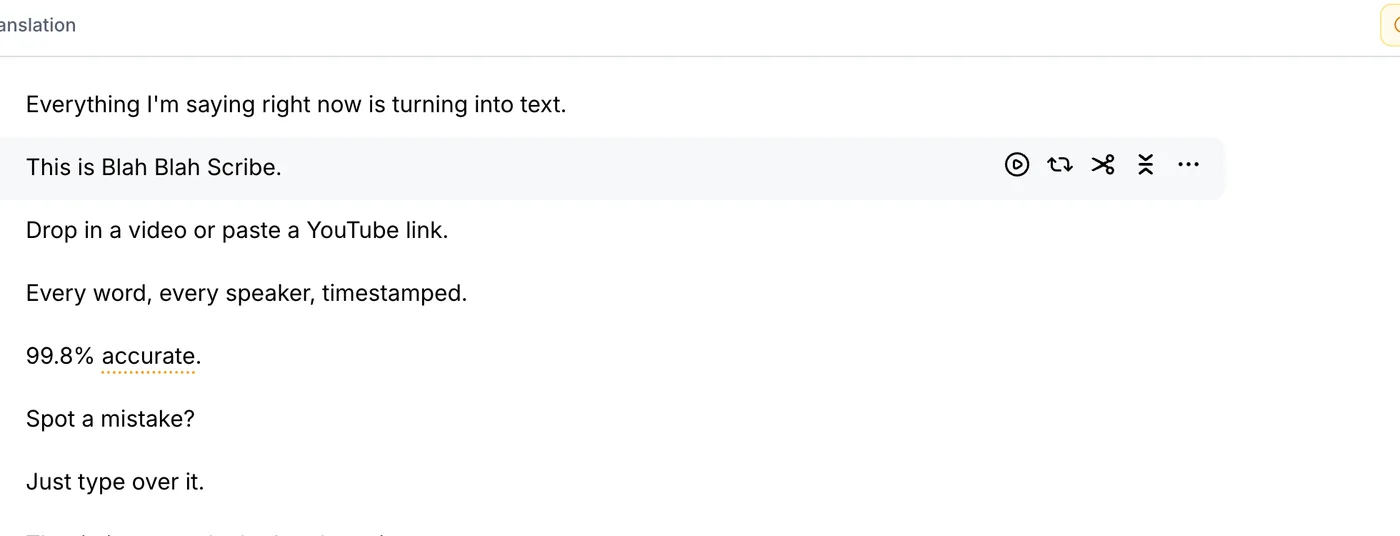
Hover over a line to see its tools: play the line, loop it, split it or merge it with the next one.
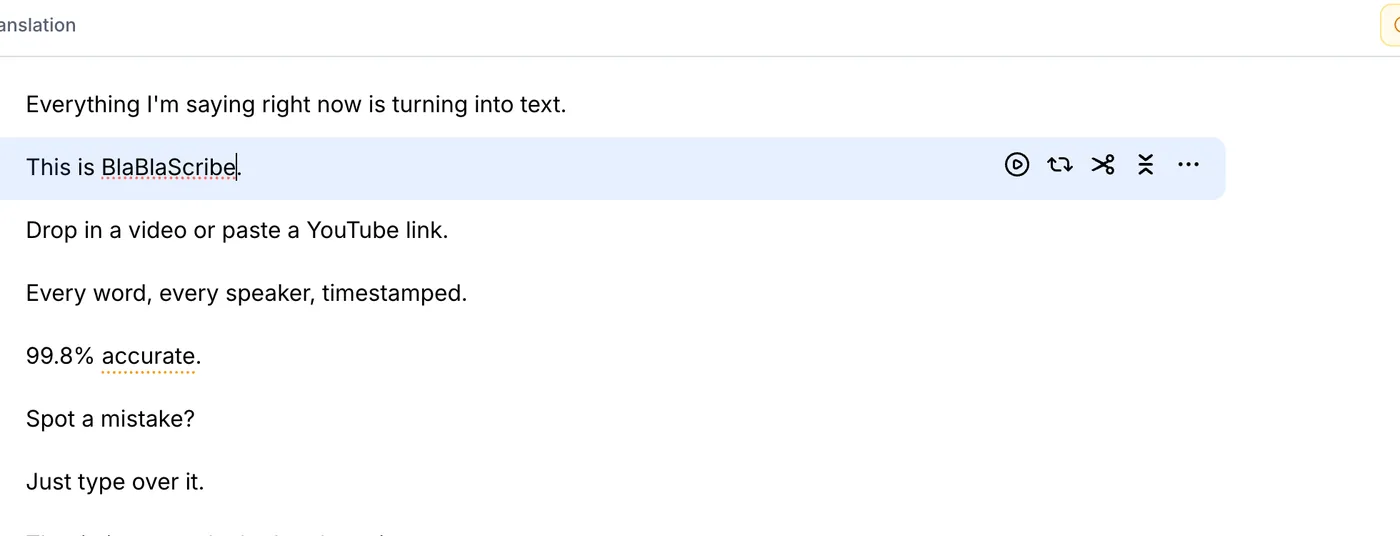
Fix a word by typing
Select the word and type the right one. Here the brand name was misheard. There's no save button, because every change is stored straight away.
Review the underlined words
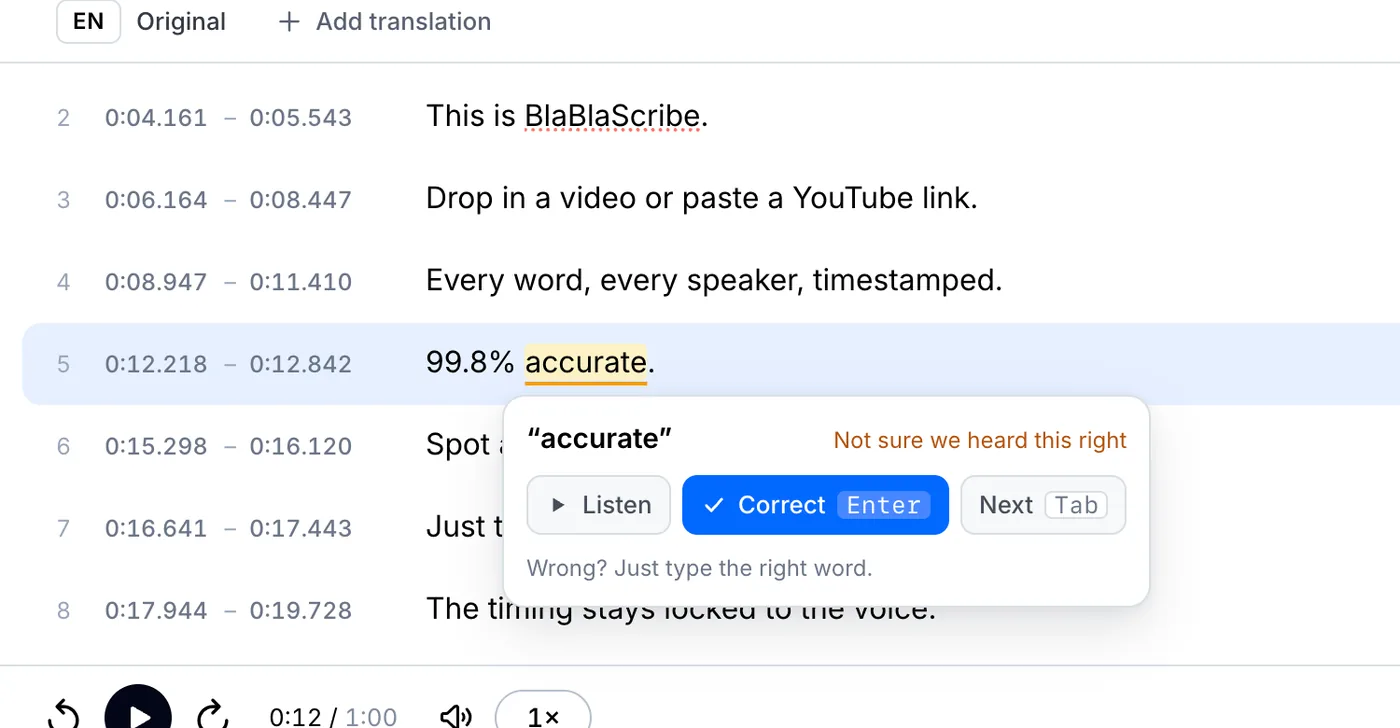
Click words to review at the top to step through them. Listen if you need to, then press Enter to confirm or type the correct word. The next one opens on its own.
Split and merge lines
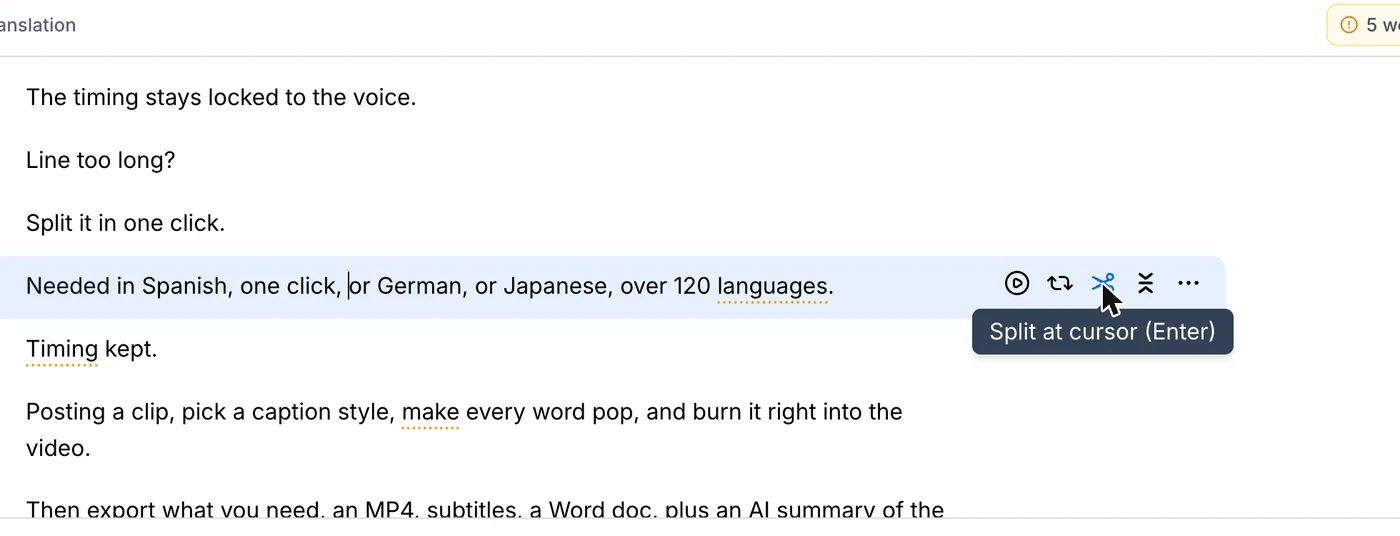
Put the cursor where a long line should break and click the scissors. To join two lines, click Merge with next line. Timestamps are recalculated for you, and every step can be undone.
Your file, your transcript
Paste a link or upload a file. Every word comes back with a timestamp, ready to edit, translate or export.
- 30 free minutes
- No card needed
- Never used for AI training
Questions
Do my edits change the subtitle timing?
Only when you split or merge lines, and then the timestamps are recalculated automatically. Fixing words keeps the timing as it is.
Can I undo a change?
Yes. Every edit can be undone with the arrow at the top, or with Ctrl+Z (Cmd+Z on a Mac).
Next steps
 All tutorials →