Speech Transcription for Talks, Keynotes and Presentations
Upload the recording of a speech or paste the video link and get a clean speech transcript with timestamps, ready to quote, caption or publish next to the video.
Conference videos, phone recordings, YouTube links · 120+ languages
A talk becomes readable text

Thank you. Let me start with a number: four.
Four seconds is how long people wait.
Click or drag & drop to upload your audio or videoTap to upload your audio or video
MP3, MP4, M4A, MOV, MKV, WEBM, AVI, WAV, FLAC, AAC, OGG, OPUS, WMA, WMV
No credit card required · Stored in the EU · Never used for AI training
What a Speech Transcript Is For


Conference organisers post the transcript next to the video, so the talk can be read, searched and cited.
Journalists and comms teams copy the exact line with its time, and play it back to check the wording.
Translate the transcript and the captions of a keynote for audiences in other countries.
A Speech, Turned Into Text
Single-speaker recordings are where AI transcription is at its best. This is what you get.
- Speakers
- One speaker needs no speaker recognition; turn it on for Q&A sessions
- Punctuation
- Sentences and paragraphs added, so the text reads like a written speech
- Quotes
- 5–8 verbatim quotable lines picked from the talk (Creator and up)
- Captions
- SRT or VTT for the conference video
- Translation
- 50+ languages for transcript and captions (Creator and up)
- Accuracy
- Up to 99.8% on clear audio; a lapel or podium microphone helps most
Before You Upload the Recording
Talks are recorded in big rooms. A few checks pay off.
Source
Ask for the audio from the venue
The PA or lapel microphone feed is much clearer than a phone in the audience, where applause and room echo cover words.
Slides
Spoken words only
Text on slides is not transcribed. If the speaker reads numbers from a slide, check them against the deck.
Q&A
Turn on speakers for the questions
If the recording includes audience questions, turn on speaker recognition so questions and answers are separated.
How to Transcribe a Speech
From recording to finished text in three steps.
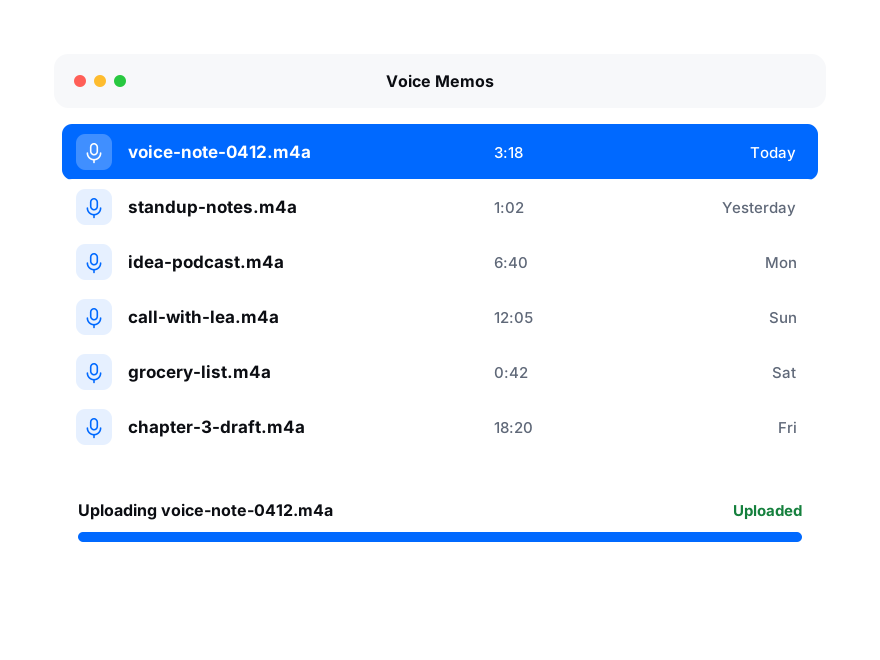
Add the recording of the talk, or paste a YouTube or Vimeo link of the conference video.
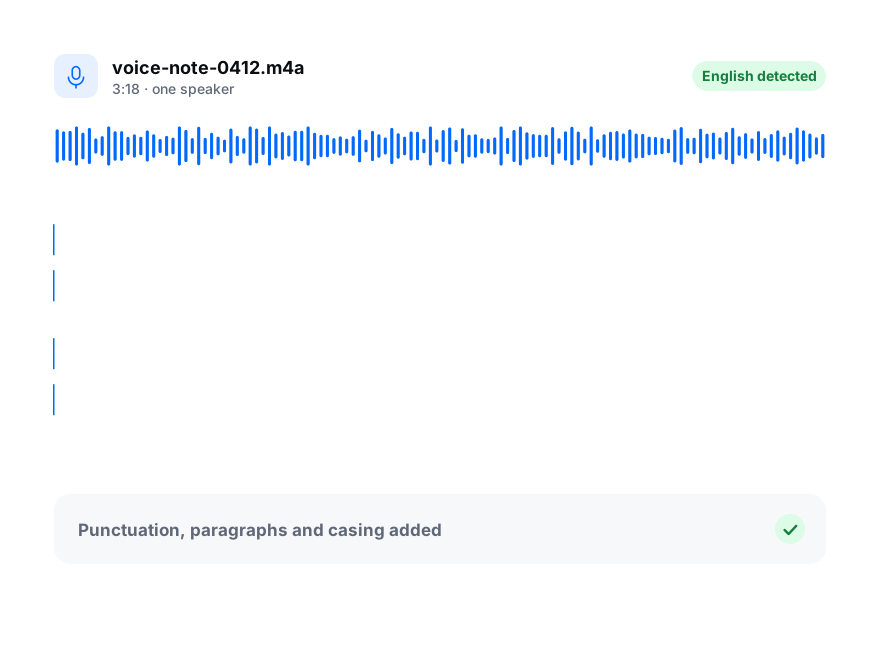
Pick the language of the talk, and turn on speaker recognition if there is a Q&A.
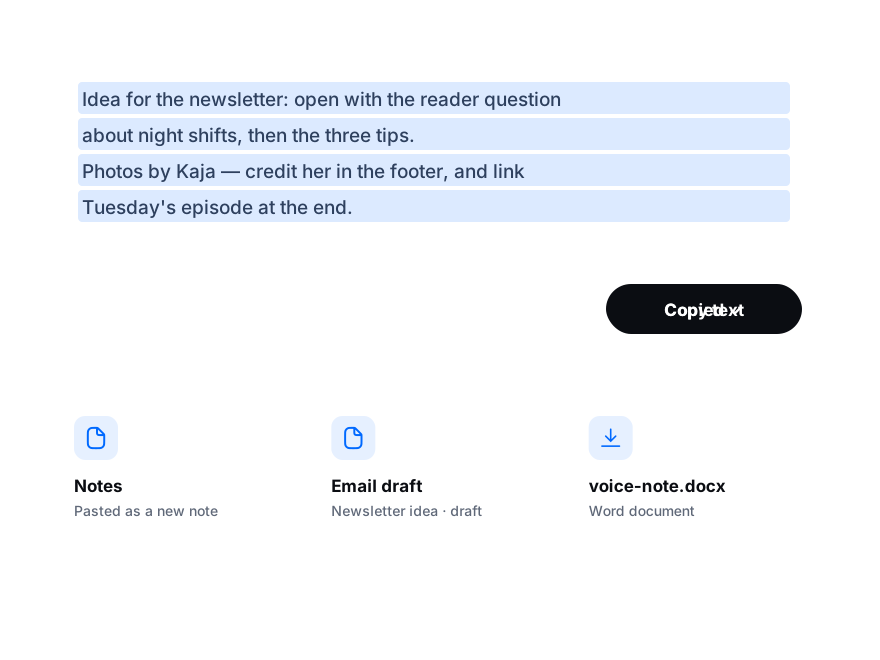
Tidy names and figures, then export DOCX or PDF, or captions as SRT.