Translate Audio to Text in 50+ Languages
Upload a recording and pick the languages you need under “Also translate into”. You get the transcript in the spoken language and a translation into English or any of 50+ languages, line by line, with the same timestamps and speakers.
Audio and video in 120+ languages · translation into 50+ · files up to 8 GB
Same lines, same times, another language
Empecemos por el presupuesto.Let's start with the budget.
El lanzamiento sigue siendo el día doce.The launch is still on the twelfth.
Perfecto, envíame las cifras el viernes.Great, send me the numbers on Friday.
Timestamps and speakers kept
Click or drag & drop to upload your audio or videoTap to upload your audio or video
MP3, MP4, M4A, MOV, MKV, WEBM, AVI, WAV, FLAC, AAC, OGG, OPUS, WMA, WMV
No credit card required · Stored in the EU · Never used for AI training
What People Translate Audio For


Journalists and researchers keep the original wording for quotes and read the translation to follow the conversation. Both versions point to the same minute of the recording.
A client’s voice message, a lecture recorded abroad, a relative talking in Spanish: upload the audio file and read it in English, with the original kept for anything you need to quote.
A call held in Portuguese turns into minutes the English-speaking team can read, while the original stays on record for anyone who needs the exact words.
How Transcription and Translation Fit Together
Translation starts from the finished transcript, segment by segment. That is why the timing and the speakers carry over unchanged.
- Languages you can transcribe
- 120+, with automatic language detection
- Languages you can translate into
- 50+, including English, Spanish, French, German, Portuguese, Japanese, Korean and Arabic
- When you choose them
- At upload under “Also translate into”, or later from the transcript editor
- What stays the same
- Timestamps and speaker labels of every line
- Translating to English
- Pick English under “Also translate into”; the transcript in the spoken language stays next to it
- Live audio
- Not supported: it translates recordings and links, not speech as it plays
- Your names and terms
- Words saved in My terms are applied to the translation too
- Export
- The original or any translation, each in its own file: SRT, VTT, TXT, DOCX, PDF and more
- Plans
- Creator: 3 languages per transcript · Pro: 10 · Business: no limit. The free plan transcribes without translation.
Before You Upload
Three things that decide how good the translation will be.
Spoken language
Set it yourself for mixed speech
Auto-detect handles one language well. If people switch languages, or the file opens with music, choose the main spoken language so the transcript, and everything translated from it, starts right.
Names
Add names and jargon to My terms
Product names, places and people are where machine translation slips. Terms saved in your dictionary are kept as you wrote them in every language.
Review
Have a speaker check what you publish
The translation is machine translation. It is fast and good for understanding and drafts; contracts, medical texts and anything you print deserve a read by a fluent speaker.
How to Translate Audio to Text
From recording to finished text in three steps.
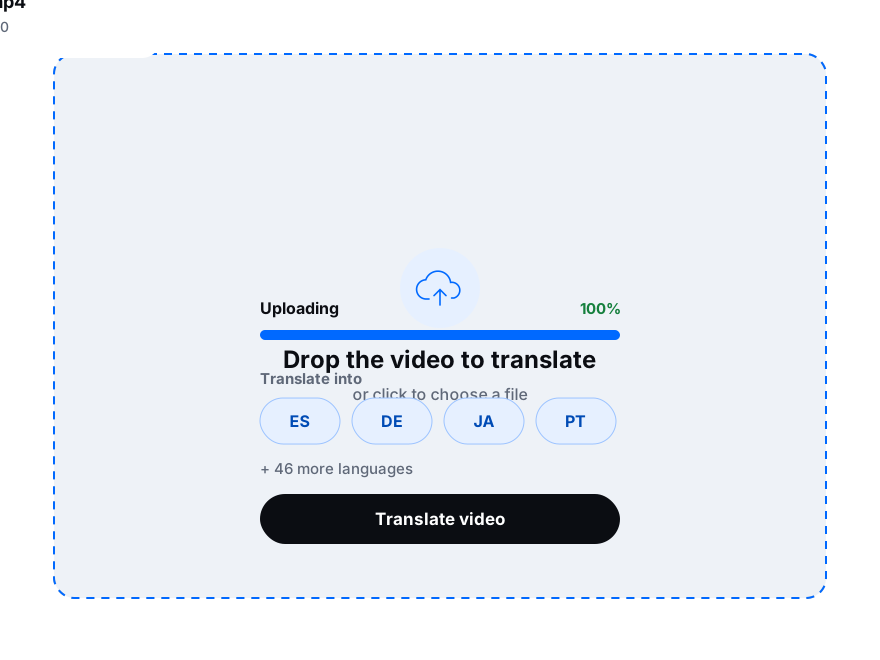
Add an MP3, M4A, WAV or other audio or video file up to 8 GB, or paste a link from YouTube, Vimeo, TikTok, Google Drive or Dropbox.
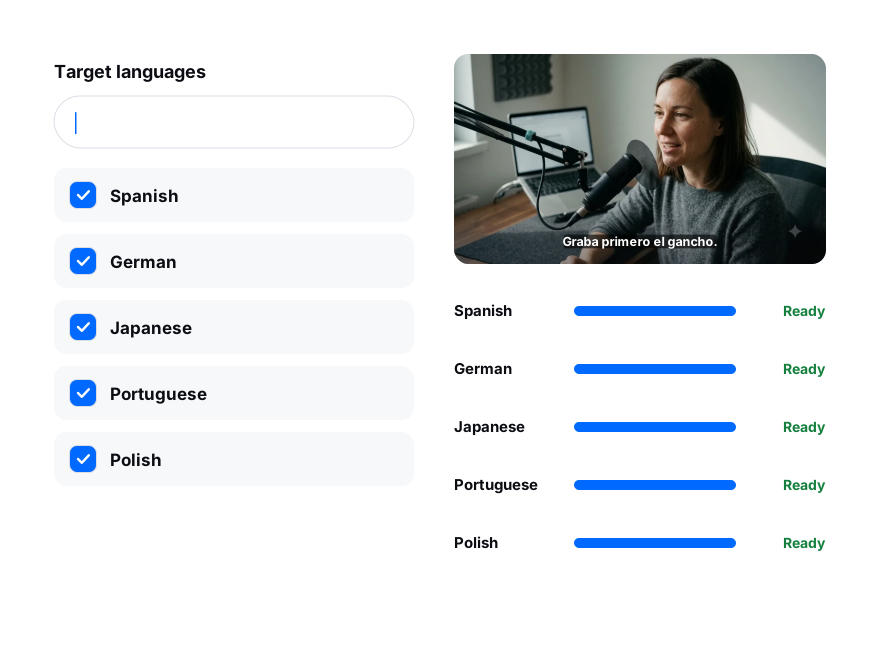
Set the spoken language, then pick the languages under “Also translate into”. Turn on speaker labels for interviews and meetings.
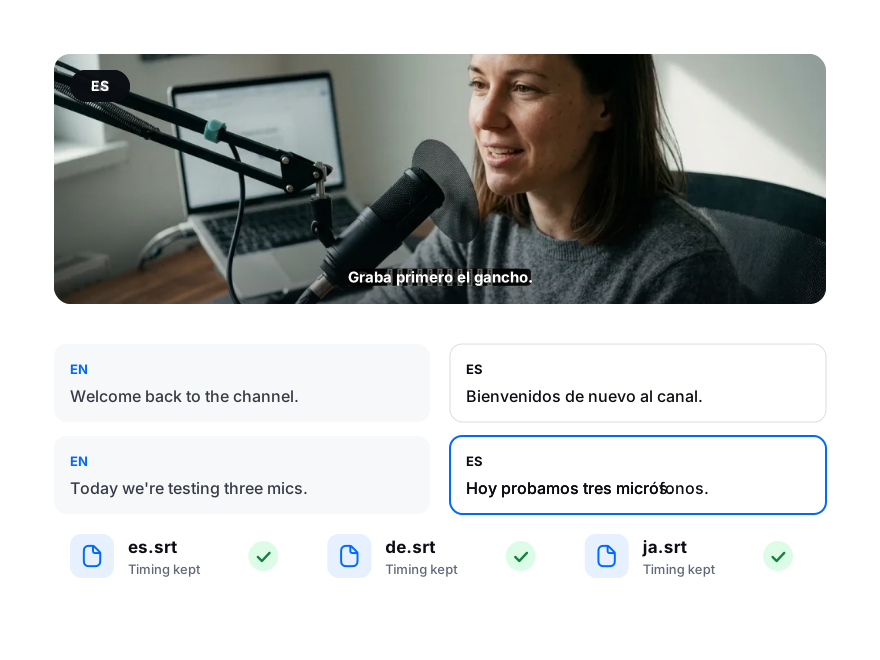
Flip between the original and each translation in the editor, then export every language as subtitles or a document.