Translate Spanish Audio to English
Upload a Spanish recording and pick English under “Also translate into”. You get what was said in Spanish and an English translation of every line, with the same timestamps and speakers, ready to read, quote or export.
Spanish from Spain and Latin America · MP3, M4A, WAV, OGG and video · files up to 8 GB
Same lines, same times, now in English
Reformamos el estudio en invierno.We rebuilt the studio in winter.
Desde entonces cada episodio suena más cálido.And since then every episode sounds warmer.
La gente lo nota enseguida.People hear it right away.
Timestamps and speakers kept
Click or drag & drop to upload your audio or videoTap to upload your audio or video
MP3, MP4, M4A, MOV, MKV, WEBM, AVI, WAV, FLAC, AAC, OGG, OPUS, WMA, WMV
No credit card required · Stored in the EU · Never used for AI training
Spanish Recordings People Need in English


Reporters and researchers in the US keep the Spanish wording for the quote and work from the English text, with both versions pointing to the same second of the recording.
A long WhatsApp voice note from a supplier in Mexico or a relative in Colombia becomes a few paragraphs you can read in English and answer properly.
Support calls, user interviews or site visits recorded in Spanish turn into English notes your team can search, without anyone transcribing by hand.
What Changes When Spanish Audio Becomes English
The recording is transcribed in Spanish first, then each line is translated. These are the points where Spanish and English part ways.
- Accents
- One “Spanish” setting covers Spain, Mexico, the Caribbean, the Andes and the Río de la Plata
- Tú, usted, vos
- All three become “you”: the level of formality is lost, so a polite “usted” reads the same as a casual “tú”
- Missing subjects
- “Llegó tarde” has no subject; the translation picks he, she or it from context, so names help
- Numbers
- Spain writes 3,5 and 1.500; the English text uses 3.5 and 1,500
- Dates
- 05/11 means 5 November in Spanish; check dates that will be read by an American reader
- Spanglish
- Lines that switch to English mid-sentence keep the English words as spoken
- Output
- The Spanish transcript and the English text side by side in the editor, each exported as its own file
Before You Translate a Spanish Recording
Three settings decide how clean the English comes out.
Language
Choose Spanish, not auto-detect, for mixed speech
If speakers move between Spanish and English, set Spanish as the spoken language. Auto-detect decides once per file and can pick English after an English greeting.
Names
Put surnames and places into My terms
Double surnames, town names and brands are the words most often misheard. Saved spellings are kept in the Spanish text and in the English one.
Speakers
Turn on speaker labels for two or more voices
In an interview the translation reads like a script: who asked, who answered. Set the exact number of speakers, from 2 to 5.
How to Translate Spanish Audio to English
From recording to English text in three steps.
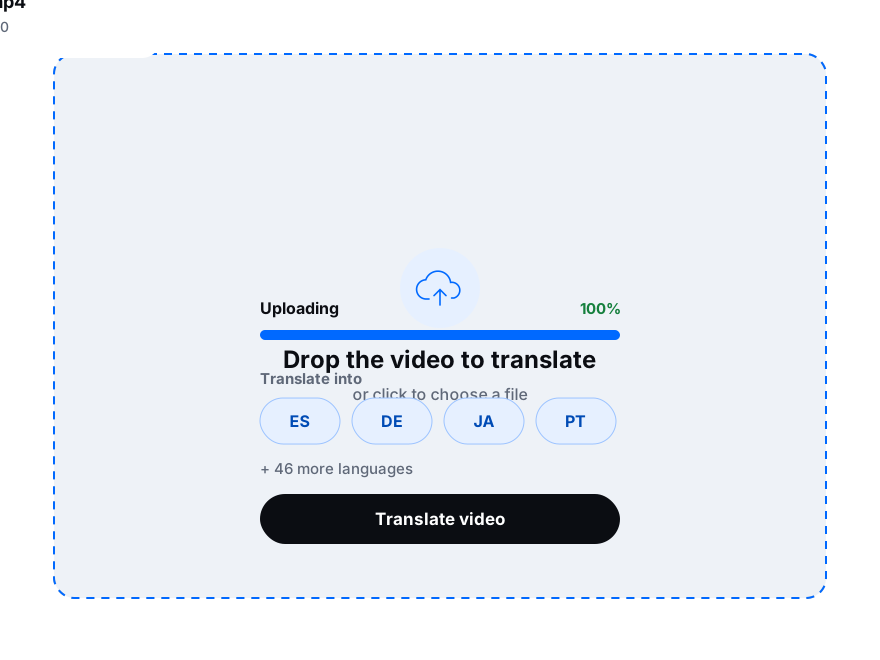
Drop in an MP3, M4A, WAV or a voice note, or paste a link from YouTube, Google Drive or Dropbox.
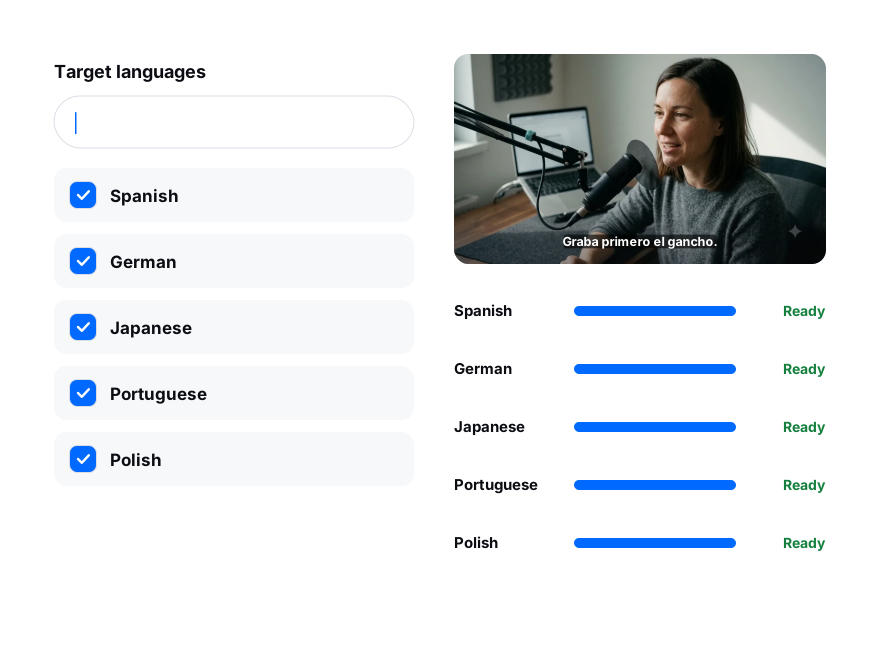
Choose Spanish as the spoken language and tick English under “Also translate into”.
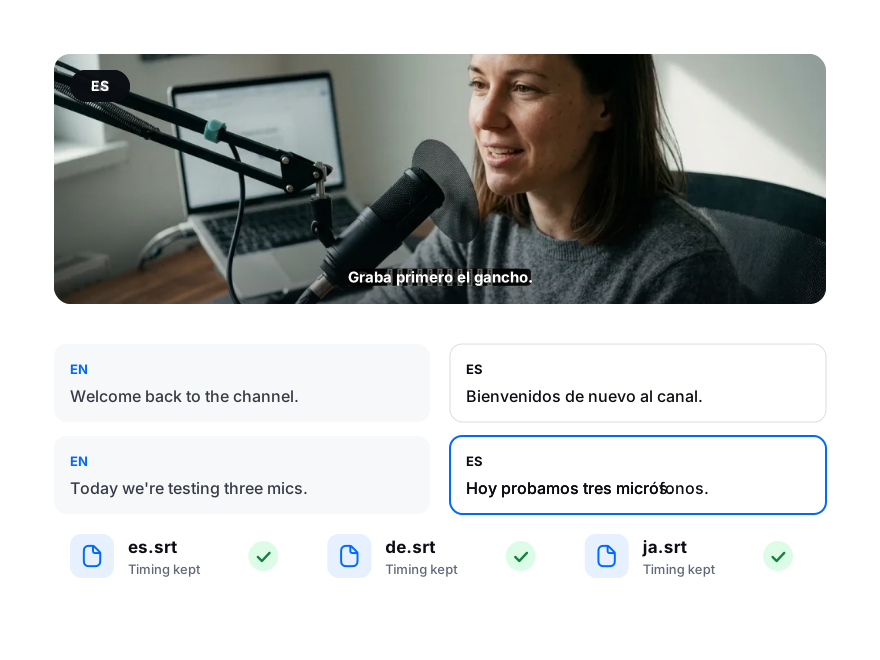
Switch between the Spanish and the English in the editor, correct a word if needed, then download TXT, DOCX or subtitles.