Transcript Editor Synced to Your Audio
Proofread the transcript against the sound: click any line to hear it, fix the words the AI wasn’t sure about, name the speakers and export to Word, PDF or subtitles.
30 free minutes · TXT and SRT export on every plan · Works in the browser
Fix the words the AI wasn’t sure about
We moved the launch to LisbinLisbon in May.
Does the venue still hold three hundred?
The LisbinLisbon team confirmed it today.
Click or drag & drop to upload your audio or videoTap to upload your audio or video
MP3, MP4, M4A, MOV, MKV, WEBM, AVI, WAV, FLAC, AAC, OGG, OPUS, WMA, WMV
No credit card required · Stored in the EU · Never used for AI training
What You Fix in a Transcript, and How
AI gets most of the words right. The editor is built for the rest.
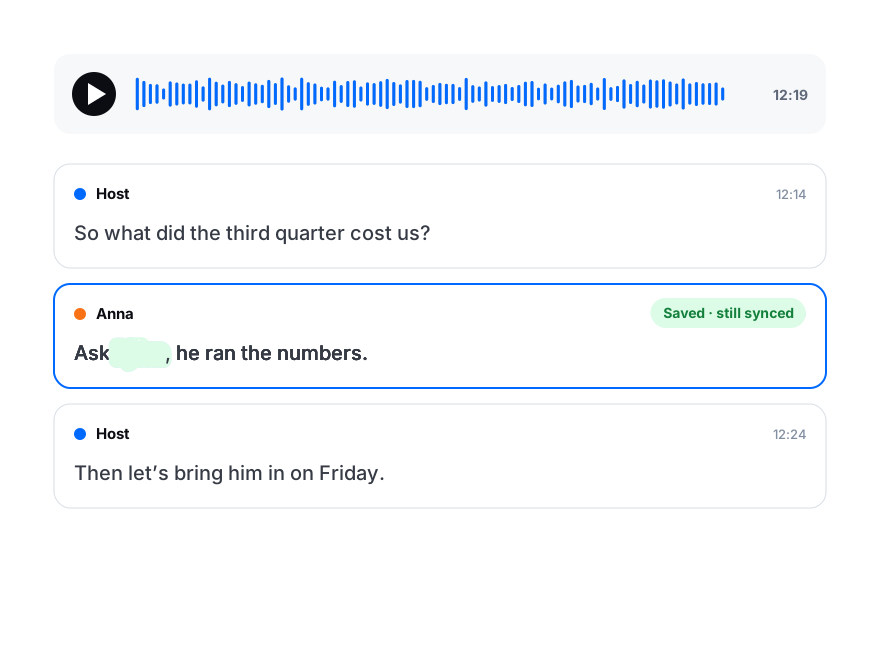
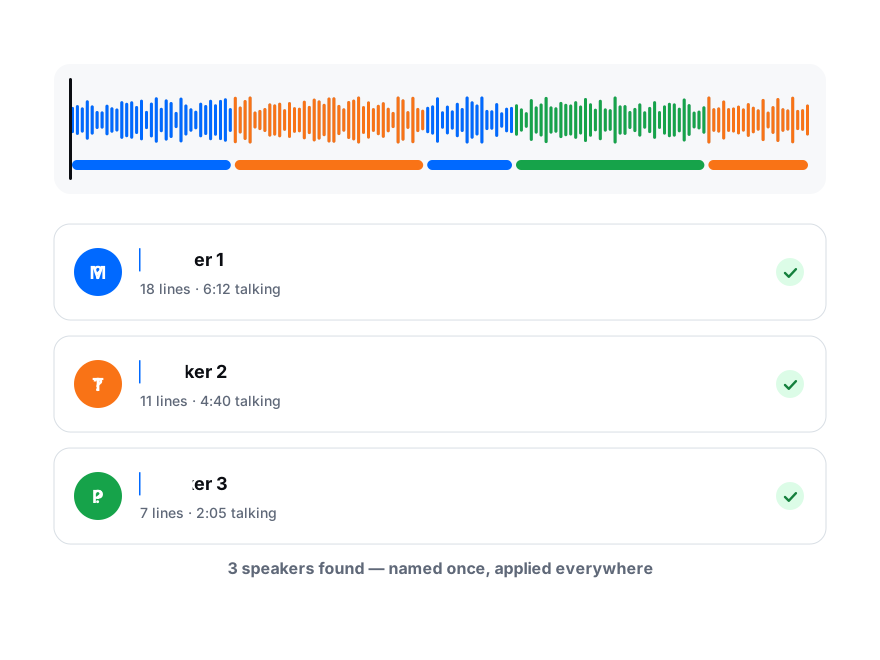
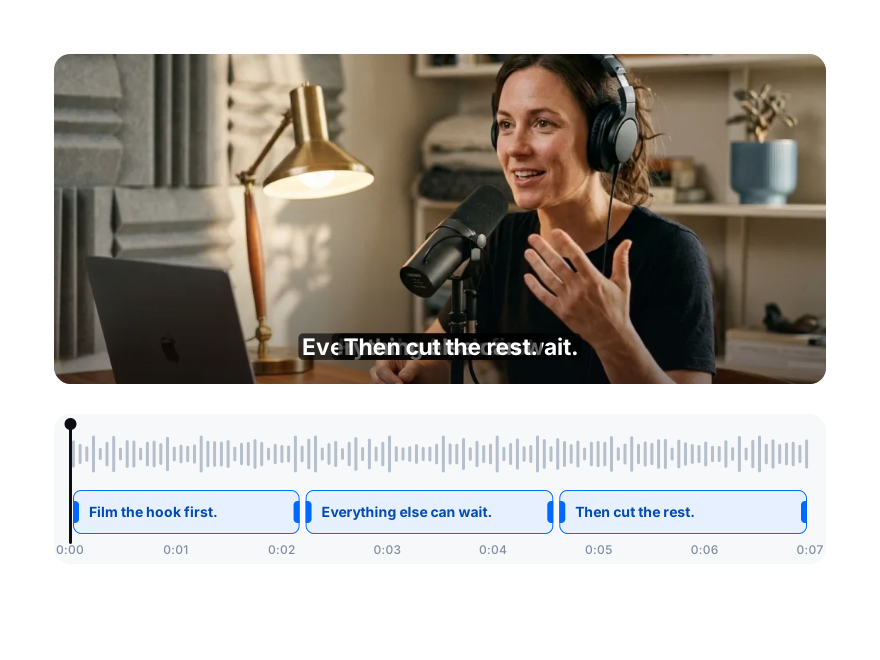
Uncertain words are underlined and counted, so proofreading starts where mistakes are likely. Correct one, and “Fix everywhere” changes the same word in every other line.
Rename “Speaker 1” once and the whole file follows. A line that landed on the wrong voice moves to the right speaker in two clicks.
Every line has a start and an end you can type to the millisecond or drag on the waveform. Split a long line with Enter, join two with Backspace.
Everything the Transcript Editor Does
The full list, with the plan each feature needs. Editing itself is never locked: every tool for fixing the text works on the free plan too.
| Feature | How it works | Plan |
|---|---|---|
| Text editing | Type over any word; changes save as you type. Undo and redo up to 100 steps with Ctrl/Cmd+Z and Shift+Ctrl/Cmd+Z. | All plans |
| Play from any line | Click a line to hear it. Space plays and pauses, ← and → jump 5 seconds, Ctrl/Cmd+L replays the current line. Speed from 0.5× to 3×. | All plans |
| Word highlight | While the audio plays, the word being spoken lights up in the current line. | All plans |
| Words to review | Words the AI was unsure about are underlined and counted. Step through them one by one, or mark them all correct. | All plans |
| Fix everywhere | Correct a word once and replace it in every line as a whole word. Save it to My terms and future transcripts use it too. | All plans · up to 20 terms on Starter |
| Speakers | Rename a speaker for the whole file, move a line to another speaker, show one speaker’s lines only. | All plans |
| Timestamps | Edit the start and end of any line to the millisecond, or drag the line on the waveform timeline. | All plans |
| Split and merge | Enter splits a line at the cursor, Backspace at the start joins it to the line above. Insert or delete lines; deleted lines can be restored. | All plans |
| Search | Find a word across the transcript and its translation, with every match marked on the timeline. | All plans |
| Export | TXT and SRT on every plan; DOCX, PDF, VTT, ASS, CSV, XLSX and JSON on paid plans. Timestamps and speaker names on or off. | TXT, SRT: all plans · others: Creator and up |
| Translation | Add a language and correct the translation next to the original, line by line. | Creator: 3 languages · Pro: 10 · Business: no limit |
| AI tools | Write a summary, extract quotes, draft a post or create a quiz from the corrected text. | Creator and up |
| Sharing | A read-only link, a review link where a client comments on lines, and team folders with view or edit access. | Read-only link: all plans · review link: Creator and up · teams: Pro, Business |
How to Proofread a Transcript Faster
Three habits that cut review time on long recordings.
Order
Start with the underlined words
Most errors sit where the AI was unsure. Step through the words to review first, then read the rest at speed; on clear audio there is little left to change.
Speed
Listen at 1.5× and keep your hands on the keys
Space to pause, ← to go back five seconds, Ctrl/Cmd+L to replay a line. You never need the mouse to check what was said.
Names
Teach it your names once
Fix a brand, a place or a person once, choose Remember, and the spelling lands in My terms. The next transcript gets it right, and translations keep it too.
After the Edit
The corrected transcript is the source for everything else.
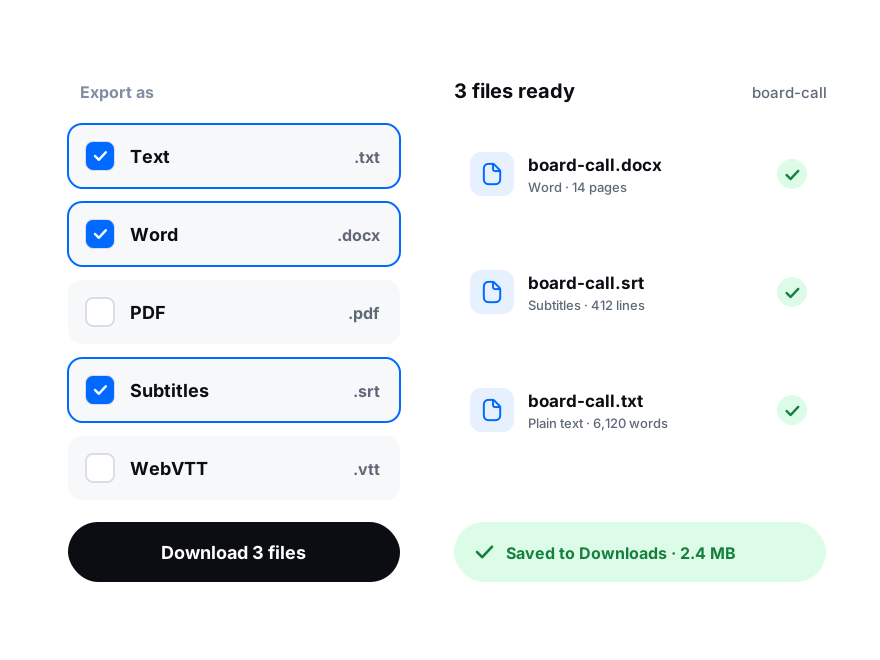
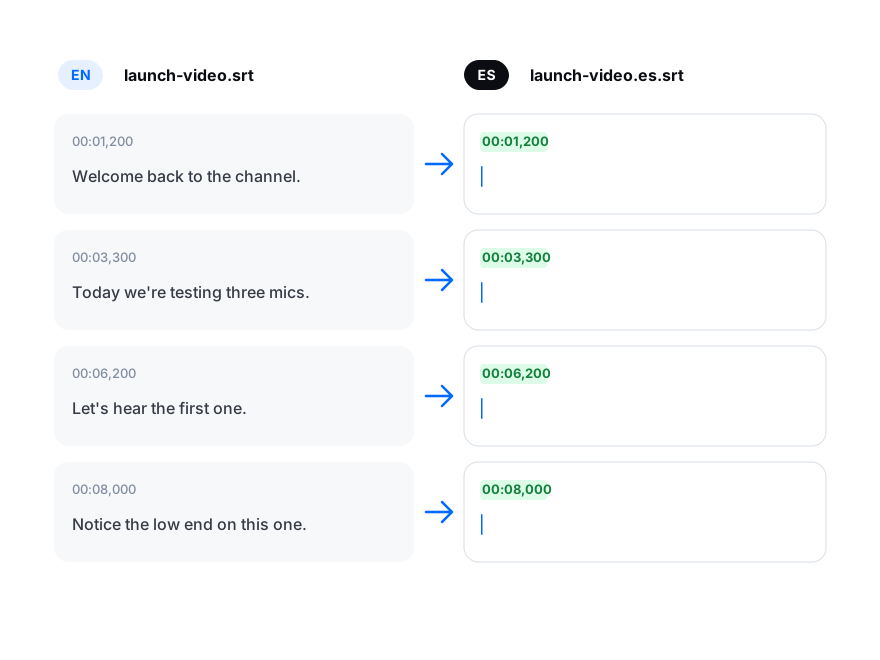
DOCX or PDF for reading, with a timestamp on every line or every 5 to 30 seconds. SRT or VTT for a video. CSV, XLSX or JSON for analysis.
Translations start from your edited transcript, so fixed names and terms carry over, with the same timestamps and speakers.
Share a read-only link, or a review link where a client listens, comments on a line and suggests wording you accept in one click.
How to Edit a Transcript in Three Steps
From recording to proofread text without leaving the browser.
Upload the recording
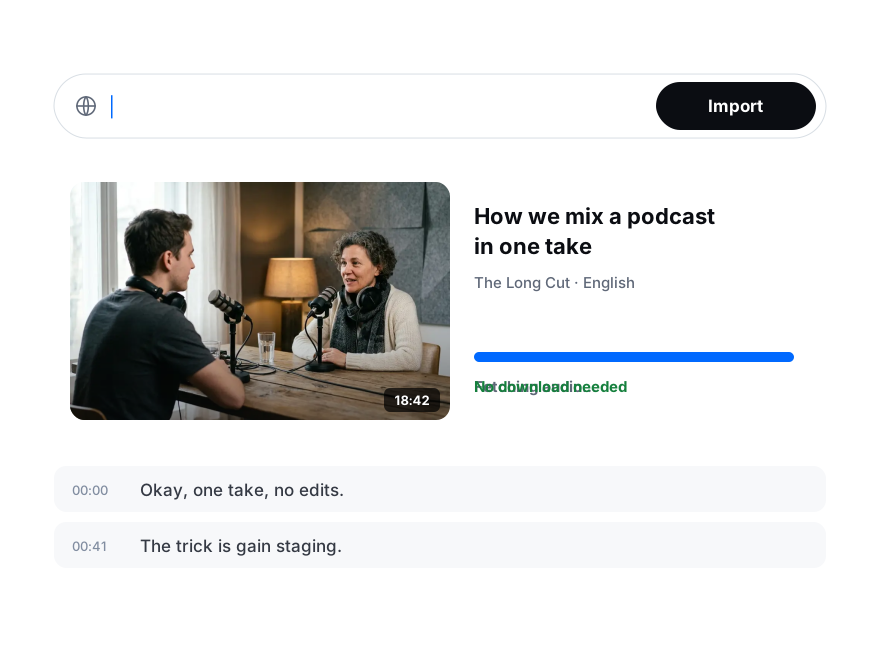
Add an audio or video file, or paste a link. Turn on speaker recognition for interviews and meetings. Already have an SRT or VTT file? Import it as a transcript.
Proofread against the audio
Click a line to hear it, go through the underlined words, rename the speakers and adjust any timing.
Export or share
Download TXT, DOCX, PDF or subtitles, or send a link to the people who need to read it.