WAV to Text: Transcribe Uncompressed Audio Files
Upload the .wav as recorded: 16-bit, 24-bit and 32-bit float files up to 8 GB are accepted, and multichannel recordings are mixed into one track for you.
WAV, MP3, M4A, MP4, MOV & more · files up to 8 GB · no credit card needed
Big recorder files, uploaded as they are
When did you first notice the river changing?
In the summer of 2019. The water just stopped.
Click or drag & drop to upload your audio or videoTap to upload your audio or video
MP3, MP4, M4A, MOV, MKV, WEBM, AVI, WAV, FLAC, AAC, OGG, OPUS, WMA, WMV
No credit card required · Stored in the EU · Never used for AI training
Where WAV Files Come From


Zoom, Tascam and similar recorders save WAV by default — interviews, lectures and location sound.
Podcast tracks recorded in Audacity, Reaper, Logic or Pro Tools usually export as WAV.
Radio, oral history and research archives keep master copies as uncompressed WAV.
WAV at a Glance
WAV stores sound without compression, so files are big but nothing is lost. For transcription, bigger is not better beyond a point — this is what matters.
| WAV | |
|---|---|
| Full name | Waveform Audio File Format |
| Audio inside | Uncompressed PCM, usually 16- or 24-bit, sometimes 32-bit float |
| Size of one hour | ≈ 635 MB at 44.1 kHz 16-bit stereo; ≈ 1 GB at 48 kHz 24-bit stereo |
| Quality used for recognition | 16 kHz mono — higher sample rates add upload time, not accuracy |
| Accepted for transcription | Yes, up to 8 GB per file — about 12 hours of CD-quality stereo |
| Multichannel files | All channels are mixed into one track before recognition |
Before You Upload
Three things worth checking with WAV files.
4 GB
Long takes may be split
Classic WAV stops at 4 GB, so many recorders split long takes into several files. Upload each part, or join them in an editor first.
Channels
Silent or noisy tracks are mixed in
Recorders with several inputs write them all to the file. Mute or delete an unused, hissing channel before upload for a cleaner transcript.
Upload time
Convert only if your connection is slow
Converting to MP3 makes the upload ten times smaller without hurting recognition. Our free converter does it in your browser.
How to Transcribe WAV to Text
From file to editable text in three steps.
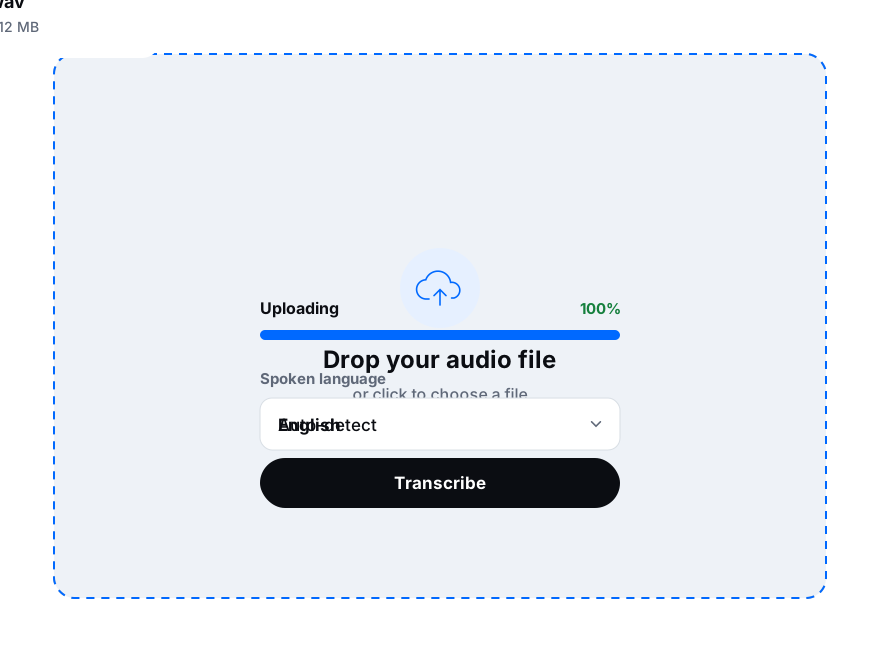
Drop it here or choose it from your recorder’s card or your computer. Up to 8 GB.
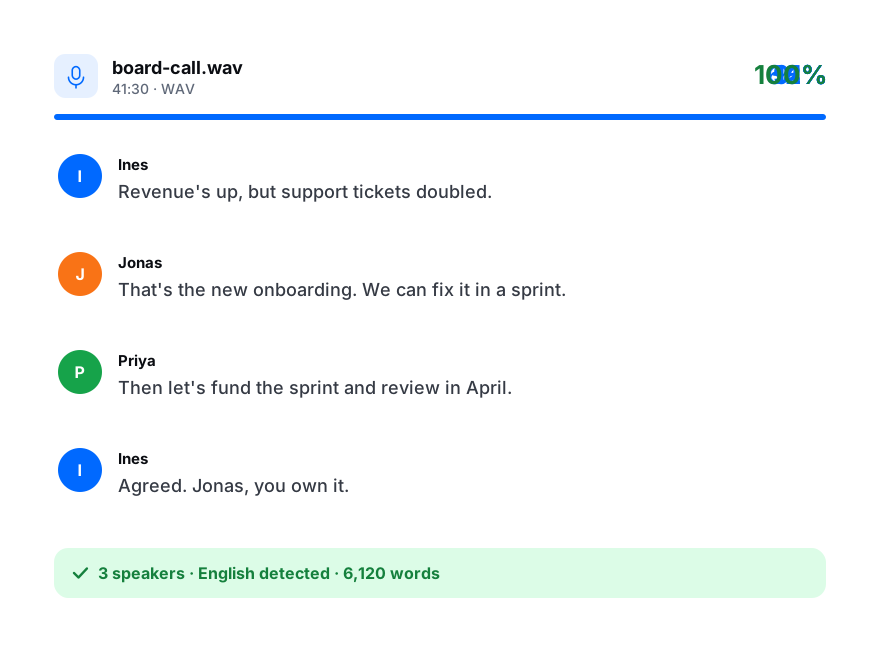
Keep auto-detect or pick the language, and turn on speaker labels for interviews.
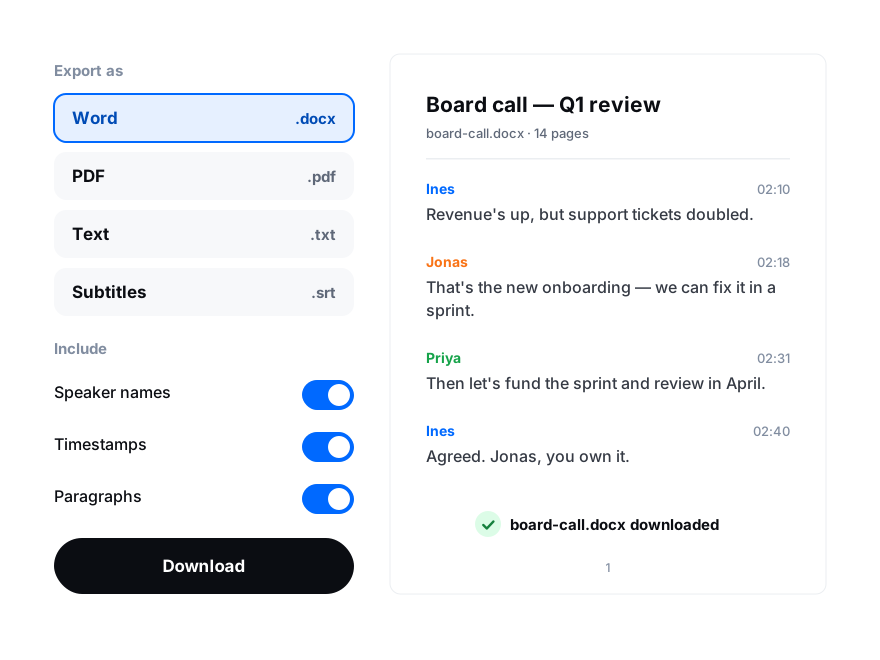
Proofread in the editor, then export DOCX, PDF, TXT, SRT, VTT or another of nine formats.