OGG and Opus to Text: Voice Messages as Readable Text
Upload the .ogg or .opus file as it is — WhatsApp, Telegram and Discord voice messages all use this format — and get the speech as text in 120+ languages.
OGG, Opus, M4A, MP3, WAV & more · up to 8 GB · no credit card needed
Voice messages in, text out
voice-message.txt
Hi, it's Marta. The flat viewing moved to Thursday at six.
Bring the signed form and a copy of your ID.
Call me if six is too early.
Click or drag & drop to upload your audio or videoTap to upload your audio or video
MP3, MP4, M4A, MOV, MKV, WEBM, AVI, WAV, FLAC, AAC, OGG, OPUS, WMA, WMV
No credit card required · Stored in the EU · Never used for AI training
Where OGG and Opus Files Come From


Shared or exported voice notes are .opus files. On Android they also sit in the WhatsApp Voice Notes folder.
Telegram voice messages save as .ogg from the desktop app; Discord voice messages are OGG files too.
Audacity, OBS and Linux recorders often export Ogg Vorbis or Opus.
OGG and Opus at a Glance
Ogg is a container; Opus and the older Vorbis are the codecs inside. Opus was built for speech at low bitrates, which is why messengers use it.
| OGG and Opus | |
|---|---|
| Extensions | .ogg, .opus, .oga |
| Audio inside | Opus (voice messages) or Vorbis (older and music files) |
| Size of one hour | Roughly 7–15 MB for voice messages; more for music-quality files |
| Accepted for transcription | Yes, as it is — no conversion needed |
| Low bitrate | Fine for speech: Opus keeps voices clear at 16–32 kbps |
| Many short messages | Each file is its own transcript; upload several at once |
Before You Upload
Three things worth checking with OGG and Opus files.
Export the voice note first
On iPhone, touch and hold the voice message → Forward → Share icon → Save to Files. On Android, share it or copy it from the Voice Notes folder.
Telegram
Save from the desktop app
In Telegram Desktop, right-click the voice message and choose Save As. The file is an .ogg.
Privacy
Messages are other people’s words
Only upload voice messages you are allowed to share. Files are processed on servers in Germany and never used for AI training.
How to Transcribe OGG and Opus to Text
From file to editable text in three steps.
Export it from WhatsApp, Telegram or Discord as an .opus or .ogg file.
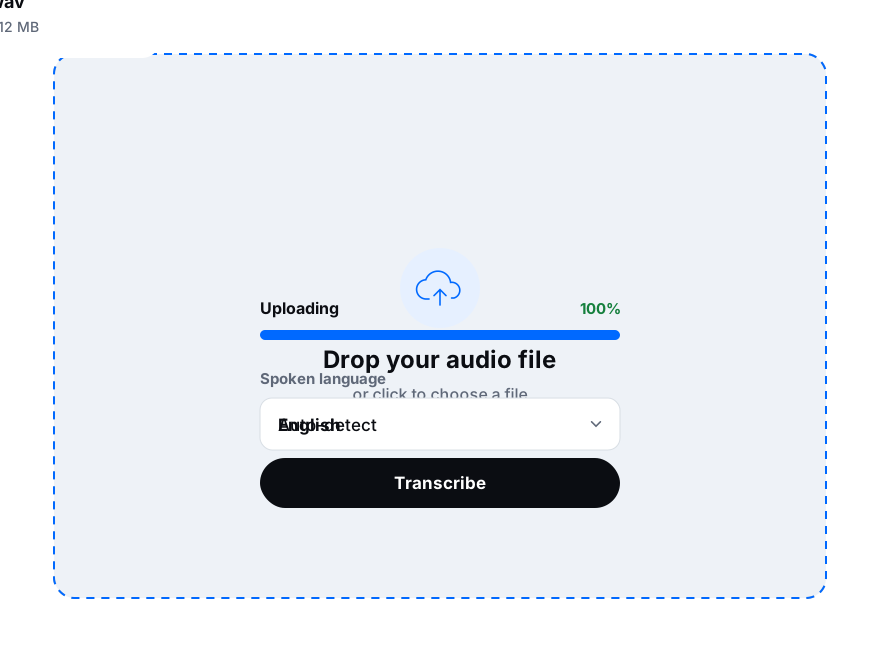
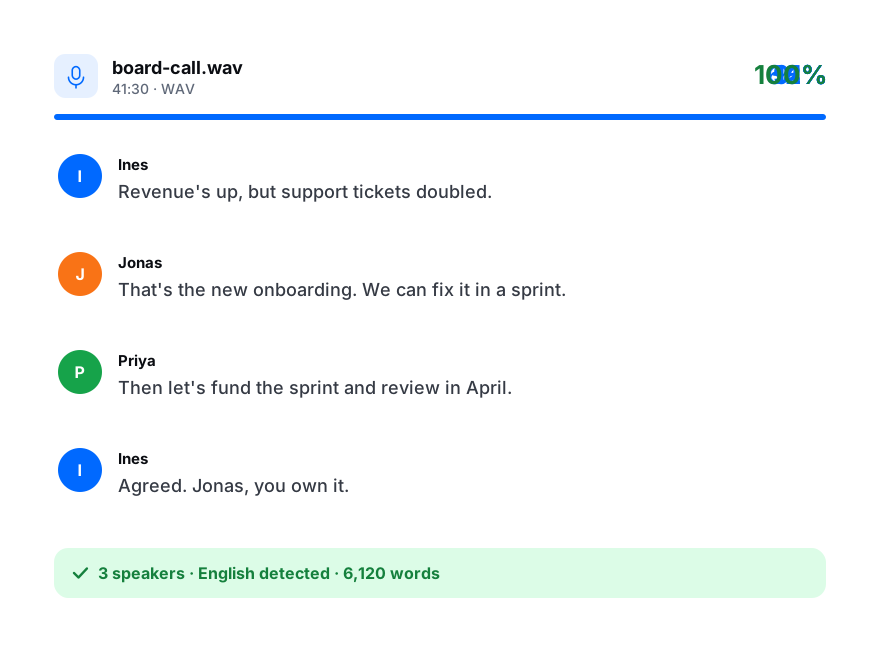
Drop one or several files. Keep auto-detect or choose the language.
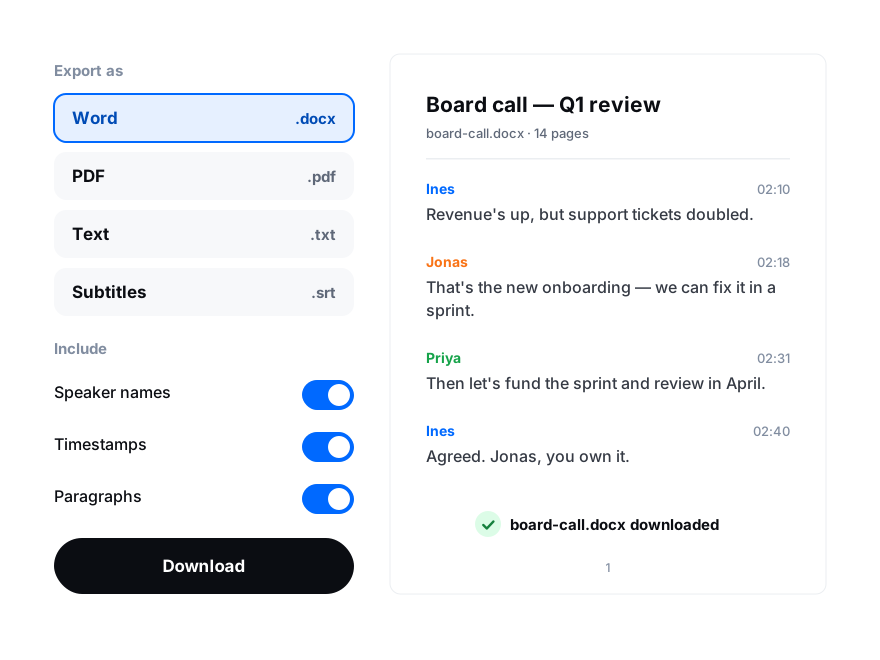
Copy the transcript, or download it as TXT, DOCX or PDF.