MOV to Text: Transcribe iPhone and QuickTime Videos
Upload the .mov file and get the speech as text: a transcript with speakers and timestamps, or subtitles you can export as SRT or VTT.
MOV, MP4, M4A, MP3, WAV & more · files up to 8 GB · no credit card needed
The speech in your video, as text
Film the hook first.
Everything else can wait.
Click or drag & drop to upload your audio or videoTap to upload your audio or video
MP3, MP4, M4A, MOV, MKV, WEBM, AVI, WAV, FLAC, AAC, OGG, OPUS, WMA, WMV
No credit card required · Stored in the EU · Never used for AI training
Where MOV Files Come From


The Camera app saves MOV. Interviews, vlogs and recorded talks go straight from Photos to Files and then here.
QuickTime and the Screenshot toolbar record tutorials and calls as MOV.
Many cameras and Final Cut Pro exports use MOV, often with ProRes video.
MOV at a Glance
MOV is Apple’s QuickTime container. Only the sound track matters for a transcript, so the video codec inside never gets in the way — the file size can.
| MOV | |
|---|---|
| Full name | QuickTime Movie |
| Video inside | HEVC (H.265) or H.264 from iPhones; ProRes from pro cameras and editors |
| Audio inside | AAC, or uncompressed PCM from cameras |
| Size of one hour | ≈ 3.5–8 GB at 1080p from an iPhone; 4K can pass 20 GB |
| Accepted for transcription | Yes, up to 8 GB per file — only the audio is transcribed |
| Too big? | Extract the audio to MP3 in your browser: an hour becomes about 60 MB |
Before You Upload
Three things worth checking with MOV files.
Sound
Mac screen recordings can be silent
The Screenshot toolbar records no sound unless a microphone is chosen in Options. Play a few seconds before you upload.
Size
Long 4K clips hit the limit
An hour of 4K60 iPhone video can be 20 GB or more. Convert MOV to MP3 in the browser and upload the audio instead.
Subtitles
Same upload, two results
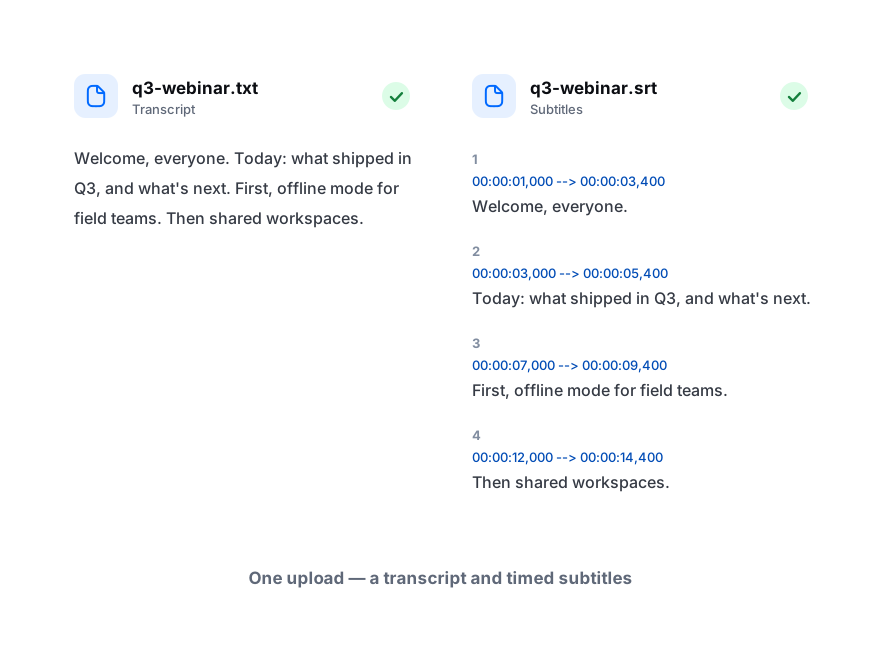
The transcript and timed subtitles come from one upload, so you can export a DOCX and an SRT for the same video.
How to Transcribe MOV to Text
From file to editable text in three steps.
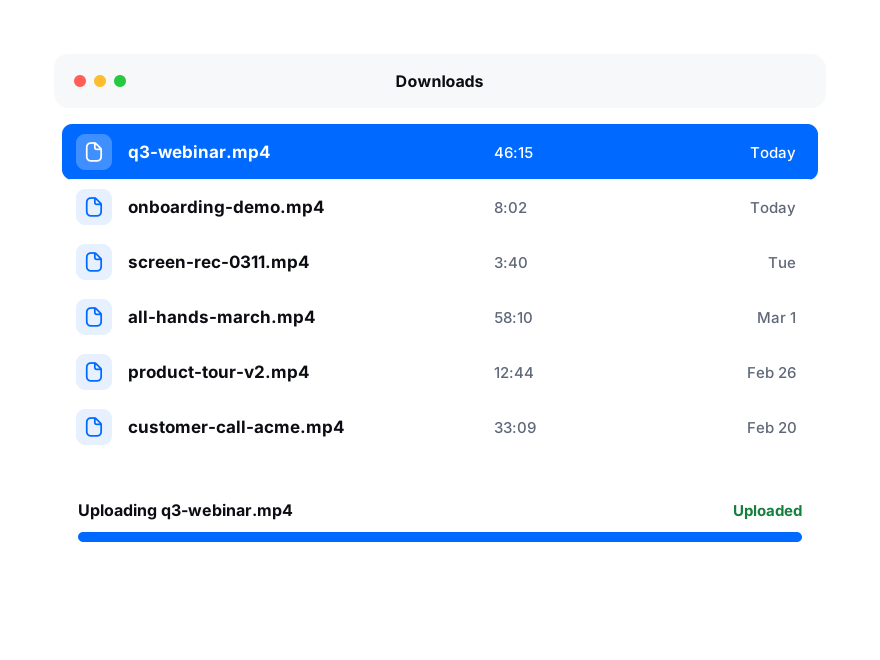
Drop it here or choose it from Files or Finder. Up to 8 GB per video.
Keep auto-detect or pick the language, and turn on speaker labels for interviews.
Download a DOCX, PDF or TXT transcript, or SRT and VTT subtitles timed to the video.