M4A to Text: Transcribe M4A Files Without Converting Them
Upload the .m4a as it is: AAC and Apple Lossless recordings are both read directly, so there is nothing to convert first.
M4A, MP3, WAV, MP4, MOV & more · files up to 8 GB · no credit card needed
AAC or Apple Lossless, read as it is
Can we move the launch to the second week?
Only if the printer confirms by Friday.
I'll call them this afternoon.
Click or drag & drop to upload your audio or videoTap to upload your audio or video
MP3, MP4, M4A, MOV, MKV, WEBM, AVI, WAV, FLAC, AAC, OGG, OPUS, WMA, WMV
No credit card required · Stored in the EU · Never used for AI training
Where M4A Files Come From


Voice Memos, QuickTime audio recordings and many iOS recorder apps save M4A. AirDrop or Save to Files, then upload.
A local Zoom recording saves an audio_only.m4a next to the video. It is the smallest file of the meeting and has all the speech.
Podcast and music apps export AAC in an M4A file. Upload the final mix or a raw voice track.
M4A at a Glance
M4A is an MP4 file with sound only. The extension says nothing about the codec inside, which is why some converters choke on it; the transcriber reads both kinds.
| M4A | |
|---|---|
| Full name | MPEG-4 Audio |
| Extension | .m4a |
| Audio inside | AAC (compressed) or Apple Lossless (ALAC) |
| Size of one hour of speech | About 30–60 MB as AAC; several hundred MB as Apple Lossless |
| Accepted for transcription | Yes, as it is — no conversion needed |
| Largest file you can upload | 8 GB, far beyond any normal M4A recording |
Before You Upload
Three things worth checking with M4A files.
Lossless
Bigger file, same transcript
Apple Lossless M4A uploads more slowly than AAC but gives the same words: speech recognition works at 16 kHz anyway.
Zoom
One file per meeting is enough
audio_only.m4a mixes every participant. Speaker labels split the voices, so separate per-participant files are not needed.
Language
Pick it for mixed speech
Auto-detect works for one language. If people switch languages or the recording starts with music, choose the language yourself.
How to Transcribe M4A to Text
From file to editable text in three steps.
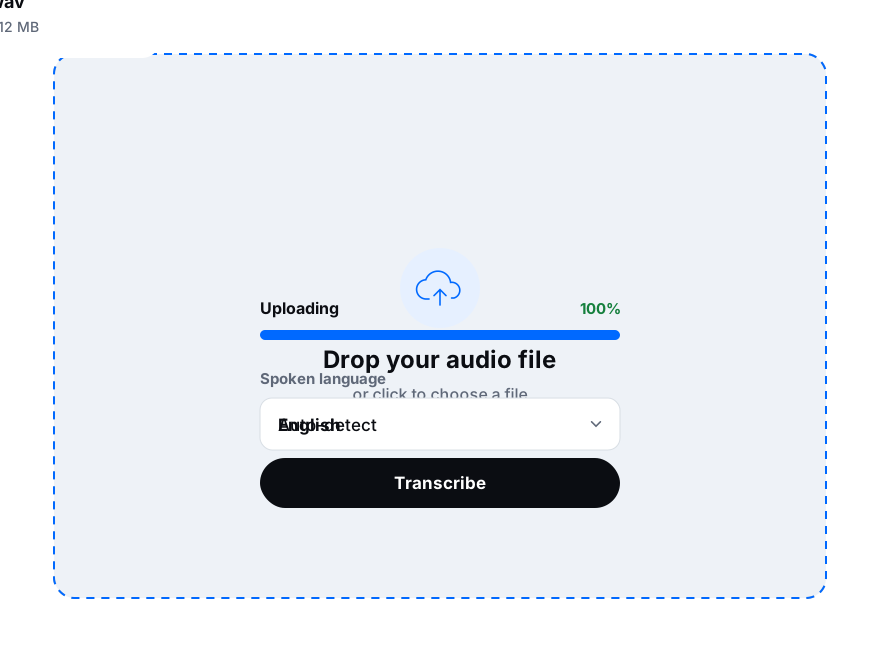
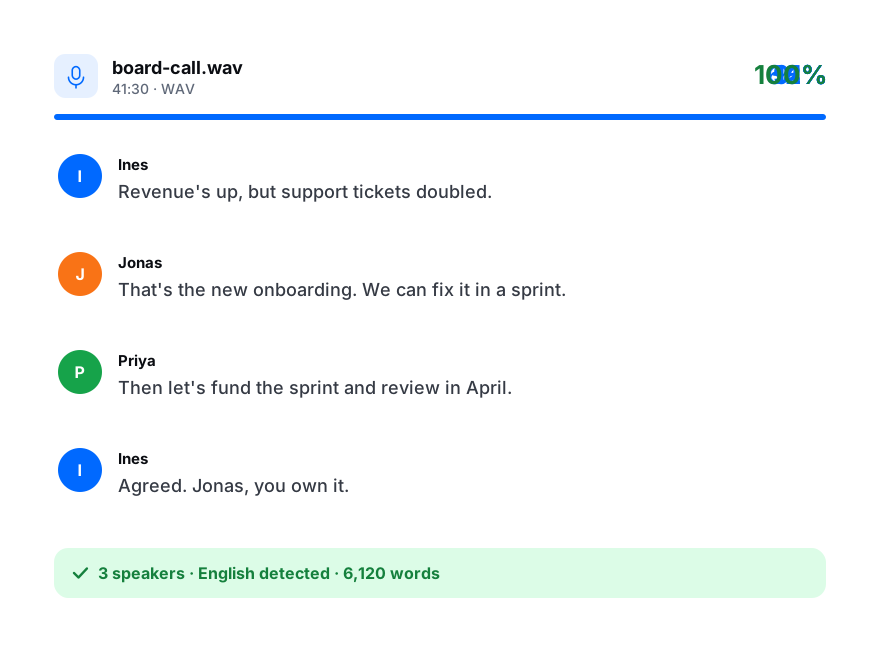
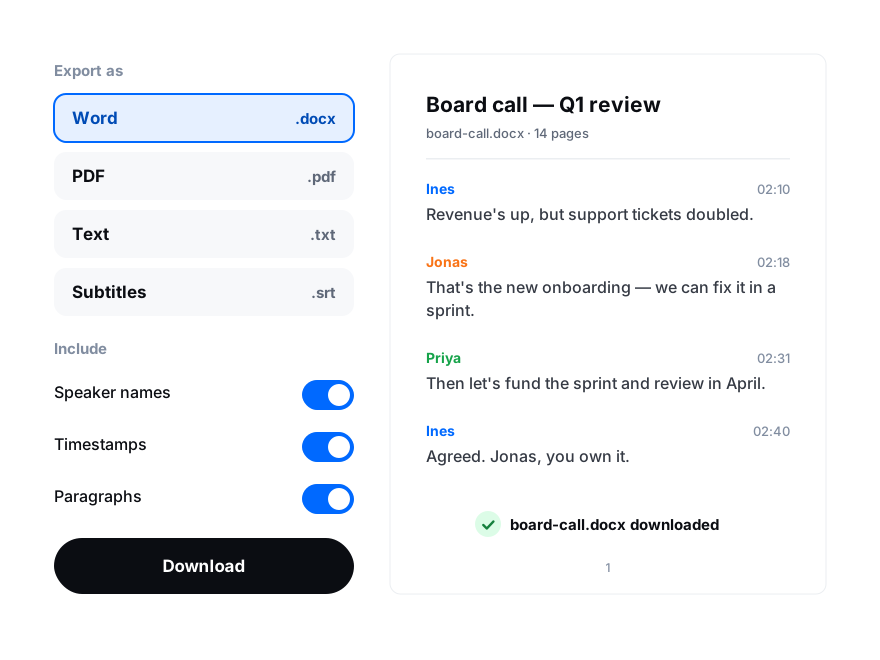
Drop it here or choose it from your device. From an iPhone, save the recording to Files first.
Keep auto-detect or pick the language, and turn on speaker labels for interviews and meetings.
Fix names in the editor, then export DOCX, PDF, TXT, SRT, VTT or another of nine formats.