Voice Memo to Text: Transcribe iPhone Voice Memos
In Voice Memos, tap the recording, then ••• → Share → Save to Files, and upload the .m4a here.
Voice Memos (.m4a) from iPhone, iPad and Mac · up to 8 GB · no credit card needed
Share → Save to Files → upload
Today's lecture is about sleep and memory.
Click or drag & drop to upload your audio or videoTap to upload your audio or video
MP3, MP4, M4A, MOV, MKV, WEBM, AVI, WAV, FLAC, AAC, OGG, OPUS, WMA, WMV
No credit card required · Stored in the EU · Never used for AI training
Where Voice Memo Files Come From


A phone on the desk records an hour of class or a conference talk. The transcript turns it into notes you can search and quote.
Voice Memos is the quickest recorder on an iPhone. Speaker labels keep each person’s answers apart.
Dictated drafts, to-do lists and song ideas become text you can paste into notes or a document.
Voice Memo at a Glance
Voice Memos records to M4A on every Apple device and syncs through iCloud. These are the details that matter when you want the words out of it.
| Voice Memo | |
|---|---|
| File type | .m4a — AAC, or Apple Lossless if lossless quality is turned on |
| Quality setting | Settings → Apps → Voice Memos → Audio Quality (Compressed or Lossless) |
| Getting the file on iPhone | Tap the memo → ••• → Share → Save to Files, AirDrop or Mail |
| Getting the file on Mac | Drag the memo from the Voice Memos app to the desktop |
| Size of one hour | Tens of MB compressed; several hundred MB lossless |
| Accepted for transcription | Yes, as it is — no conversion needed |
Before You Upload
Three things worth checking with Voice Memo files.
Placement
Point the bottom of the phone at the speaker
The microphone sits next to the charging port. Within a metre of the speaker the transcript needs far fewer fixes.
Long memos
Leave the recording in one piece
There is no need to trim or split a two-hour memo: files up to 8 GB are accepted.
iCloud
Upload from whichever device is closer
With iCloud on, Voice Memos keeps your recordings on your iPhone, iPad and Mac, so a memo recorded on the phone can be uploaded from the Mac.
How to Transcribe Voice Memo to Text
From file to editable text in three steps.
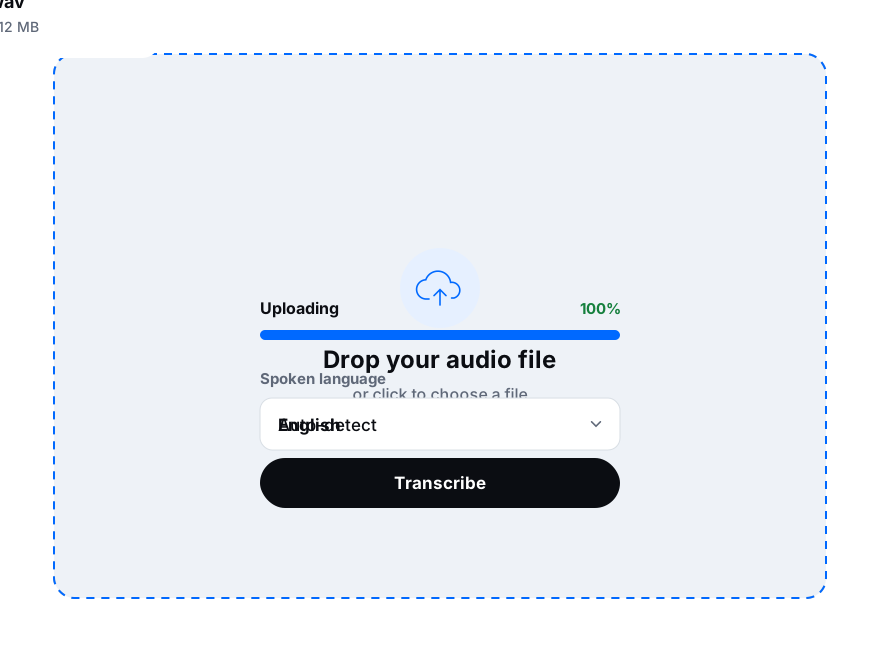
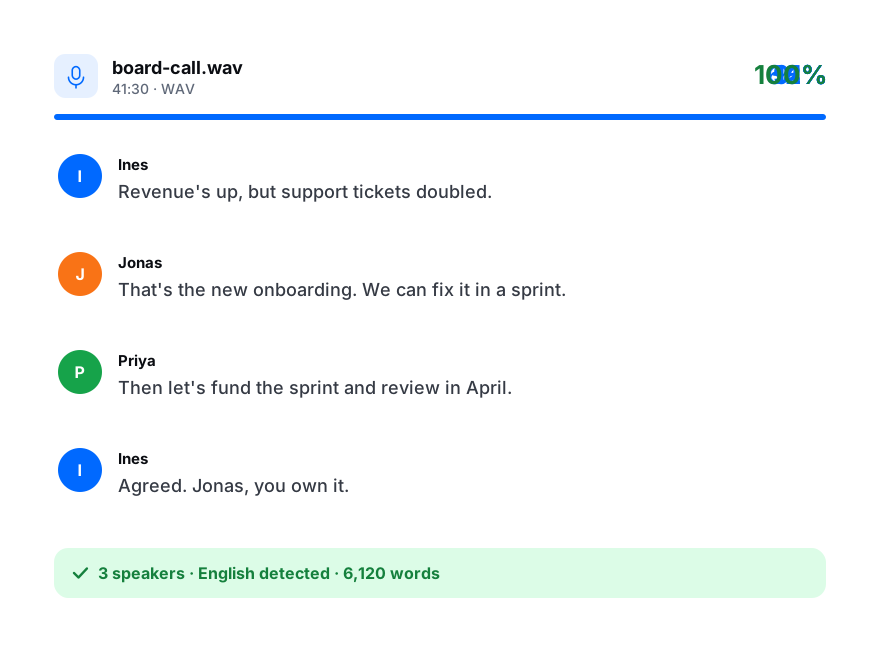
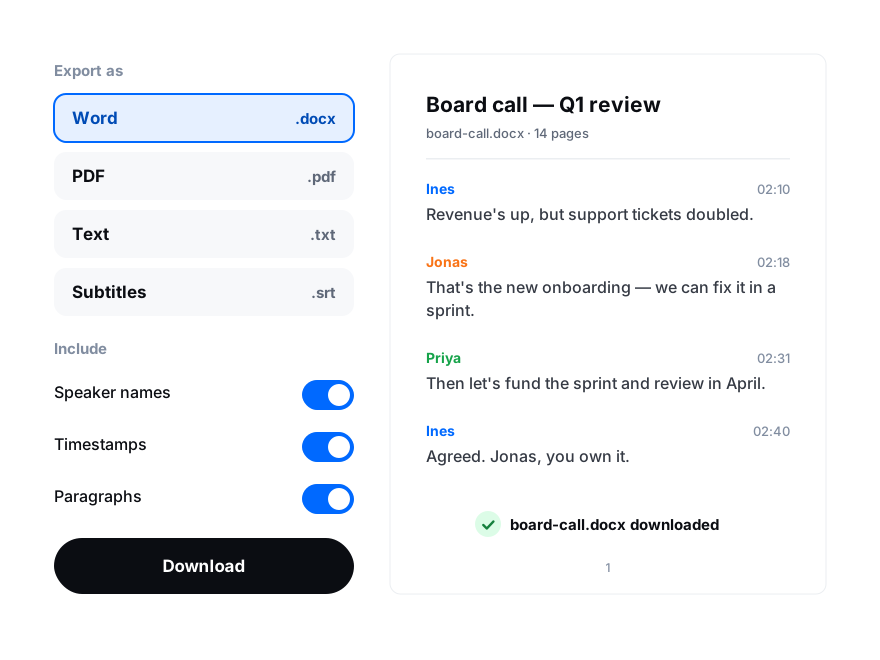
In Voice Memos, tap the recording, then ••• → Share → Save to Files. On a Mac, drag it to the desktop.
Open this page on your phone or computer and choose the .m4a file. Pick the language and turn on speaker labels.
Fix names in the editor, then download DOCX, PDF or TXT, or subtitles as SRT.
Transcribe Voice Memos on iPhone and Mac
Apple’s own transcript is handy for a quick read. Upload the memo when you need more than that.
iPhone
Transcribe audio on iPhone
On iPhone 12 and later with iOS 18, open a recording in Voice Memos and tap the transcript icon to read it in the app. For a file with speakers and timestamps, tap ••• → Share → Save to Files and upload the .m4a here from Safari.
Mac
Transcribe audio on a Mac
On a Mac with Apple silicon and macOS Sequoia, Voice Memos shows a transcript you can copy, where the feature is available. To transcribe the recording here, drag it from Voice Memos to the desktop and upload it, however long it is.
Built-in transcript
When to upload instead
The in-app transcript covers a limited set of languages and stays in Voice Memos. Upload the memo when you need speaker labels, timestamps, translation, more languages or a DOCX, PDF or SRT file.