You see exactly where speech starts and ends. Dragging caption edges to match takes seconds.
Speed Up Video Online — or Slow It Down
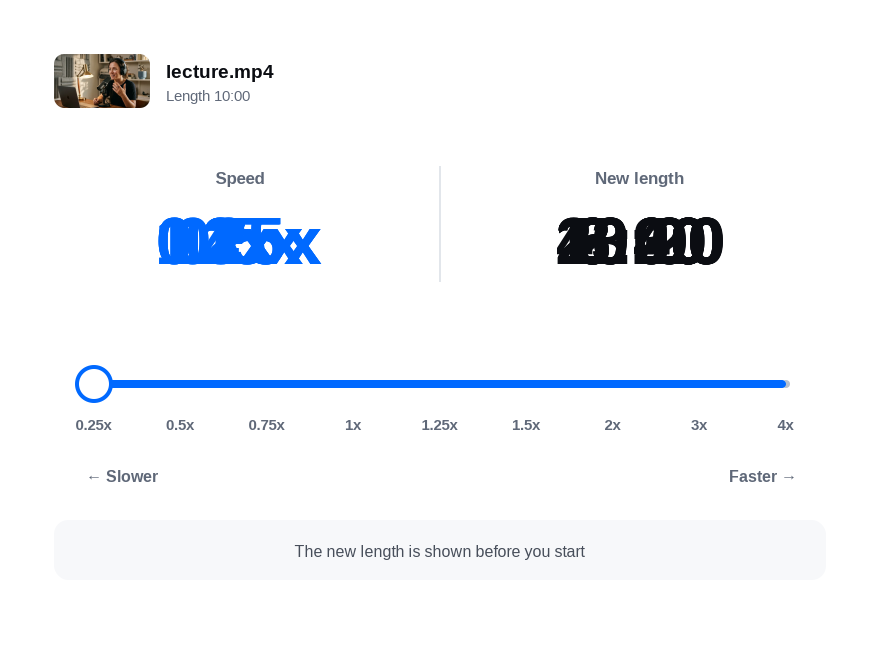
Pick a speed from 0.25x to 4x and download the result as an MP4. The voice keeps its natural pitch, and the file never leaves your browser.
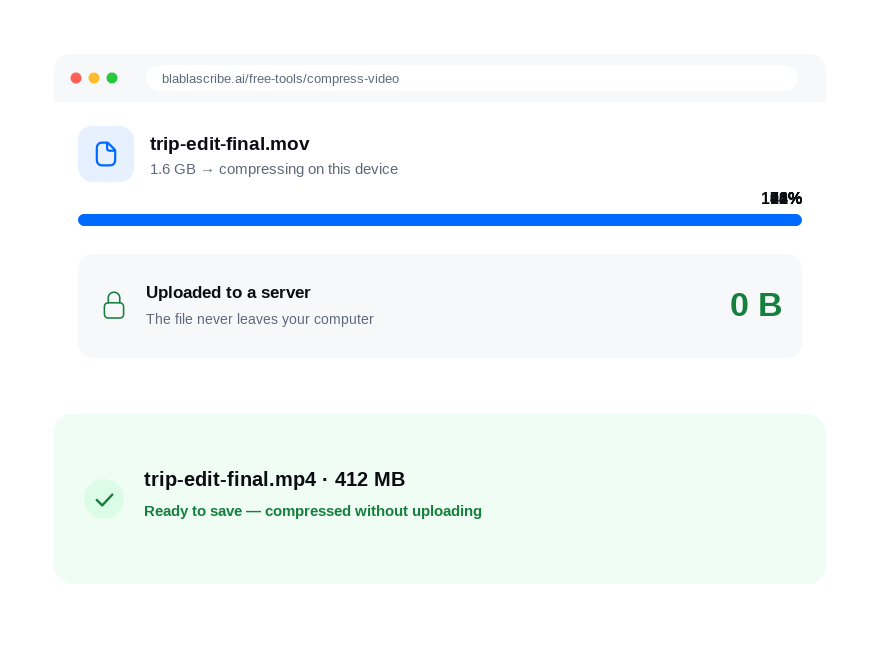
Nothing is uploadedThe file is read and rewritten on your own device.
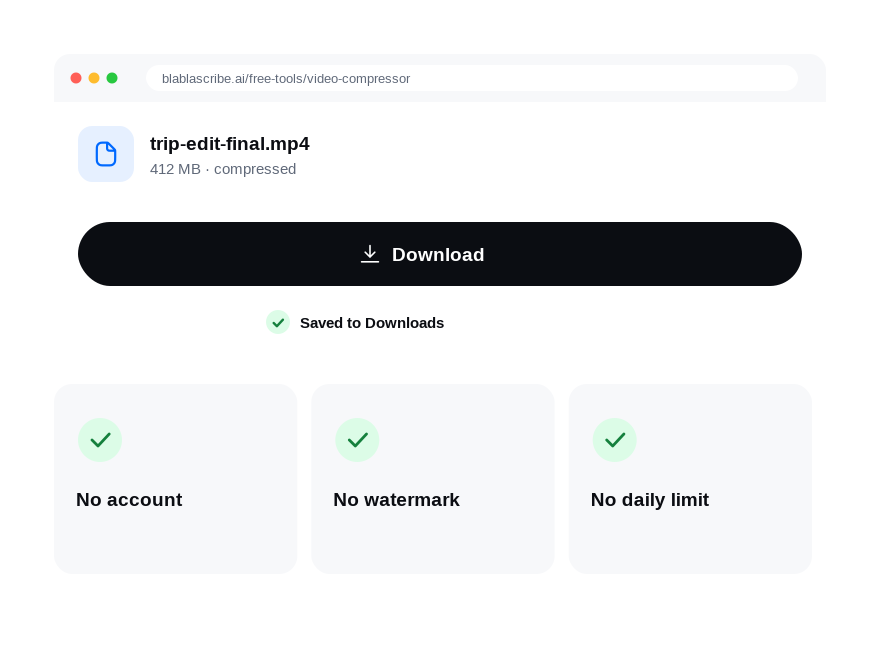
No account, no watermarkNo sign-up, no daily limit, nothing to install.
0.25x to 4x, MP4 outMP4, MOV, WebM and MKV up to 4 GB
Change video speed
or drop a file anywhere on this card
Files are processed in your browser and never uploaded
How to Speed Up a Video
Three steps, no software.
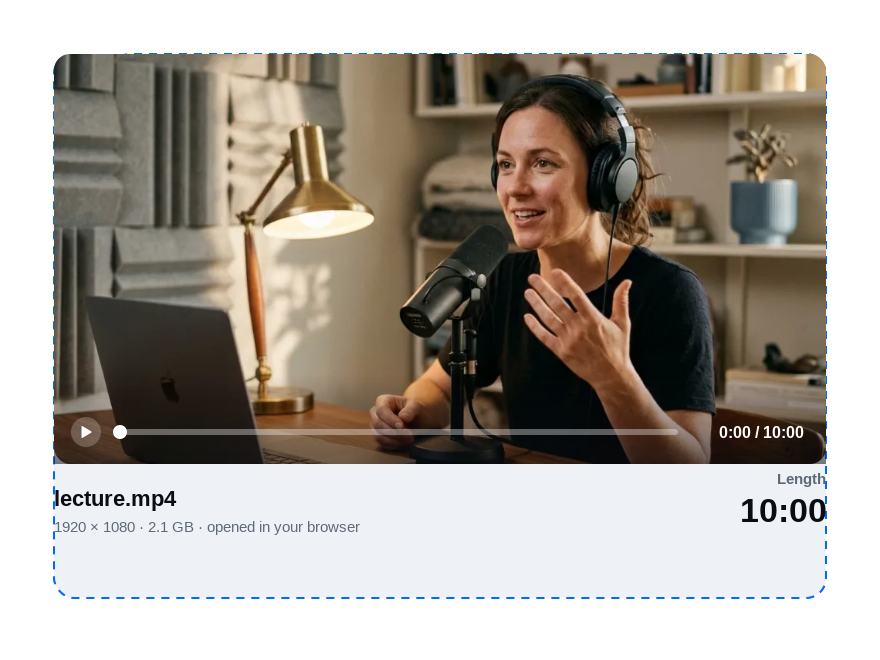
Drop in an MP4, MOV, WebM or MKV file. You see its length right away.
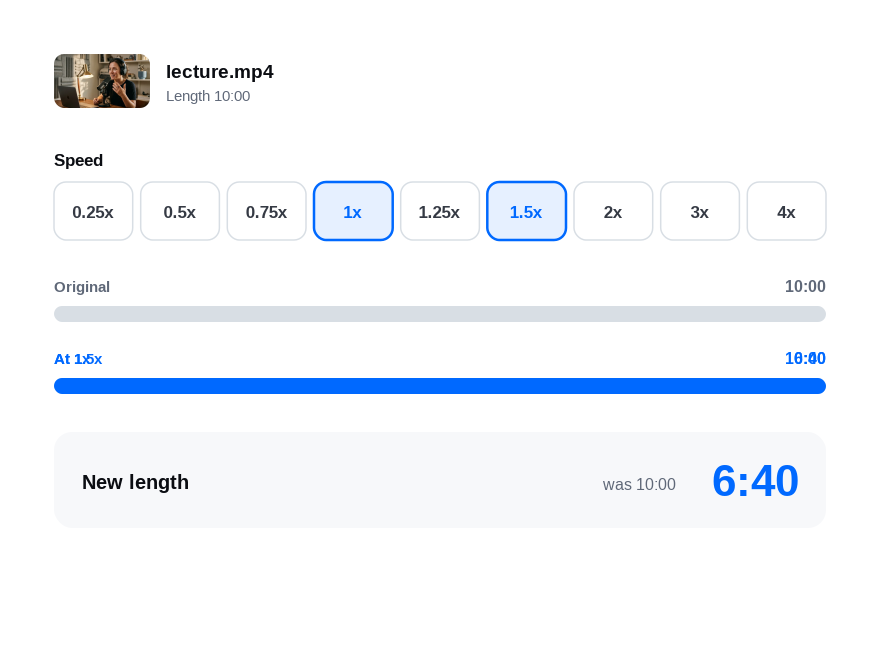
Faster up to 4x or slower down to 0.25x. The new length is shown before you start.
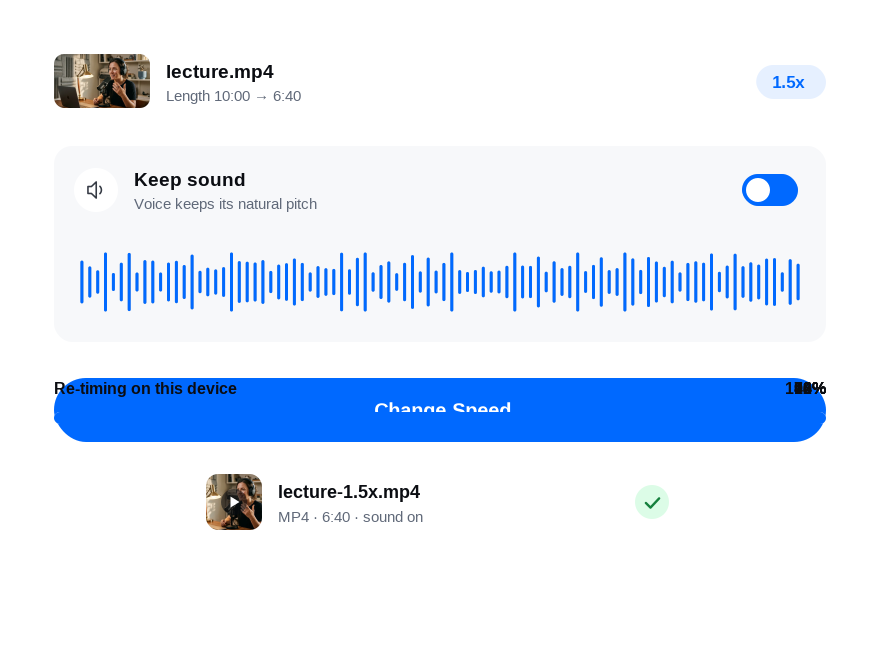
The video is re-timed on your device. Keep the sound with its natural pitch, or turn it off.
A Video Speed Changer That Keeps the Voice Natural
Want It Shorter Without Talking Faster?
Remove silence from video30 free minutes · No credit card
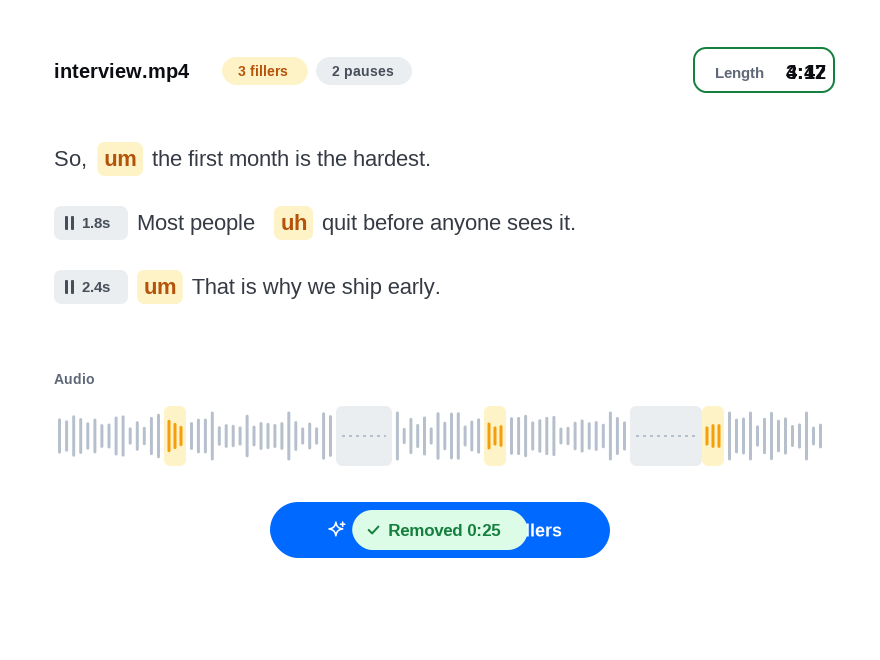
Sign up free and long pauses are found and removed in one click — the video gets shorter, and the voice keeps its normal pace.
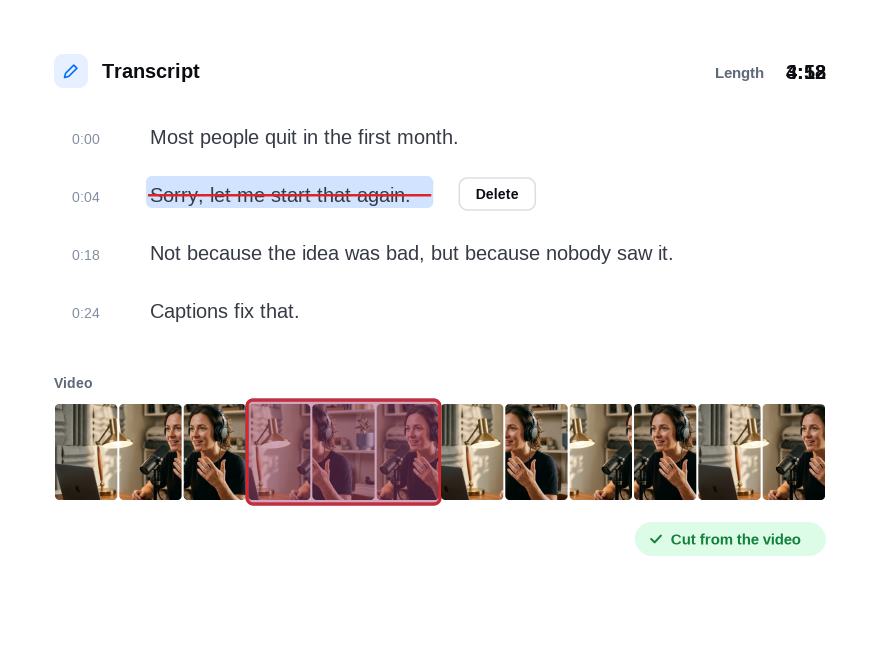
Delete a sentence in the transcript, and it’s cut from the video, the sound and the subtitles.
Loved by Creators, Teams and Researchers
Rated 4.8/5 on G2
Overlong captions become readable two-liners with one action. The reading-speed hints are a nice touch.
Uploaded a two-hour recording during lunch — the transcript was waiting before I finished my coffee. The accuracy genuinely surprised me.
Our legal team approved it because processing stays on EU infrastructure. That alone ruled out most of the competition.
Imported an old SRT that drifted badly. Retimed the whole thing in one evening, in a browser.
Every SRT I’ve exported has uploaded to YouTube and Vimeo without a single validation error.
No card, no tricks — I tested real files before paying and upgraded a week later because the workflow stuck.
Had trouble with a huge file — support walked me through batch upload the same morning. Rare these days.
Yes. No account, no watermark and no limit on how many videos you change. Everything runs in your browser.
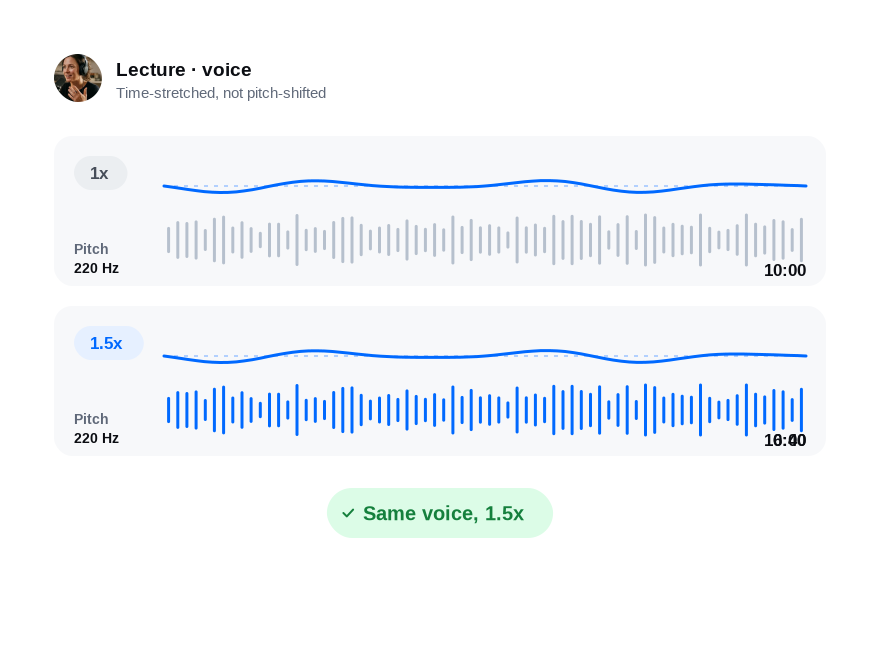
No. The sound is stretched in time, so speech keeps its natural pitch at 1.5x or 2x. At 3x and 4x it gets hard to follow — you can turn the sound off instead.
Pick a speed below 1x: 0.75x, 0.5x or 0.25x. The video becomes longer, and the motion is shown slower. Slowing down can’t add frames the camera didn’t record, so very slow speeds look less smooth.
The speed applies to the whole video. To change one part, cut it out with the free video trimmer, change its speed here, then join the pieces with the video merger.
A faster video is shorter, so the MP4 is usually smaller. A slower video is longer and usually bigger.
MP4, MOV, WebM and MKV up to 4 GB; AVI, WMV and other formats up to 300 MB. The result is always an MP4.
No. The video is processed on your device and saved back to it. Nothing is sent to our servers.