You see exactly where speech starts and ends. Dragging caption edges to match takes seconds.
Merge Videos Online — Combine Clips into One
Add two or more clips, put them in order and merge them into one MP4. Clips of different sizes are fitted to one frame, and nothing is uploaded.
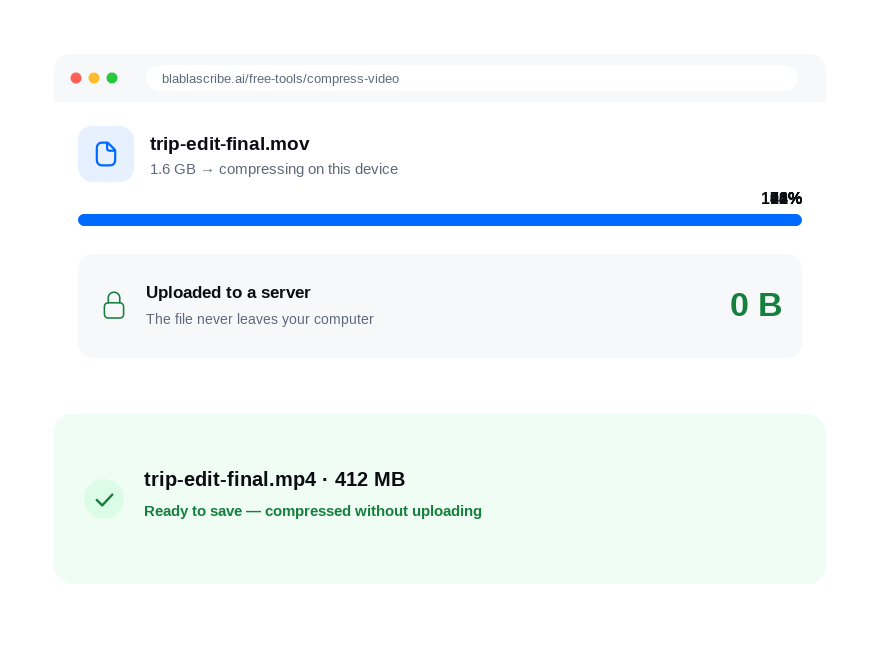
Nothing is uploadedThe file is read and rewritten on your own device.
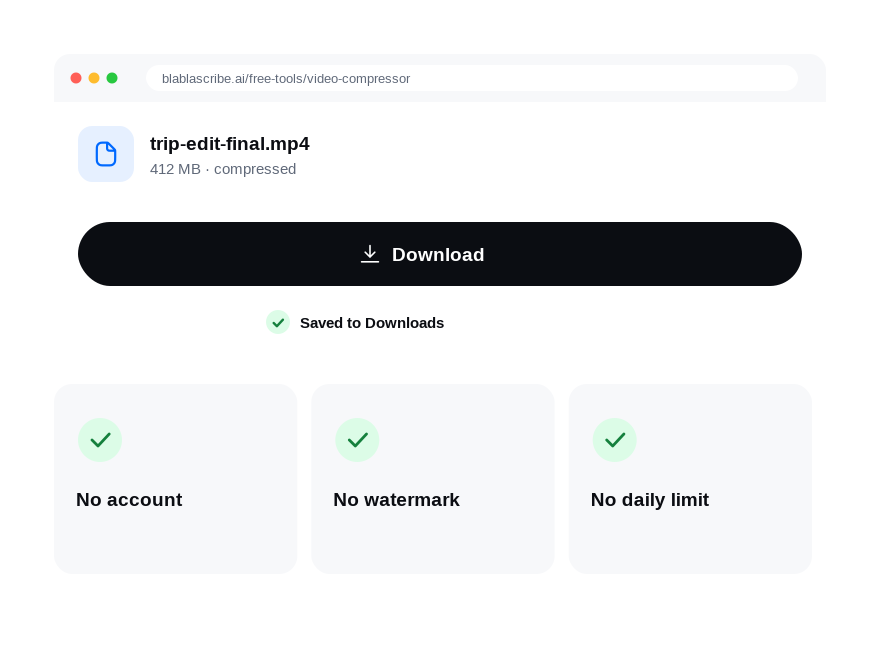
No account, no watermarkNo sign-up, no daily limit, nothing to install.
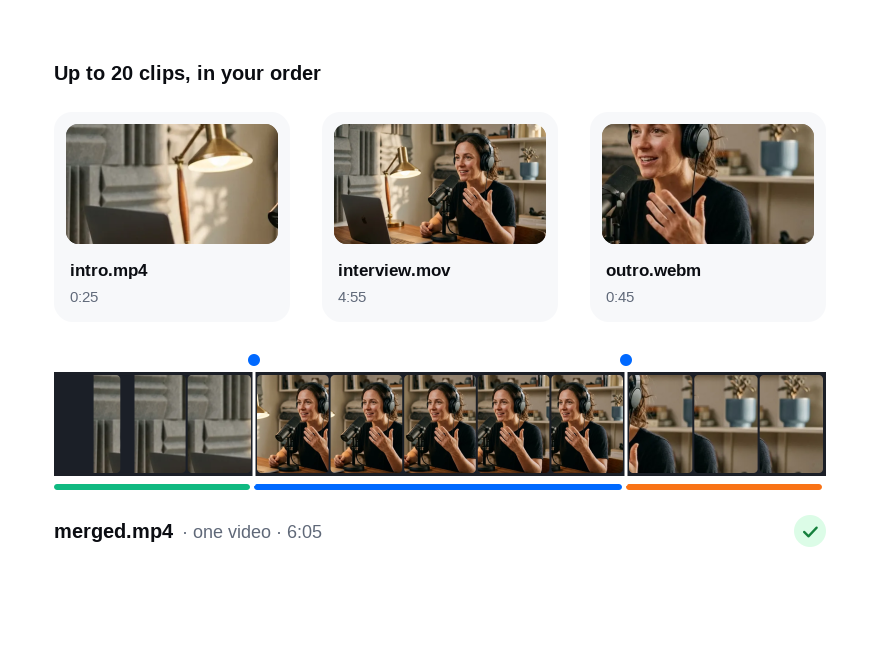
Up to 20 clips, one MP4 outMP4, MOV, WebM and MKV up to 4 GB each
Merge videos
or drop a file anywhere on this card
Files are processed in your browser and never uploaded
How to Combine Videos into One
Three steps, all in your browser.
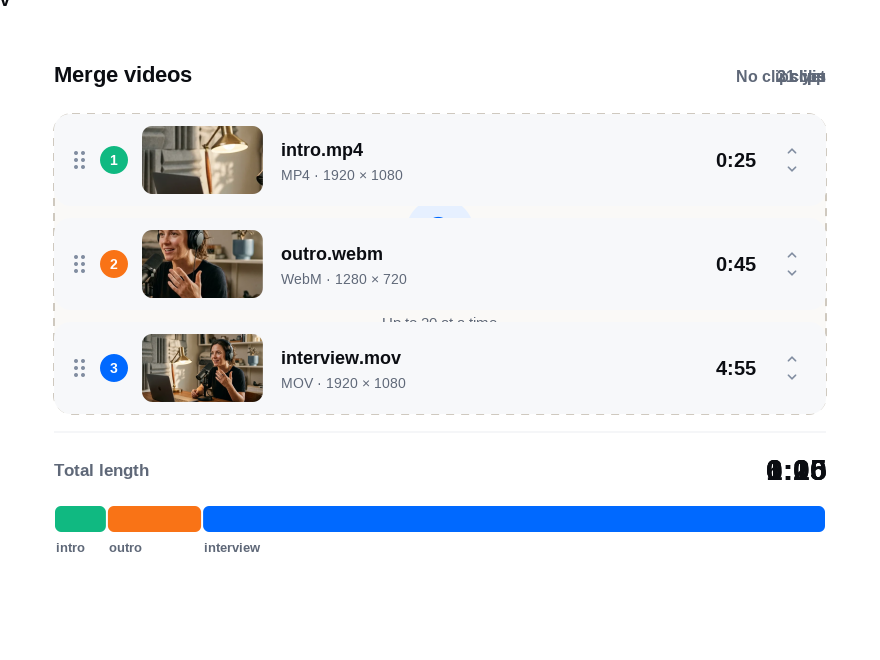
Drop in two or more MP4, MOV, WebM or MKV files — up to 20 at a time.
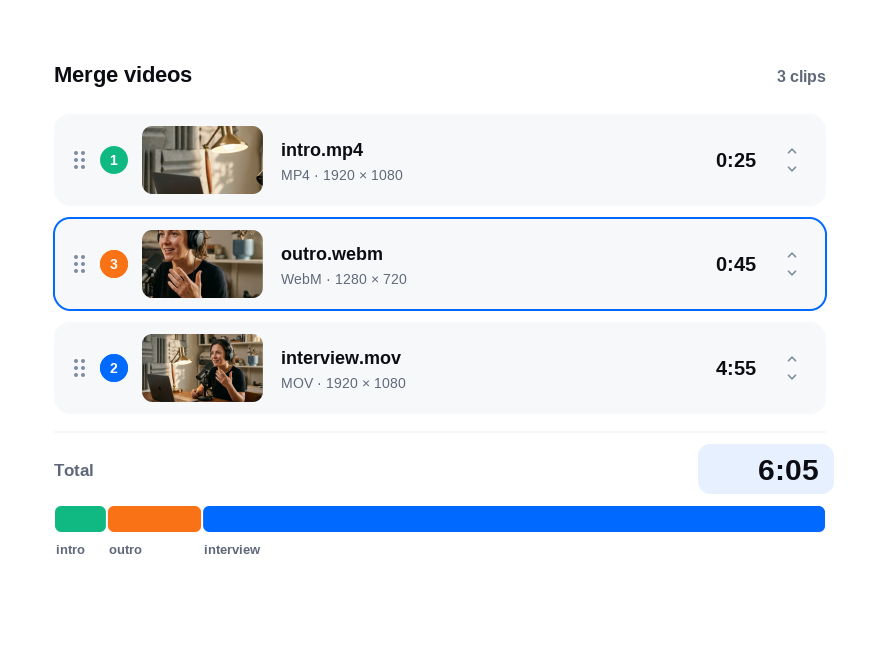
Drag the clips or use the arrows to set the order. The total length updates as you go.
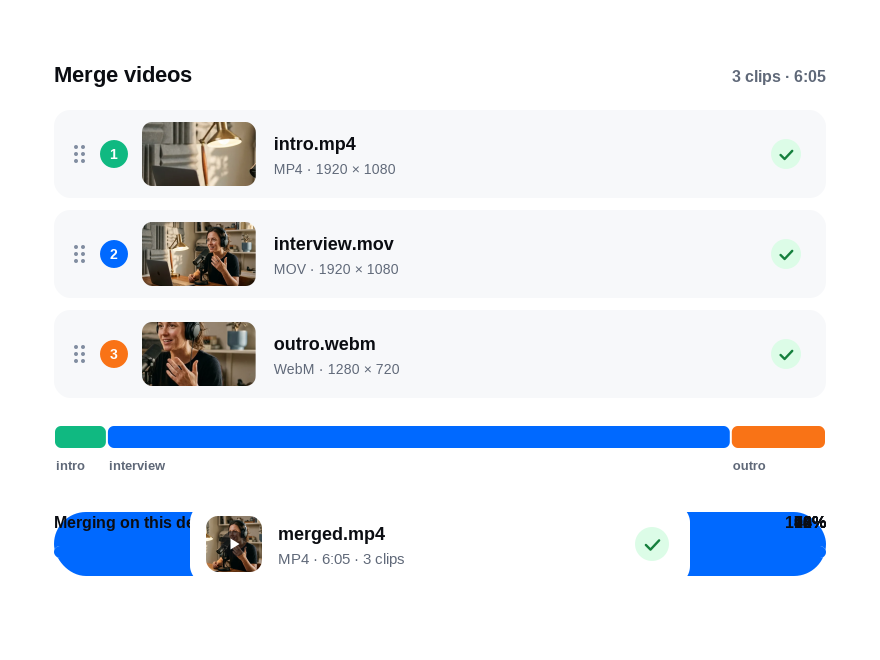
The clips are joined into one MP4 on your device. Save it when the progress bar fills up.
A Video Merger Without the Watermark
Merged the Clips? Add Subtitles Next.
Add subtitles automatically30 free minutes · No credit card
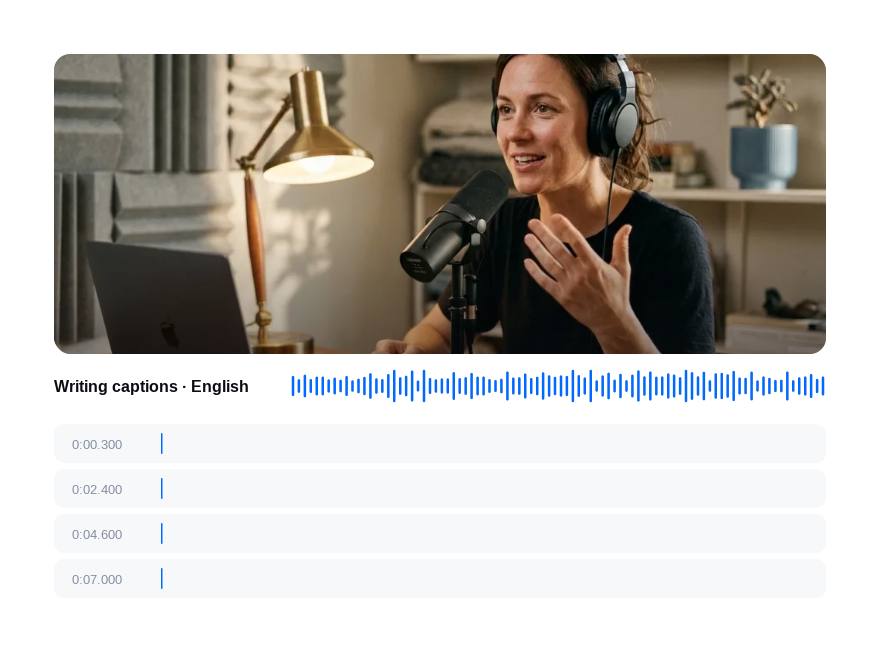
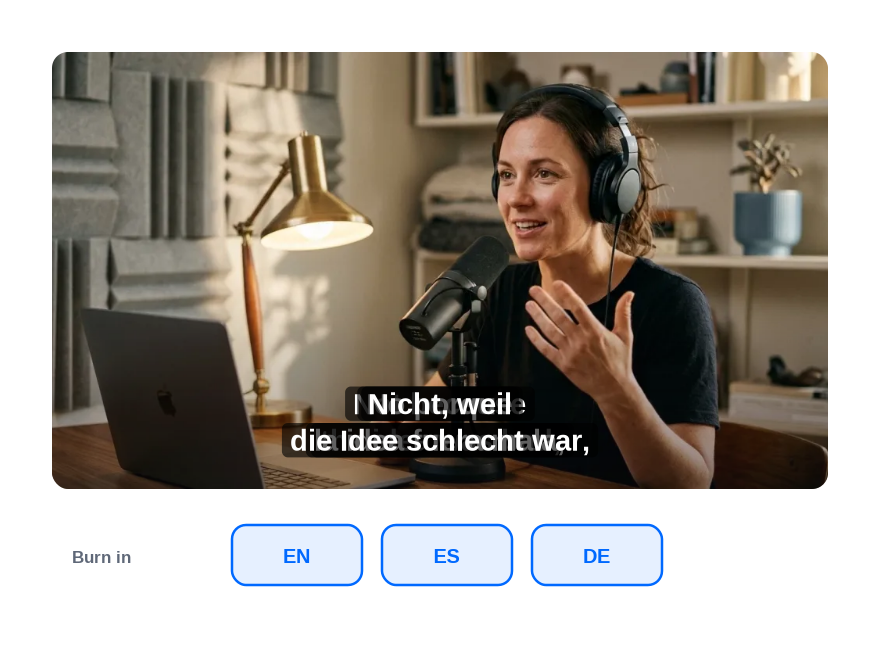
Sign up free and AI writes timed subtitles for the whole merged video in 120+ languages.
Translate the subtitles into 50+ languages or dub the voice, and export a version for each market.
Loved by Creators, Teams and Researchers
Rated 4.8/5 on G2
Overlong captions become readable two-liners with one action. The reading-speed hints are a nice touch.
Uploaded a two-hour recording during lunch — the transcript was waiting before I finished my coffee. The accuracy genuinely surprised me.
Our legal team approved it because processing stays on EU infrastructure. That alone ruled out most of the competition.
Imported an old SRT that drifted badly. Retimed the whole thing in one evening, in a browser.
Every SRT I’ve exported has uploaded to YouTube and Vimeo without a single validation error.
No card, no tricks — I tested real files before paying and upgraded a week later because the workflow stuck.
Had trouble with a huge file — support walked me through batch upload the same morning. Rare these days.
Yes. No account, no watermark and no limit on how many videos you merge. The clips are joined in your browser, so there is nothing to pay for.
Yes. The merged MP4 has no logo, no end card and no text added — it is just your clips, one after another.
Yes. Each clip can be up to 4 GB. The merged video is built in your browser’s memory, so for very long results close other tabs and use a computer rather than a phone.
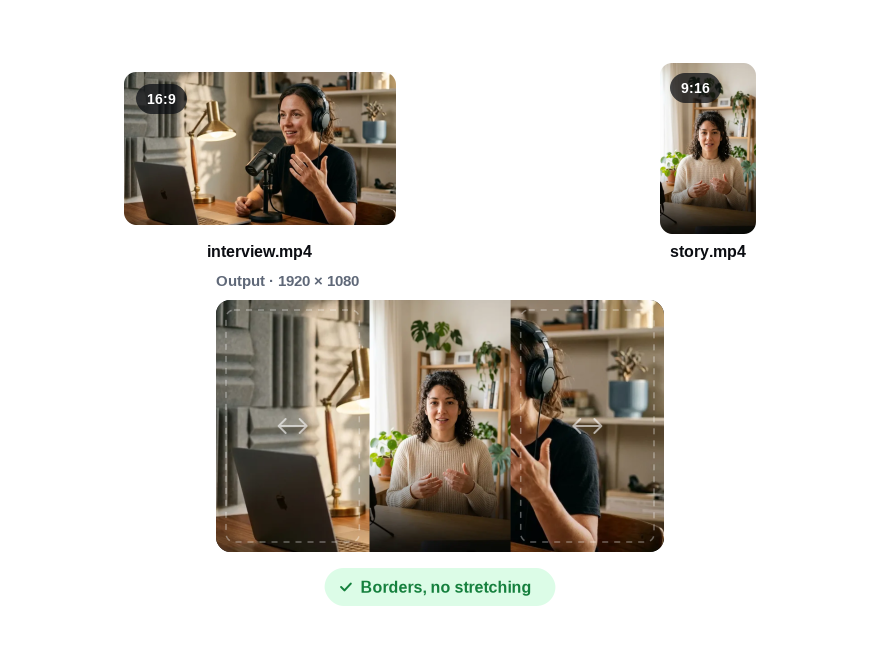
Yes. Every clip is fitted to the frame of the first one, up to 1080p. A vertical clip in a horizontal video gets borders on the sides instead of being stretched or cropped.
Yes. Picture and sound of each clip are joined together. A clip without sound gets silence for its length, so the clips after it stay in sync.
MP4, MOV, WebM and MKV, in any mix, in an up-to-date Chrome, Edge, Safari or Firefox. The result is an MP4 (H.264 with AAC sound) that plays everywhere.
No. All clips are read and merged on your device. Nothing is sent to our servers.