Subtitle File Formats Explained: SRT, VTT, ASS, SBV, TTML and SCC
Dzianis Kukareka, Founder · Updated
A subtitle file is a small file that lists each caption with a start time, an end time and the text. For almost everything online, SRT is the safe default; WebVTT is the format of web players and adds positioning; ASS is for styled and animated subtitles; and TTML and SCC are what streaming services and broadcasters ask for. Which subtitle format you need depends on where the file goes, so this guide shows what YouTube, VLC, Premiere Pro and Netflix accept according to their own documentation, what each file looks like inside, and what you lose when you convert one into another.
What are subtitle file formats?
Subtitles reach the viewer in one of three ways. They can sit in a separate "sidecar" file next to the video (the SRT you upload to YouTube), travel as a track inside a container such as MKV or MP4, or be burned into the picture as open captions that nobody can switch off. Subtitle file formats are about the first two: closed captions stored as data, separate from the pixels.
There are two families of subtitle file types:
Text-based (SRT, VTT, ASS, SBV, TTML, SCC). You can open them in a text editor, fix a typo, translate them and convert them. Nearly everything online uses these.
Image-based (PGS on Blu-ray, VobSub on DVD). Each subtitle is a small picture. You can't edit the text without running optical character recognition first.
Every text format stores the same core: a sequence of cues, each with a start time, an end time and one or two lines of text. Formats differ in what they add on top: styling, position on screen, comments, metadata, and how strictly the file is defined.
Common subtitle file formats at a glance
| Format | Extension | Text or image | Styling | Positioning | Typical use |
|---|---|---|---|---|---|
| SubRip | .srt | Text | Informal bold, italic, underline, color; player-dependent | No | Universal default: YouTube, social video, players, editors |
| WebVTT | .vtt | Text | CSS through STYLE blocks (YouTube: bold, italic, underline only) | Yes (cue settings, regions) | HTML5 web players |
| Advanced SubStation Alpha | .ass, .ssa | Text | Full: fonts, colors, borders, fades, karaoke | Yes | Anime, fansubs, styled burned-in subtitles |
| SubViewer | .sbv | Text | No | No | YouTube |
| TTML / DFXP / IMSC | .ttml, .dfxp, .xml | Text (XML) | Yes | Yes | Streaming deliveries, broadcast, editing software |
| Scenarist Closed Caption | .scc | Text (CEA-608 codes) | TV-style | TV-style | US TV-style closed captions |
| EBU-STL | .stl | Binary | Broadcast | Broadcast | European broadcast |
| PGS, VobSub | .sup, .sub + .idx | Image | Baked into the image | Baked into the image | Blu-ray, DVD |
Platform support below was checked on each platform's official help pages in November 2026.
SRT (SubRip): the default subtitle format
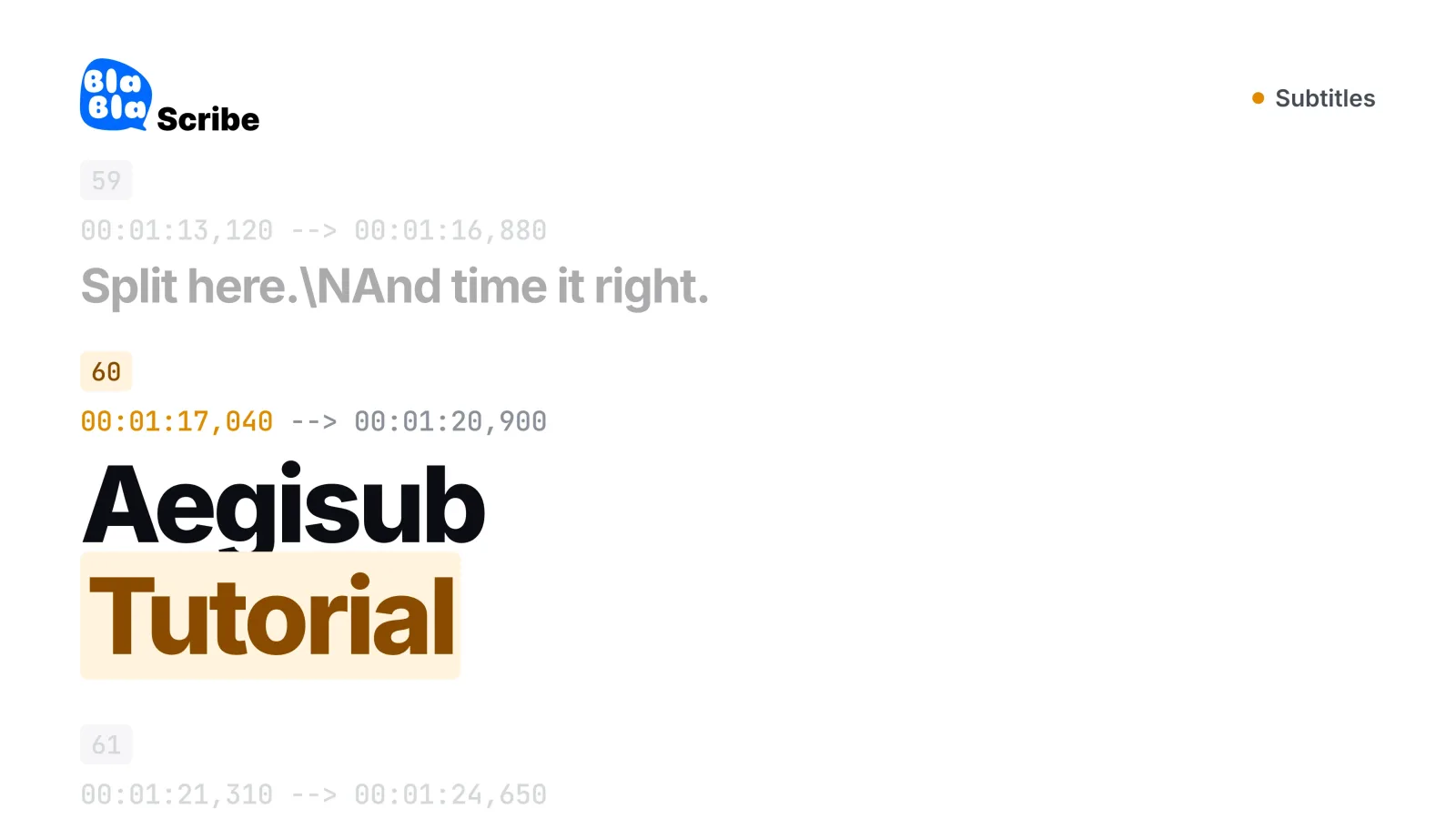
An SRT file comes from SubRip, an old Windows program that ripped subtitles from DVDs. It became the default because it is as simple as a subtitle file can be: a number, a time range, the text and an empty line. The US Library of Congress format description calls SRT "not well standardized": there is no formal specification, timestamps use a comma before the milliseconds, and there is no encoding standard, so programs have to guess the character set. Basic tags for bold, italic, underline and color exist, but whether they show up depends on the player.
YouTube accepts SRT as a basic format without style markup and says the file must be plain UTF-8.
SRT subtitle format example
1
00:00:01,000 --> 00:00:03,500
Welcome back to the channel.
2
00:00:03,800 --> 00:00:06,200
Today we're fixing broken subtitles.
Each cue is a counter starting at 1, a time line in hours:minutes:seconds,milliseconds with --> between start and end, one or two lines of text, and then an empty line before the next cue. The three mistakes that break SRT files most often:
A period instead of a comma in the timestamp (
00:00:01.000is VTT syntax).No empty line between cues, so two cues merge into one.
Not saved as UTF-8, so accented letters, Cyrillic, Arabic or Chinese turn into strange characters.
Is there an SRT format specification?
No. SRT works through shared convention rather than a published standard, which is why different programs disagree on details such as styling tags and encoding. If you need a strictly defined text format, that's what WebVTT and TTML are for. For a side-by-side comparison of the two most common formats, see SRT vs VTT: which subtitle format to use.
WebVTT (.vtt): subtitles for web players
A VTT file is the format HTML5 video players read through the <track> element. It started from SRT, and the W3C WebVTT specification (a Candidate Recommendation Draft dated 20 May 2026) defines it precisely:
The file starts with the line
WEBVTT.It is always UTF-8, served as
text/vtt.Timestamps use a period before the milliseconds, and hours are optional:
00:11.000 --> 00:13.000is valid.Cue settings after the time control placement:
vertical,line,position,size,alignandregion.Optional blocks:
STYLEfor CSS,REGIONfor named screen areas, andNOTEfor comments.
WEBVTT
NOTE Episode 12, English
00:01.000 --> 00:03.500
Welcome back to the channel.
00:03.800 --> 00:06.200 line:10% align:center
This line is placed near the top of the frame.
As in SRT, each block is separated by an empty line. YouTube treats VTT as an advanced format: positioning works, but styling is limited to bold, italic and underline. VLC rewrote its WebVTT support with CSS styling in version 3.0, according to the VLC 3.0 release notes. To switch between the two common formats, use the free SRT to VTT and VTT to SRT converters.
ASS and SSA: styled and animated subtitles
Advanced SubStation Alpha (.ass), the successor of SubStation Alpha (.ssa), is the format for subtitles that need to look a specific way: custom fonts, outlines, colors, exact placement, fades and karaoke timing. It's the standard in anime fansubbing and the native format of the Aegisub editor. A file has a header with named styles and then one Dialogue: line per cue, with override tags in curly braces:
Dialogue: 0,0:00:01.00,0:00:03.50,Default,,0,0,0,,{\an8\c&H00FFFF&\fad(200,200)}Welcome back to the channel.
According to Aegisub's override tag reference:
\an1to\an9set alignment like a numeric keypad: 1 is bottom left, 8 is top center, 9 is top right.\pos(x,y)places the line at exact coordinates.\fad(in,out)fades in and out, in milliseconds.\ksets karaoke timing, in centiseconds.\c&HBBGGRR&sets the color in blue-green-red order, the reverse of HTML hex. So&H00FFFF&above is yellow, not cyan.\bordsets the outline width.
Note that ASS timestamps use centiseconds (0:00:01.00), not milliseconds.
VLC plays SSA and ASS. YouTube and Premiere Pro don't list ASS among the formats they accept. For YouTube you can convert it to SRT with the free ASS to SRT converter, which keeps the text and timing but drops the styling, or keep the look by burning the subtitles into the video with a free burn-in tool.
SBV, TTML/DFXP, SCC and other formats you might be asked for
SBV (SubViewer)
SBV is a simple text format that YouTube accepts alongside SRT. It has no cue numbers and no styling, and the start and end times are separated by a comma:
0:00:01.000,0:00:03.500
Welcome back to the channel.
YouTube lists it as a basic format (.sbv or .sub) that must be plain UTF-8. If a tool won't open SBV, convert it with the free SBV to SRT converter.
TTML and DFXP
TTML (Timed Text Markup Language) is the W3C's XML subtitle format, and DFXP is its older profile name. Because it's XML, it can carry detailed styling, positioning and metadata. IMSC is a family of TTML profiles built for subtitles and captions. A minimal TTML document looks like this:
<?xml version="1.0" encoding="UTF-8"?>
<tt xmlns="http://www.w3.org/ns/ttml" xml:lang="en">
<body><div>
<p begin="00:00:01.000" end="00:00:03.500">Welcome back to the channel.</p>
</div></body>
</tt>
YouTube supports TTML partially, including iTunes Timed Text, and reads DFXP files as TTML. Premiere Pro imports W3C TTML (DFXP), SMPTE-TT and EBU-TT as XML files. Netflix's timed text style guide sets technical rules for TTML subtitle files and points partners to its current delivery specification for formats; its IMSC 1.1 profile page says IMSC 1.1 is currently a valid delivery format only for Japanese.
SCC (Scenarist Closed Caption)
SCC stores captions as CEA-608 data, the closed caption standard of US television. The file is text, but each line is a timecode followed by hexadecimal codes rather than readable words, so you edit it in caption software, not a text editor. YouTube calls SCC its preferred format when captions use CEA-608 features, and Premiere Pro imports SCC as well as MCC.
EBU-STL
EBU-STL is a binary subtitle format from the European Broadcasting Union. YouTube lists it among its broadcast formats, and Premiere Pro imports STL files.
LRC lyrics files
LRC files time lyrics line by line for music players. YouTube accepts .lrc as a basic format, including the enhanced version.
Image-based: PGS and VobSub
Blu-ray discs use PGS and DVDs use VobSub (a .sub file plus an .idx index). VLC plays VobSub. To edit or translate image-based subtitles you first need OCR to turn the pictures back into text.
What is the best subtitle file format?
SRT, unless the destination asks for something else. It's the format the most platforms, players and editors accept, and you can fix it in any text editor. The exceptions:
| Where the subtitles go | Use |
|---|---|
| YouTube, social platforms, most players and editors | SRT |
| Your own website with an HTML5 player | VTT |
| Colors, exact positions, karaoke, anime styling | ASS, burned in if the platform doesn't read ASS |
| US TV-style closed captions | SCC |
| European broadcast | EBU-STL |
| Netflix and other streaming services | Whatever the delivery spec names, usually TTML-based |
If you're unsure, keep an SRT master copy. Converting SRT to other text formats loses nothing, while converting richer formats down to SRT does.
Which subtitle file format does YouTube, VLC or Premiere Pro use?
| Platform | Accepts (per official docs) | Not listed |
|---|---|---|
| YouTube | Basic: SRT, SBV/SUB, MPsub, LRC, Videotron Lambda CAP. Advanced: SAMI, RealText, VTT, TTML, DFXP. Broadcast: SCC, EBU-STL, TDS, CIN, ASC, CAP | ASS, SSA |
| Premiere Pro | SCC, MCC, XML (W3C TTML/DFXP, SMPTE-TT, EBU-TT), STL, SRT | VTT, ASS |
| VLC | SRT, SSA/ASS, SAMI, SubViewer, MicroDVD, MPSub, RealText, VobSub, DVB, Teletext and more; WebVTT and TTML since VLC 3.0 | Not applicable |
| Netflix | TTML-based timed text per the delivery spec; IMSC 1.1 for Japanese only | Check the spec for your title |
Subtitle file format for YouTube
YouTube's supported subtitle and closed caption files page splits formats into three groups: basic (SRT, SBV and similar, no styling), advanced (VTT and TTML, with positioning) and broadcast (SCC, EBU-STL and others, displayed as on TV). For beginners, YouTube itself recommends SRT or SBV, because they only need basic timing and you can edit them in any text editor. ASS isn't on the list. If you're relying on YouTube's own captions, see how accurate YouTube auto-captions are.
Subtitle file format for VLC
VLC reads more formats than almost any player. The VideoLAN subtitles page lists SRT, SSA/ASS, SAMI, SubViewer, MicroDVD, MPSub, VobSub and many older formats, and VLC 3.0 added TTML and rewrote WebVTT support. VLC also loads an external subtitle file automatically when it has the same name as the video: holiday.mp4 picks up holiday.srt in the same folder. Step by step: add subtitles in VLC.
Subtitle file format for Premiere Pro
Adobe's supported caption file formats page lists SCC, MCC, XML (W3C TTML, also known as DFXP, plus SMPTE-TT and EBU-TT), STL and SRT as sidecar files. VTT isn't on the list, so convert VTT to SRT before importing. See the full workflow in add subtitles in Premiere Pro.
Subtitle file format for MP4
MP4 doesn't have its own sidecar subtitle format. You have three options: put an SRT file next to the video (the most compatible choice for uploads), add the subtitles as a selectable track inside the file with a video tool, or burn them into the picture so they show everywhere. For the general workflow, see how to add subtitles to any video.
For other editors, follow the step-by-step guides for DaVinci Resolve, Final Cut Pro, CapCut, iMovie and Canva.
How to write a subtitle file by hand
You can write an SRT file in any plain text editor, such as Notepad or TextEdit in plain-text mode.
| Step | What to type |
|---|---|
| 1 | The cue number, starting at 1 |
| 2 | The time line: 00:00:01,000 --> 00:00:03,500 |
| 3 | The text, one or two lines |
| 4 | An empty line |
| 5 | Repeat for every cue |
| 6 | Save as UTF-8 with the .srt extension (not .srt.txt) |
Keep cues readable. Netflix's English (USA) style guide, a common reference point, allows up to 42 characters per line and up to 20 characters per second for adult programs (17 for children's), and its general requirements cap subtitles at two lines and between five-sixths of a second and seven seconds on screen. More on line length in how long a subtitle line should be.
Typing timestamps by hand gets tedious after a few minutes of video. The free subtitle editor lets you edit cues and timing in your browser. It doesn't recognize speech, so you still type the text yourself or start from an existing file.
How to convert subtitle file formats (and what you lose)
Converting between text formats is mostly a matter of rewriting timestamps and dropping features the target format can't hold. What survives depends on the direction:
| Conversion | What survives | What's lost |
|---|---|---|
| SRT → VTT | Everything | Nothing; a WEBVTT header is added and commas become periods |
| VTT → SRT | Text and timing | Positioning, regions, STYLE and NOTE blocks |
| ASS → SRT | Text and timing | Positions, colors, fonts, outlines, fades, karaoke |
| SBV → SRT | Everything | Nothing; SBV has no styling to lose |
| TTML → SRT | Text and timing | Styling, positioning, metadata |
A subtitle file format converter doesn't have to upload anything. You can convert subtitle files in your browser with our free converter: it reads SRT and VTT and writes SRT, VTT or plain text, for files up to 5 MB, and the file stays on your device. ASS and SBV have their own converter pages, linked above.
Before converting, check that the source file is UTF-8. A file saved in an older Windows encoding often displays fine in one player and turns into strange characters in another. Open it in a text editor and save it again as UTF-8.
How to create a subtitle file from a video automatically
If you don't have a subtitle file at all, you generate one from the speech. Any transcription tool that exports SRT or VTT will do; for a comparison of the options, see how to transcribe audio to text.
BlaBlaScribe transcribes the audio in 120+ languages and exports SRT or VTT (the free Starter plan exports SRT and TXT), or burns styled subtitles into an MP4. On the free plan the burned-in export covers the first 90 seconds with a small watermark; full-length video without a watermark starts with the Creator plan. Try it with the SRT generator. Translation into 50+ languages is on paid plans; if you translate subtitles, read how to translate SRT subtitles and keep the timing.
Frequently asked questions
What is the most common subtitle file format?
SRT. It's plain text, has no formal specification and is accepted by YouTube, VLC, Premiere Pro and most other editors and platforms.
What subtitle file format does YouTube use?
YouTube accepts many: SRT and SBV as basic formats, VTT and TTML with positioning, and SCC and EBU-STL for broadcast-style captions. YouTube recommends SRT or SBV for beginners, and ASS isn't on its list.
What is the difference between SRT and VTT?
VTT starts with a WEBVTT line, uses a period before the milliseconds and supports positioning and CSS styling. SRT uses a comma and has no positioning. The full comparison is in SRT vs VTT.
Can I convert ASS to SRT without losing anything?
No. Text and timing survive, but positions, colors, fonts and karaoke effects are lost. If the look matters, burn the subtitles into the video instead.
Why does my subtitle file show strange characters?
Usually because it isn't saved as UTF-8. Open it in a text editor and save it again with UTF-8 encoding; YouTube requires plain UTF-8 for SRT and SBV files.
What subtitle format does Netflix require?
Netflix works with TTML-based timed text and tells partners to follow its current delivery specification for file formats. IMSC 1.1 is currently valid only for Japanese, so check the spec for your title before you export.
Turn your recordings into text you can use
Upload audio or video, paste a YouTube link, or record in the browser — and get a speaker-labeled transcript in minutes, in 120+ languages.
Try BlaBlaScribe for freeNo credit card required · Stored in the EU · Never used for AI training