How to Repurpose Podcast Content: One Episode, a Week of Posts
Dzianis Kukareka, Founder · Updated
To repurpose podcast content, transcribe the episode once, correct the transcript, and then cut every other asset from that text: three to five short clips, a blog post, a newsletter, a LinkedIn post or X thread, quote graphics and an audiogram. Spread them over seven days so one recording keeps you visible all week. Selection is the creative part; the transcript turns the rest into editing work.
What does it mean to repurpose a podcast?
Podcast repurposing means turning one recorded episode into several pieces of content shaped for other channels. Someone who never opens a podcast app may still read your newsletter or watch a 40-second clip on Reels.
Most shows try it and quit within a month. The usual reason is that every derivative gets treated as a fresh creative task, so seven assets mean seven blank pages. The fix is to reverse the order of work: produce one canonical text first, then make each asset a selection from it. Corrections happen once, quotes stay verbatim, and timestamps mark the cuts.
The 7-day podcast repurposing calendar
This schedule assumes a weekly interview show of 45 to 75 minutes. The time column is a working budget for one person who already has the corrected transcript, not a promise; your first week will run longer while you build templates.
| Day | Asset | Source in the transcript | Time |
|---|---|---|---|
| 0 (release) | Corrected transcript, show notes, episode page | The whole file; chapter breaks at topic changes | 30–45 min |
| 1 | Clip 1 (vertical, captioned) | The boldest claim, ideally in the first third | 20–30 min |
| 2 | Blog post | The single strongest argument plus 2–3 supporting exchanges | 60 min |
| 3 | Clip 2 + quote graphics | A story with a clear beginning and payoff; 2–3 one-sentence quotes | 30 min |
| 4 | LinkedIn post or X thread | The practical takeaways, in the guest's own words | 20 min |
| 5 | Newsletter | The blog post's core idea plus one tangent that did not fit | 30 min |
| 6 | Clip 3 or audiogram | A tactical tip or a disagreement between host and guest | 20–30 min |
Day 0 is the only mandatory day. When a week gets busy, ship the transcript and show notes and skip the rest; the system bends without collapsing.
Step 1: Transcribe the episode and fix it once
Every asset inherits the quality of the transcript, so this is where to spend care. You need speaker labels (so you know who said a line before you quote it) and timestamps (so clip cut points are exact). The full workflow, including how to handle crosstalk and guest names, is in our guide on how to transcribe a podcast and repurpose it.
Upload the episode file or paste its link into a transcription tool that returns speaker labels and timestamps.
Rename the speakers from "Speaker 1" to real names.
Search for the guest's name, company, product names and any jargon, and correct each spelling everywhere at once.
Mark chapter breaks where the topic changes. These become show-notes chapters and help you scan for clips later.
Export a plain text copy for writing and an SRT copy for captions.
BlaBlaScribe does this for uploaded recordings and links, with speaker labels and accuracy of up to 99.8% on clear audio. On the free plan you get 30 minutes once; files longer than 10 minutes show the first 10 minutes until you add a minute pack or a plan. It does not join live calls or record for you, so you bring the finished episode.
While you are on Day 0, write the show notes from the same file. The template and a ten-minute routine are in our guide to podcast show notes. Then publish the transcript itself. Apple Podcasts generates its own transcripts automatically but also ingests yours through the RSS transcript tag, and hosts that support the open podcast namespace can carry it in the feed for other apps. A corrected transcript with the right names spelled properly is the better version to have in circulation.
How to find clip-worthy moments in a transcript
Scrubbing an hour of audio for highlights is slow; skimming text and searching it is much faster. Read the transcript with a highlighter, looking for five patterns:
The contrarian claim. A sentence that disagrees with common advice in your niche.
The complete story. Setup, problem, turn, result, ideally under 60 seconds. Look for "So what happened was" or "The first time I tried".
The specific number. A price, a result, a timeframe the guest stated about their own work.
The tactical tip. Something a viewer could do today, with steps.
The disagreement. Two speakers pushing back on each other. Speaker labels make these easy to spot as rapid alternation.
A good clip passes three tests: it makes sense with no context from the episode, the first sentence earns the second, and it ends on a line rather than trailing off. If a great moment starts with "And that's why, like I said earlier", trim to the next clean sentence start. The list of start and end timestamps is your editor's brief.
You can also let a language model do the first pass. Paste the transcript and use a prompt like this, then verify every timestamp yourself:
You are a podcast clip producer. Below is a transcript with speaker labels and timestamps.
Find 6 moments that would work as 30–60 second vertical clips for people who have never heard this show.
For each, give:
- start and end timestamp (start on a clean sentence, end on a complete thought)
- the opening line, verbatim
- why a stranger would keep watching (one sentence)
- a hook caption of no more than 8 words
Rules: quote the transcript exactly, do not paraphrase. Skip moments that depend on earlier context.

TRANSCRIPT:
[paste]
Short-form video specs: TikTok, Reels and Shorts
All three platforms are built around full-screen vertical video, so export your clips at 9:16, typically 1080 × 1920. The detail that matters for podcasts is where you put the captions, because each app overlays its own buttons, username and description on the frame.
| Platform | Aspect ratio | What the platform says | Caption placement |
|---|---|---|---|
| TikTok | 9:16 recommended (1:1 and 16:9 accepted) | Vertical ad video at least 540 × 960; safe zone depends on ratio and caption length, with downloadable templates | Keep text away from the right-side buttons and the bottom description area; check against TikTok's template |
| Instagram Reels | 9:16 | Meta's Reels ad specs ask you to leave at least 14% at the top, 35% at the bottom and 6% on each side free of text and logos | Upper-middle of the frame, above the bottom third |
| YouTube Shorts | Vertical or square | Videos with a square or vertical aspect ratio up to three minutes are classified as Shorts | Center of the frame, clear of the channel name and buttons at the bottom |
The Meta and TikTok figures come from their ad documentation, since neither publishes an equivalent safe zone for organic posts. Organic overlays sit in similar places, so the ad margins are a sensible default. A simple rule covers all three: put captions in the middle third of the frame, never in the bottom fifth, and keep faces centered so the crop does not cut a speaker in half.
For a two-person video podcast, stack the speakers with captions between them or cut to whoever is talking; a center crop of a wide two-shot usually loses one person.
How to caption podcast clips
Many people scroll with the sound off, so a clip without captions loses most of its hook. Burn captions into the video rather than relying on each app's auto-captions. The difference between the two approaches is covered in open captions vs closed captions.
Use the corrected transcript, so names and terms are already right.
Keep lines short: two to five words per caption reads well on a phone. Our note on subtitle line length explains the limits.
Use a heavy sans-serif with an outline or a box so text stays legible over any background.
Place the caption block inside the safe zone from the table above.
BlaBlaScribe's captions for TikTok, Reels and Shorts handle this for vertical clips, and word-by-word captions highlight each word as it is spoken. Be aware that the free plan exports only the first 90 seconds of a burned-in MP4, with a watermark; a full watermark-free MP4 needs a paid plan.
How to turn a podcast transcript into a blog post
A pasted transcript belongs on the episode page. The blog post is a separate piece built around the episode's best idea, for a reader who wants the argument in ten minutes rather than the conversation in sixty.
Pick one claim from the episode that people search for or argue about. That is your headline topic.
Pull the two or three exchanges that support it, with timestamps.
Reorder by logic rather than chronology. Conversations wander; articles should not.
Quote the guest directly for the strongest lines and paraphrase the rest.
Add what the conversation skipped: a definition, a step list, a link to a source.
End with a pointer to the full episode for people who want the whole discussion.
Here is a podcast transcript. Write an outline (not the article) for a blog post built around this one idea: [state the idea].
Use only claims made in the transcript. For each section, list the transcript passages (with timestamps) that support it.
Flag any statement that needs a source before publishing.

TRANSCRIPT:
[paste]
Newsletter, LinkedIn posts and X threads
The newsletter runs on voice. Take the blog post's core idea and add something only subscribers get: an outtake, or the moment the guest surprised you, quoted exactly from the transcript.
For LinkedIn, write one post around one takeaway. Open with the guest's most specific line as a quote, add two or three sentences of context, and link the episode. An X thread works the other way round: a hook post, five to seven short beats each carrying one point, and a final post linking to the episode.
From this transcript, draft a 6-post thread for X.
Post 1: a hook using a verbatim quote from the guest (name them).
Posts 2–5: one concrete takeaway each, in plain language, no hashtags.
Post 6: point to the full episode.
Keep the guest's wording where possible and mark every quote with its timestamp so I can check it.

TRANSCRIPT:
[paste]
Quote graphics and audiograms
Quote graphics are the cheapest asset in the week: a sentence, the speaker's name, the show's name, on a branded background. The test for a good quote is whether a stranger would share that sentence with no context. Search the transcript for short, complete sentences of under 20 words; long quotes rarely survive as images.
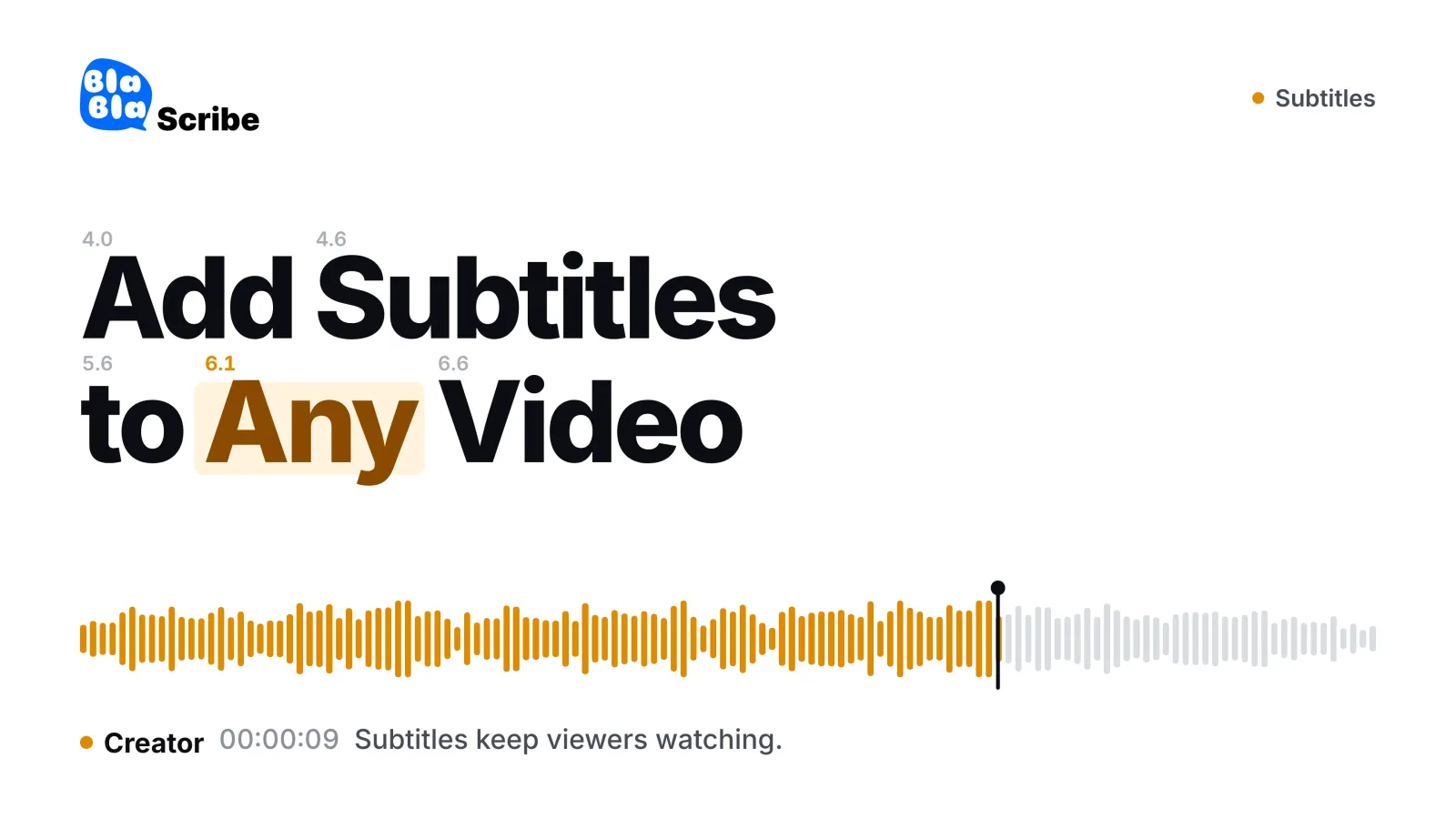
An audiogram is a short audio clip turned into video: a static image or cover art, an animated waveform and captions. It is the main short-form option for audio-only shows that have no camera footage. Choose moments the same way as for video clips, keep them under a minute, and caption them: a waveform alone gives a muted viewer nothing to follow.
Repurposing into other languages
Because every asset starts as text, translation multiplies the whole week. Translate the corrected transcript, then build captions and posts in the second language from it. A subtitle translator keeps the SRT timing so translated captions still line up with the clip. Translation is a paid-plan feature in BlaBlaScribe, and translated captions run longer than the source in many languages, so check line breaks before burning them in.
How to measure what works
Judge each asset type against its own job rather than comparing raw views across platforms.
| Asset | Metric that matters | Where to find it |
|---|---|---|
| Short clips | Average view duration and share of viewers who watch past the first seconds | Each app's analytics; YouTube reports Shorts views as engaged views |
| Blog post | Search impressions and clicks over 4–8 weeks | Google Search Console |
| Newsletter | Clicks to the episode, replies | Your email platform |
| LinkedIn / X | Profile visits and link clicks, not likes | Platform analytics |
| Everything | New listeners per episode | Your podcast host, with a UTM-tagged link on every asset |
Tag the episode link in each asset with its own UTM source so you can see which channel sends people who actually listen. Keep a spreadsheet of every clip with its opening line, the pattern it fits (claim, story, number, tip, disagreement) and its retention. After a month, drop the asset type that costs the most time for the least return.
Frequently asked questions
How do you repurpose podcast content?
Transcribe the episode, correct the transcript once, and cut every other asset from it: short clips, a blog post, a newsletter, social posts, quote graphics and an audiogram. Schedule them across the week so a single recording keeps you publishing for seven days.
How do I repurpose a podcast into clips?
Read the transcript to find self-contained moments of 30 to 60 seconds, note their timestamps, cut them to 9:16 vertical video and burn in captions placed in the middle of the frame. Contrarian claims, short stories and specific numbers make the strongest clips.
How many clips should I get from one episode?
Three to five good clips from a 45 to 75 minute interview is a realistic target. Save extra candidates for a second round a few weeks later.
Does reposting podcast content as a blog post hurt SEO?
Not when the blog post is a distinct article built around one idea and the full transcript lives on the episode page. The two pages serve different purposes, so they do not compete as duplicates.
Can AI repurpose a podcast automatically?
AI can draft clip lists, outlines and threads from a transcript in minutes, but unreviewed output reads generic and can misquote people. Use it for the first pass and check every quote and timestamp against the transcript.
What is an audiogram?
An audiogram is a short podcast audio clip turned into a video with a static image, an animated waveform and captions. It lets audio-only shows post on video platforms without camera footage.
What aspect ratio should podcast clips use?
Use 9:16 vertical, typically 1080 × 1920, for TikTok, Instagram Reels and YouTube Shorts. YouTube also treats square videos up to three minutes as Shorts.
Turn your recordings into text you can use
Upload audio or video, paste a YouTube link, or record in the browser — and get a speaker-labeled transcript in minutes, in 120+ languages.
Try BlaBlaScribe for freeNo credit card required · Stored in the EU · Never used for AI training