How to dub a video in your own voice
Clone the speaker's voice from the video itself and use it for the dub. It takes a few seconds, and you hear the result in a free preview before dubbing the whole video.
Step by step
Clone the original voice
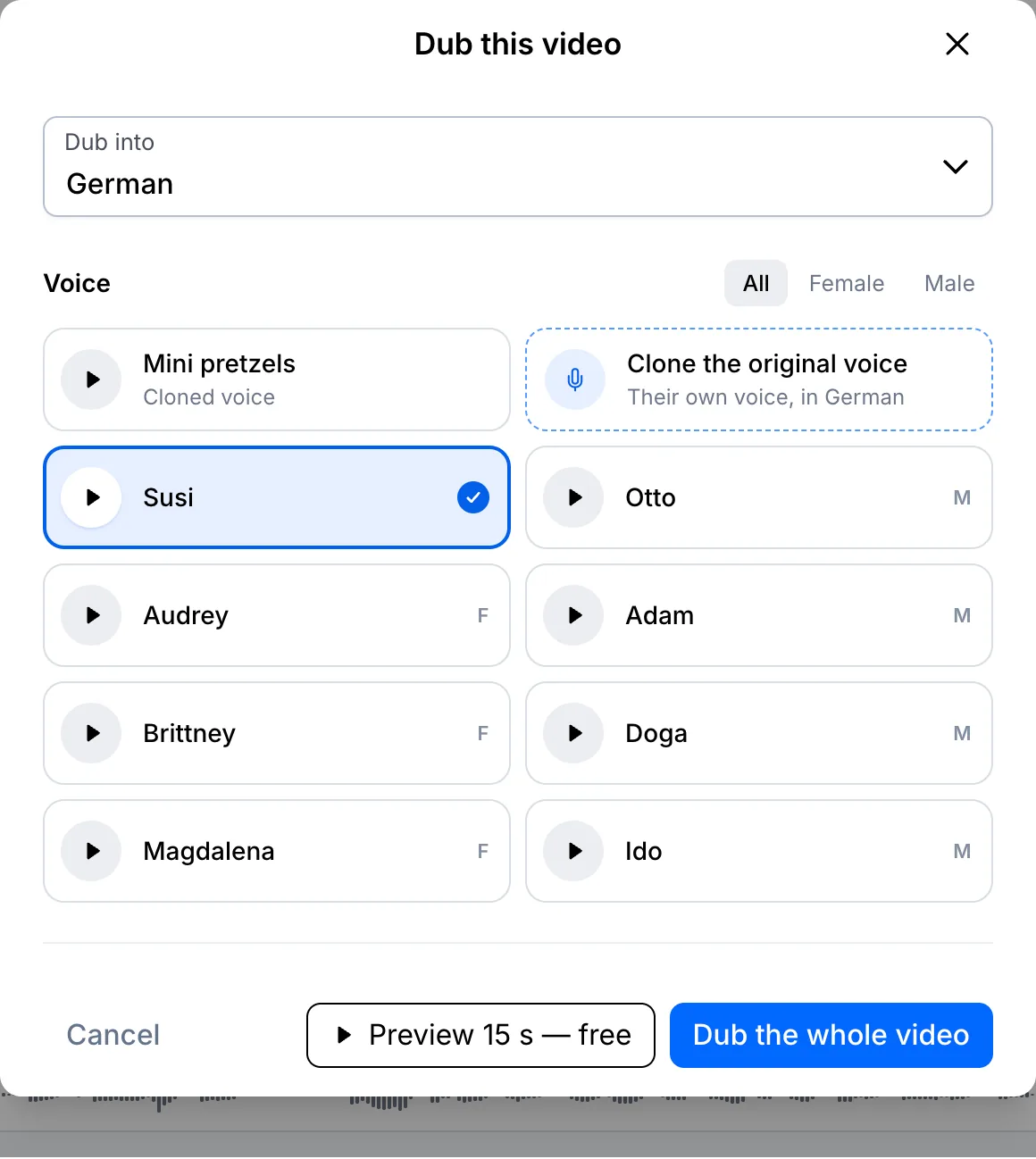
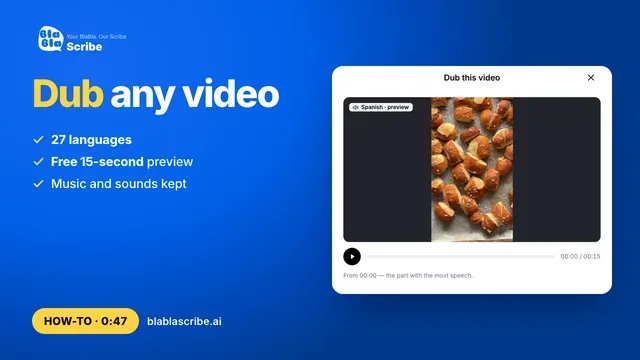
Open the Dub window, choose the language and click Clone the original voice.
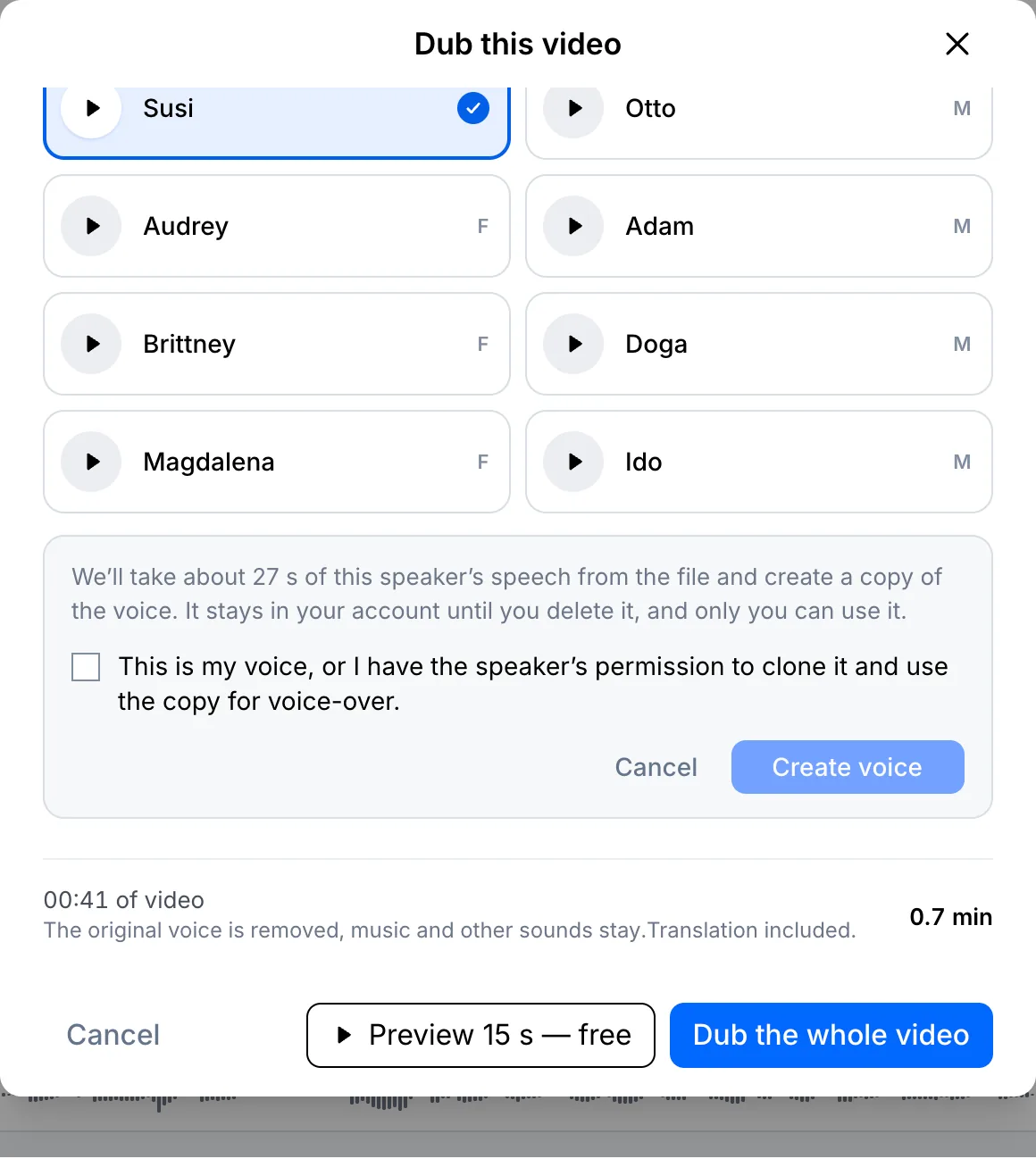
Confirm and create the voice
About 30 seconds of the speaker's speech is taken from your file. Tick the box to confirm it's your voice or that you have the speaker's permission, then click Create voice.
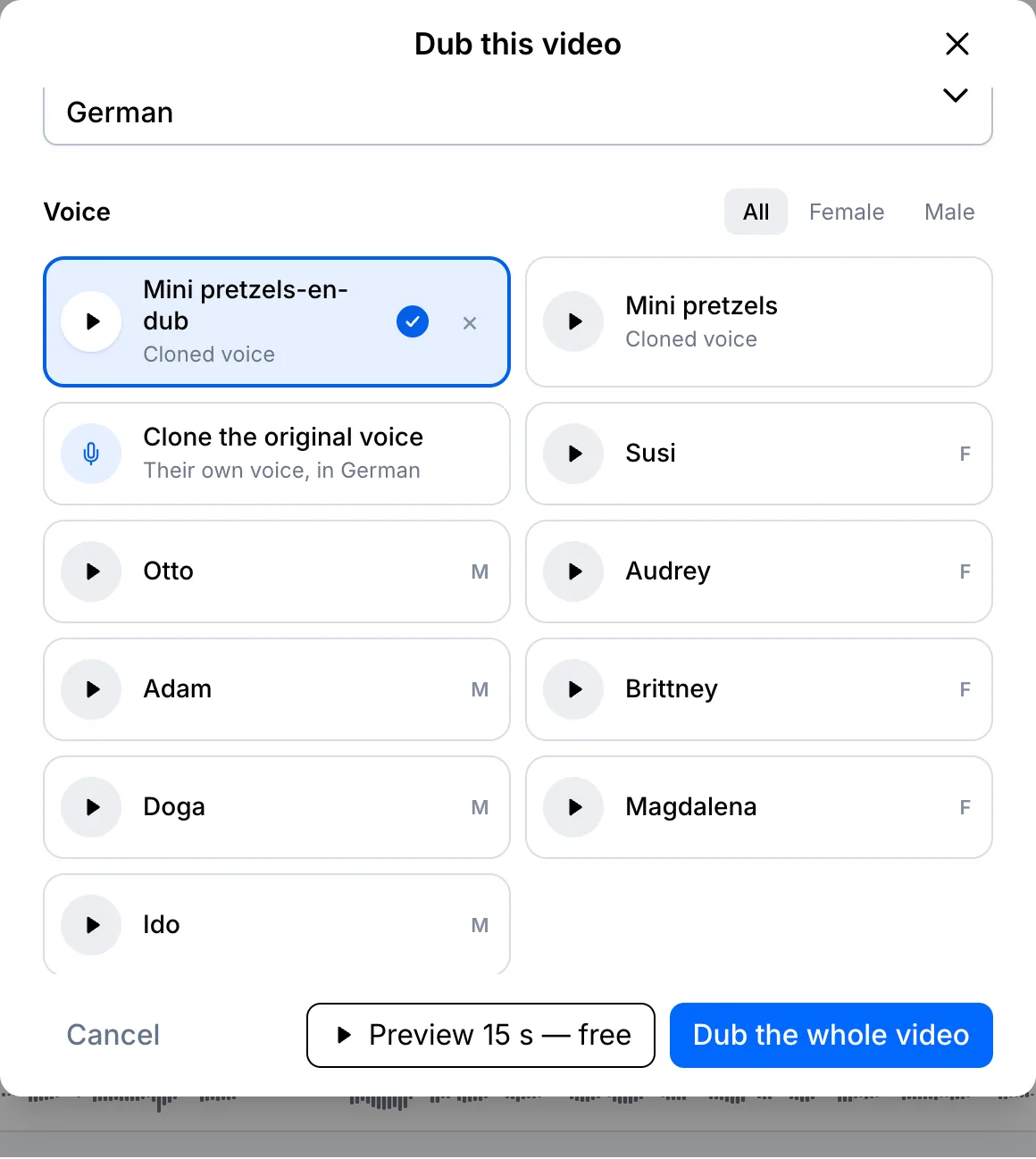
Preview and dub
In a few seconds the cloned voice appears at the top of the list. Make a free 15-second preview to hear the same voice in the new language, then click Dub the whole video.
Your file, your transcript
Paste a link or upload a file. Every word comes back with a timestamp, ready to edit, translate or export.
- 30 free minutes
- No card needed
- Never used for AI training
Questions
Can I clone someone else's voice?
Only with their permission. You confirm that before the voice is created.
Does a cloned voice cost extra?
No. You pay only for the dubbing minutes.
Next steps
 All tutorials →