How to dub a video into another language
Click Dub, choose a language and a voice, and hear a free 15-second preview of your own video. If you like it, dub the whole thing. The music and background sounds stay.
Step by step
Choose the language and voice
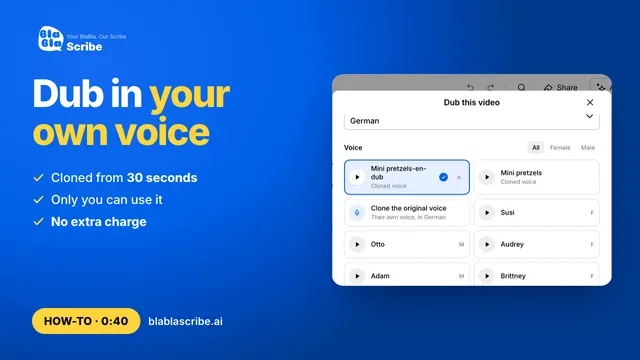
Open your file and click Dub. Choose the language and pick a voice. You can play a sample of each one, or clone the original speaker's voice.
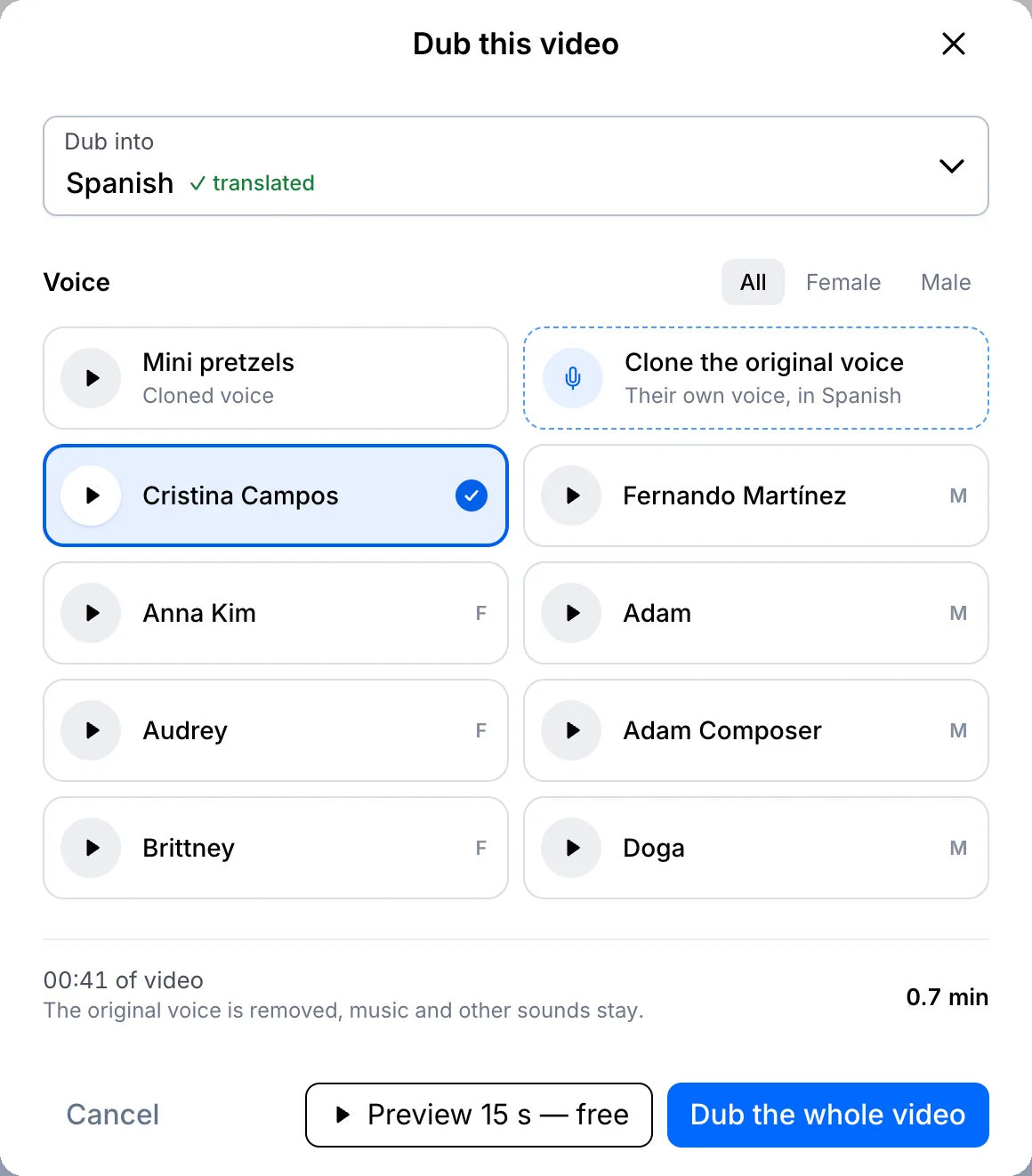
Make a free preview
Not sure yet? Click Preview 15 s — free. In under a minute you'll hear fifteen seconds of your own video in the new language.
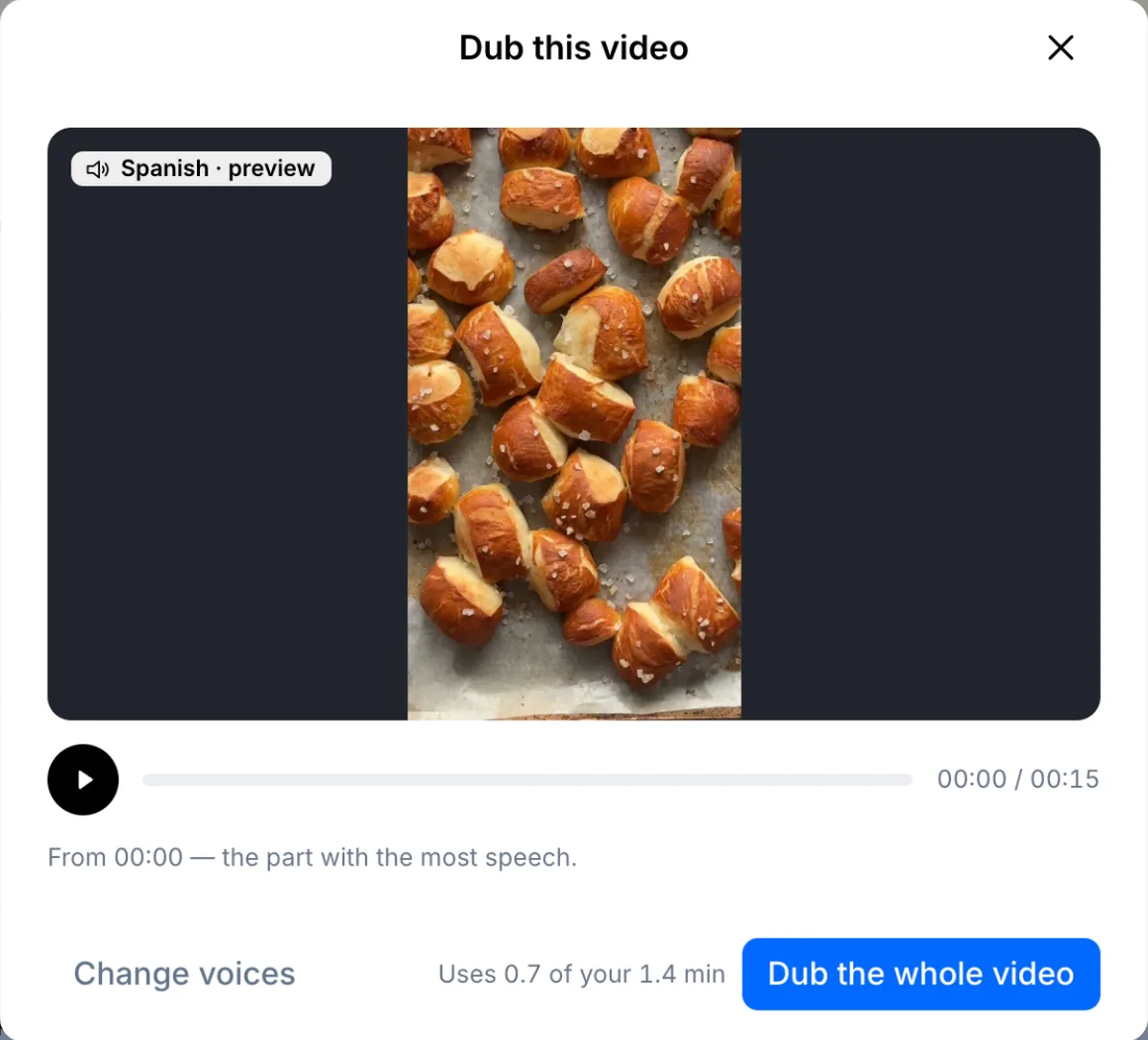
Dub the whole video and check the lines
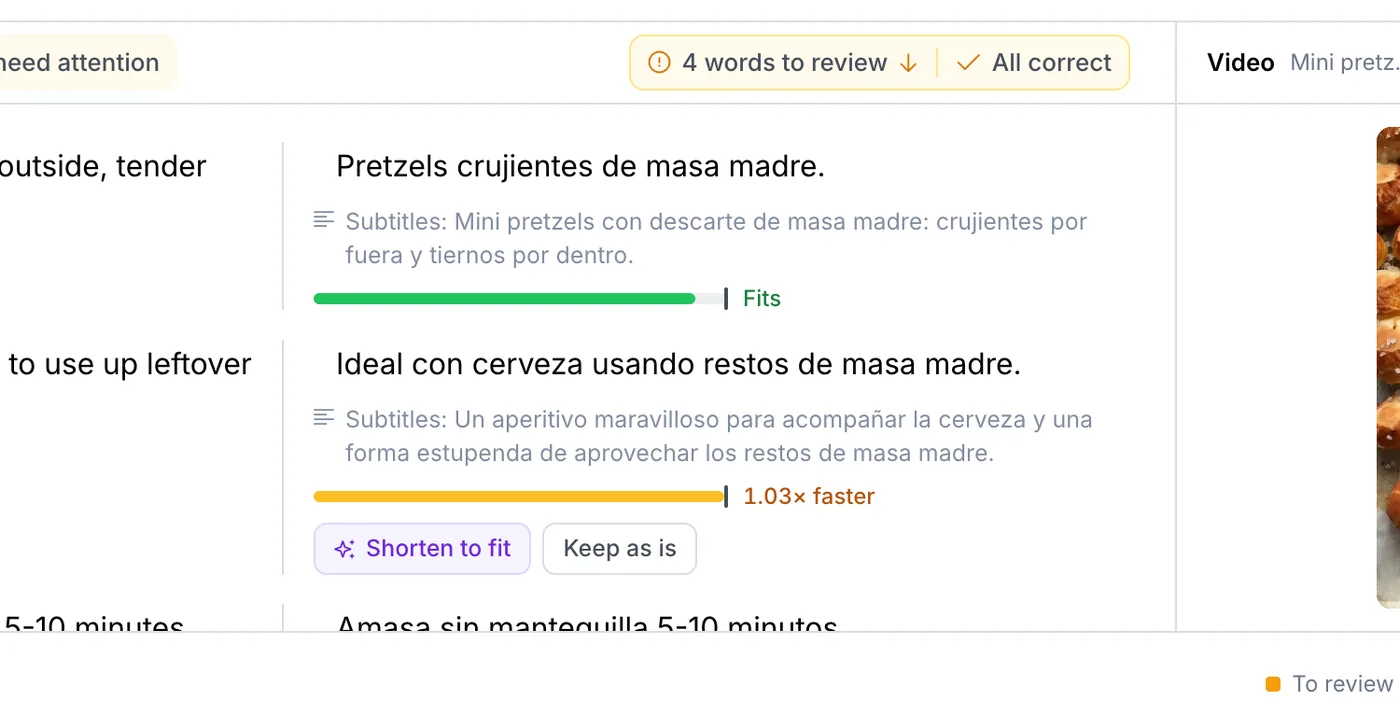
Click Dub the whole video. You can keep working while it runs. When it's done, each line shows whether it fits the timing; shorten a line that had to speed up, or keep it as it is.
Your file, your transcript
Paste a link or upload a file. Every word comes back with a timestamp, ready to edit, translate or export.
- 30 free minutes
- No card needed
- Never used for AI training
Questions
Does the dub keep the music?
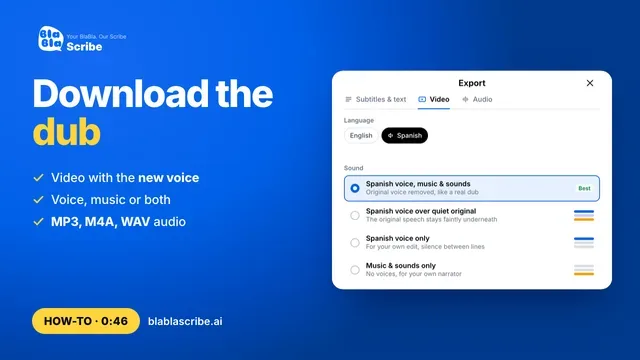
Yes. Only the voice is replaced. Music and background sounds stay in the dubbed video.
How long does dubbing take?
A short clip takes a few minutes. You don't have to wait on the page.
Next steps
 All tutorials →