How to download a dubbed video or just the audio
Open Export, choose the dubbed language and the sound you want. You can take the whole video or only the audio, in the mix that suits your edit.
Step by step
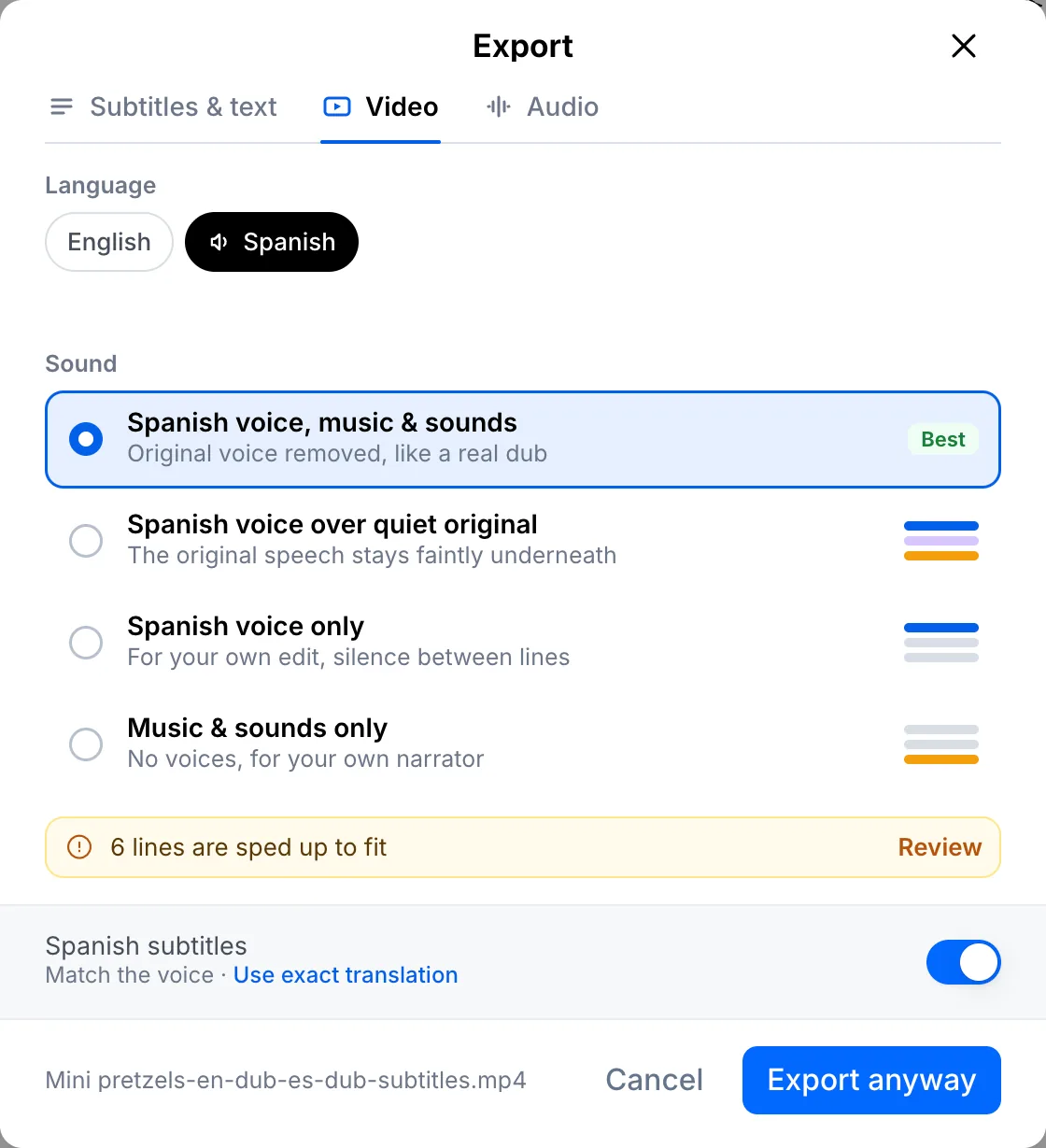
Pick the language and sound for the video
Click Export, open the Video tab and choose the dubbed language. The new voice with the original music and sounds works best, just like a real dub. You can also keep the original speech faintly underneath, take the new voice alone, or only the music and sounds for your own narrator. Leave subtitles on to burn them in, then export.
Or download only the audio
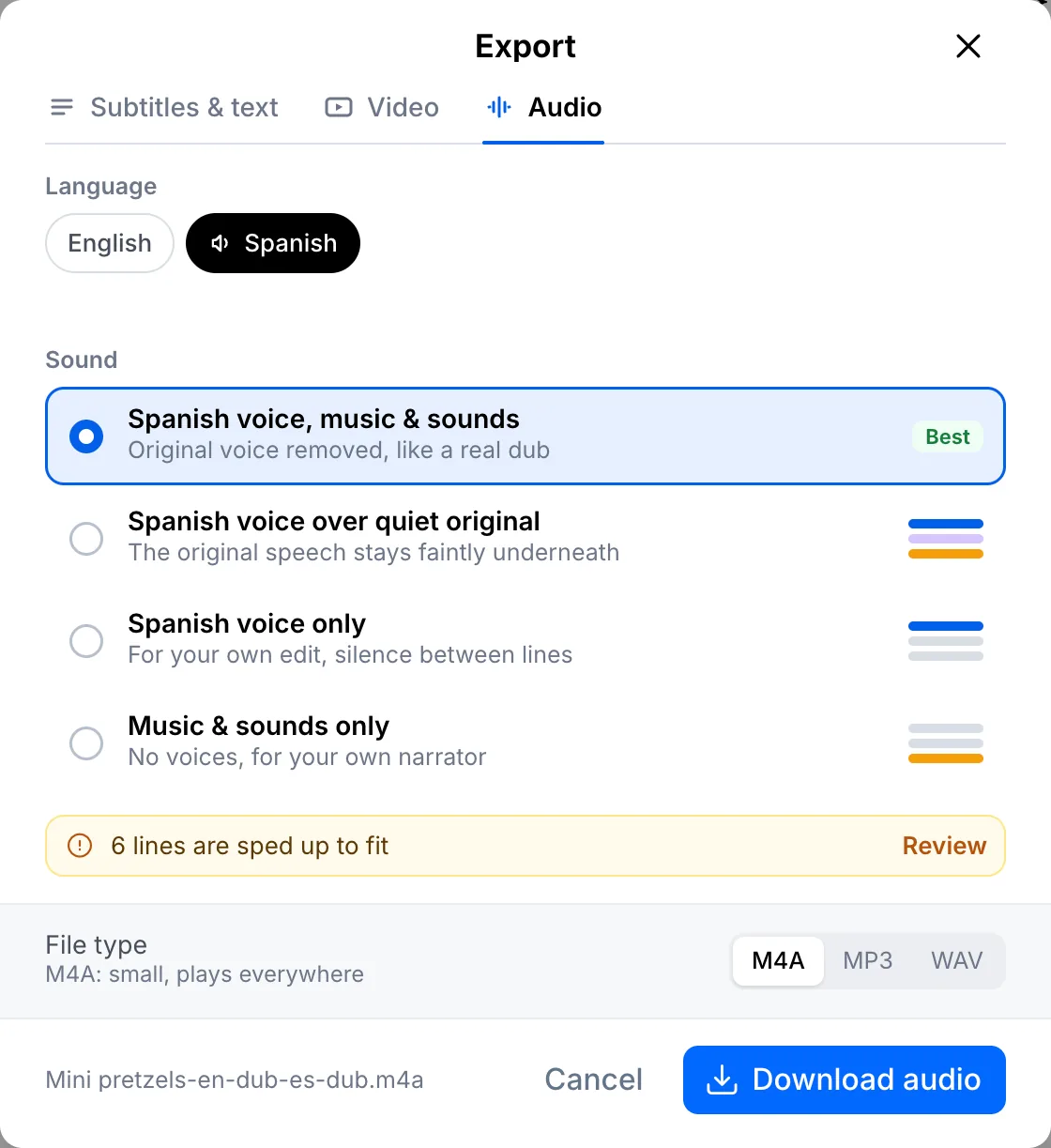
Open the Audio tab, pick the same sound options and choose M4A, MP3 or WAV. Then click Download audio.
Your file, your transcript
Paste a link or upload a file. Every word comes back with a timestamp, ready to edit, translate or export.
- 30 free minutes
- No card needed
- Never used for AI training
Questions
Can I get the music without any voice?
Yes. Choose music and sounds only, and add your own narrator in your editor.
Which audio format should I pick?
MP3 for sharing, M4A for a smaller file at the same quality, WAV if you plan to edit it further.
Next steps
 All tutorials →