How to share a transcript with someone
Click Share, copy the link and send it. The other person opens the transcript in their browser, view only, with no account.
Step by step
Create the link
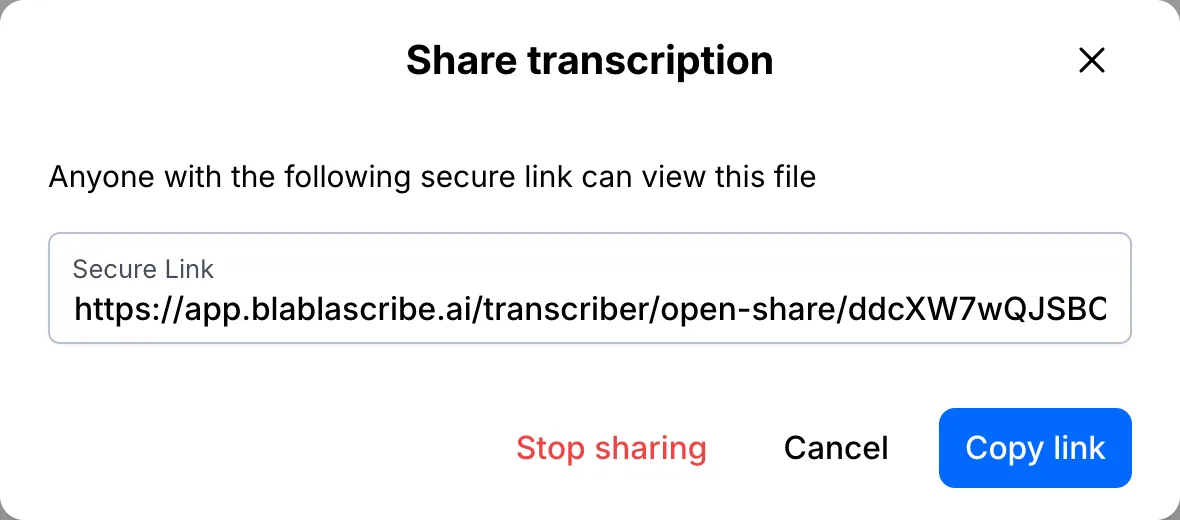
Open your file and click Share. A secure link is created straight away. Click Copy link and send it to anyone.
What they see
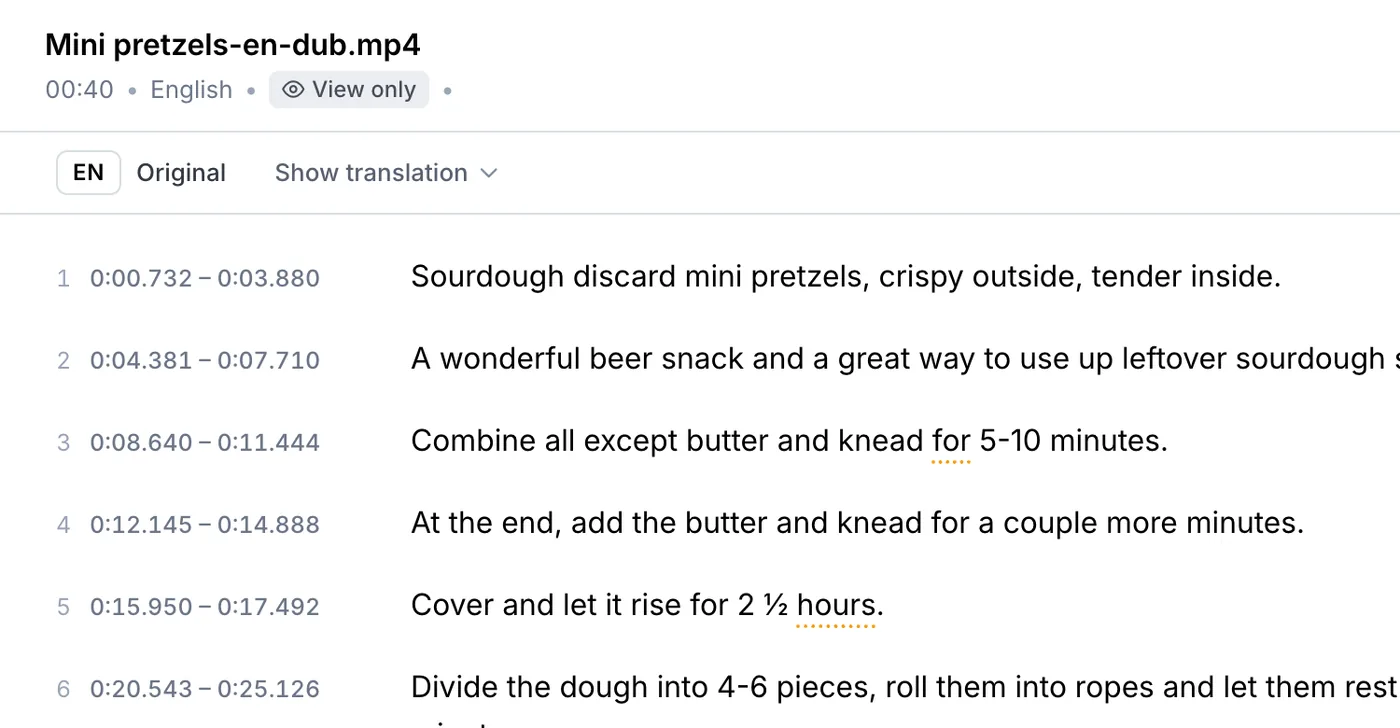
They open the transcript in the browser in view-only mode. No account is needed, and they can't change anything. To turn the link off, open Share again and click Stop sharing.
Your file, your transcript
Paste a link or upload a file. Every word comes back with a timestamp, ready to edit, translate or export.
- 30 free minutes
- No card needed
- Never used for AI training
Questions
Can people edit a shared transcript?
No. A shared link is view only. To work on files together, use a team workspace on the Business plan.
Is the link public?
Only people who have the link can open it. It isn't listed anywhere, and you can switch it off at any time.
Next steps
 All tutorials →